Pay out

Topic summary

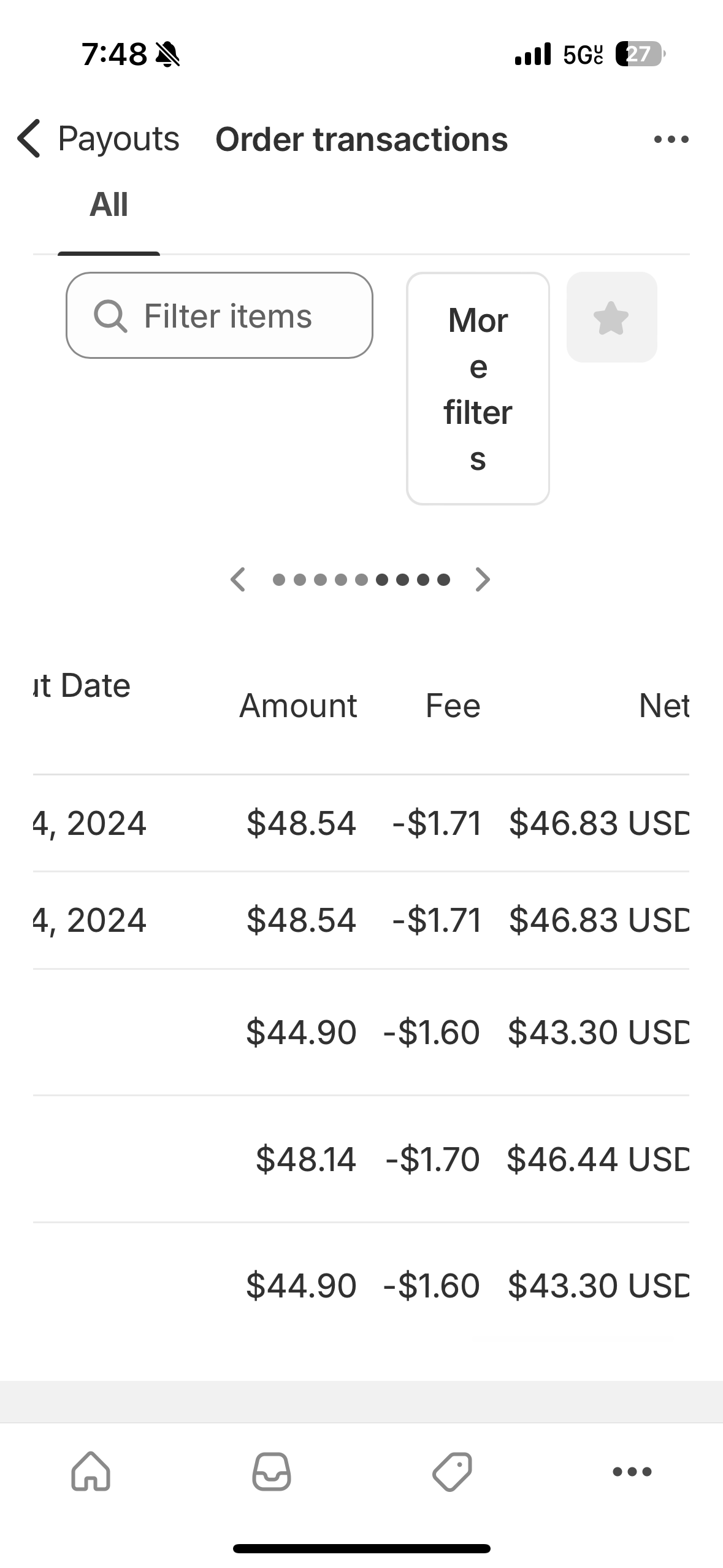
A user is confused about inconsistent payout scheduling: three orders from last week show no payment status change, while two orders from today already have assigned payout dates.

A community member explains the likely causes:

Why older orders lack payout info:

  • May be pending, authorized but not captured, or manually marked as paid
  • Possibly not processed through Shopify Payments, so no automatic payout is triggered

Why newer orders show payout dates:

  • Successfully processed via Shopify Payments
  • Follow the store’s configured payout schedule (daily, weekly, etc.)

Recommended actions:

  1. Review each order’s payment status and payment gateway
  2. Navigate to Settings > Payments > View Payouts to match orders with scheduled payouts
  3. Verify that only fully paid orders processed through Shopify Payments will appear in payout schedules
Summarized with AI on October 25. AI used: claude-sonnet-4-5-20250929.

hello, I’m wondering why I have 3 orders from last week without a payment status change and then 2 orders from today with a payout day already given. Please advise
Why Some Orders Don’t Show Payment or Payout Info

  • Older orders may be:

    • Pending, authorized but not captured, or manually marked as paid

    • Not processed through Shopify Payments, so no payout triggered

  • Newer orders show a payout date because:

    • They were processed via Shopify Payments

    • Shopify follows your payout schedule (daily, weekly, etc.)


What to Do:

  1. Check each order’s payment status and gateway used

  2. Go to Settings > Payments > View Payouts to match orders with payout only fully paid orders via Shopify Payments are scheduled for payout.