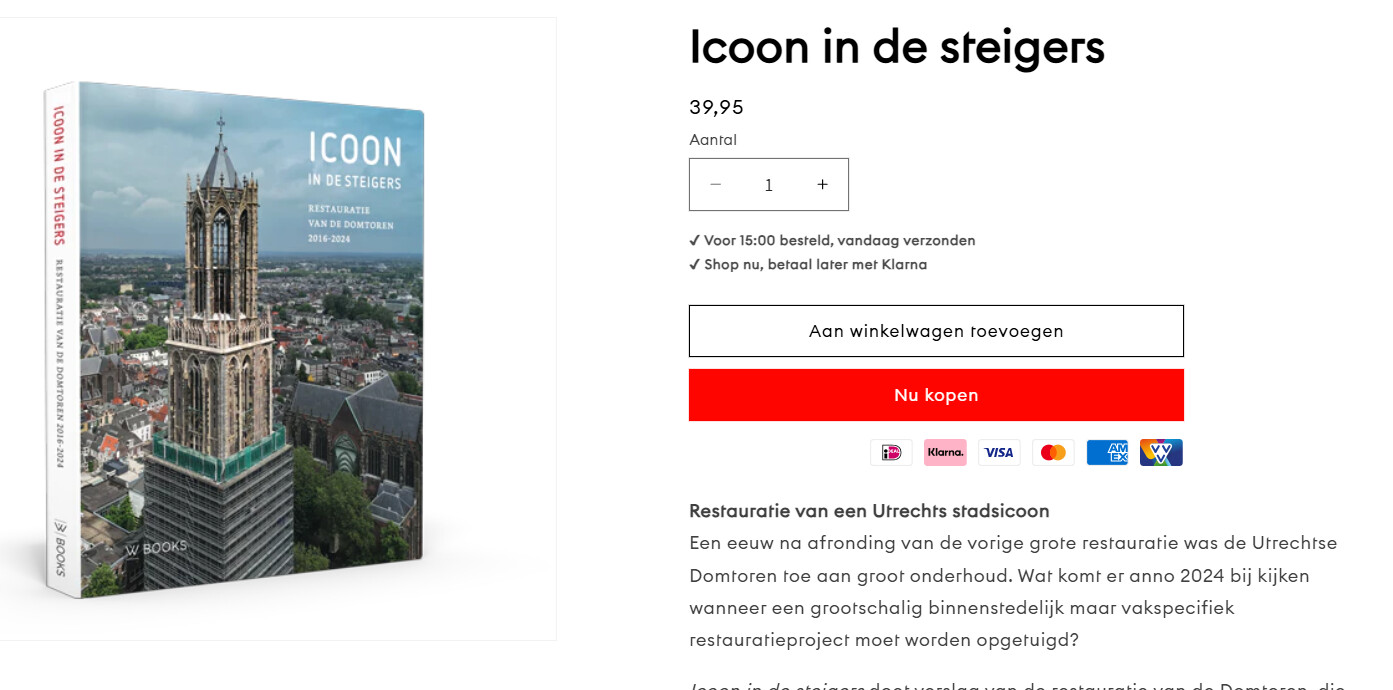
A user seeks to align payment icons in a single horizontal row beneath the “buy now” button on mobile product pages. Currently, the icons display across two rows.
Initial Problem:
Payment icons wrapped into multiple rows on mobile
User provided custom Liquid code with CSS styling
Site uses Dawn theme on Shopify
Solution Provided:
Remove flex-wrap property and excess margin from CSS
Multiple code variations offered for different alignment preferences (left, center)
Includes media query for mobile-specific styling at 750px breakpoint
Ongoing Issue:
Despite implementing suggested code, icons align right instead of center
User identifies “blank margin” or dead space next to buy buttons preventing proper centering
Multiple code iterations attempted without resolving the alignment problem
Discussion remains open with troubleshooting in progress
Status: Unresolved. The helper provided updated CSS code snippets and suggested clearing cache/using incognito mode, but the centering issue persists due to unexplained spacing.
Summarized with AI on October 29.
AI used: claude-sonnet-4-5-20250929.
I am using this piece of custom liquid to display them.
What code needs to be added in order to display the icons all on the same line instead of 2 (only on mobile).
Hey @WVU there is typo in your code that prevent payment icons to show in one line.
Please remove the margin and remove flex-wrap property in the code.
Here is updated code:
I would like the payment icons to be in the center for both mobile and desktop.
I appreciate your help. Is it possible to send an updated code? Or am I doing something wrong?
Much appreciated, and thanks in advance!
Consider Refrsh your Website Again.
If it also look like in right then Open the same URL in “Incognito Mode”.
If you seem that it also show payment icons in Right instead of Center then remove the Previous code and paste the following code.