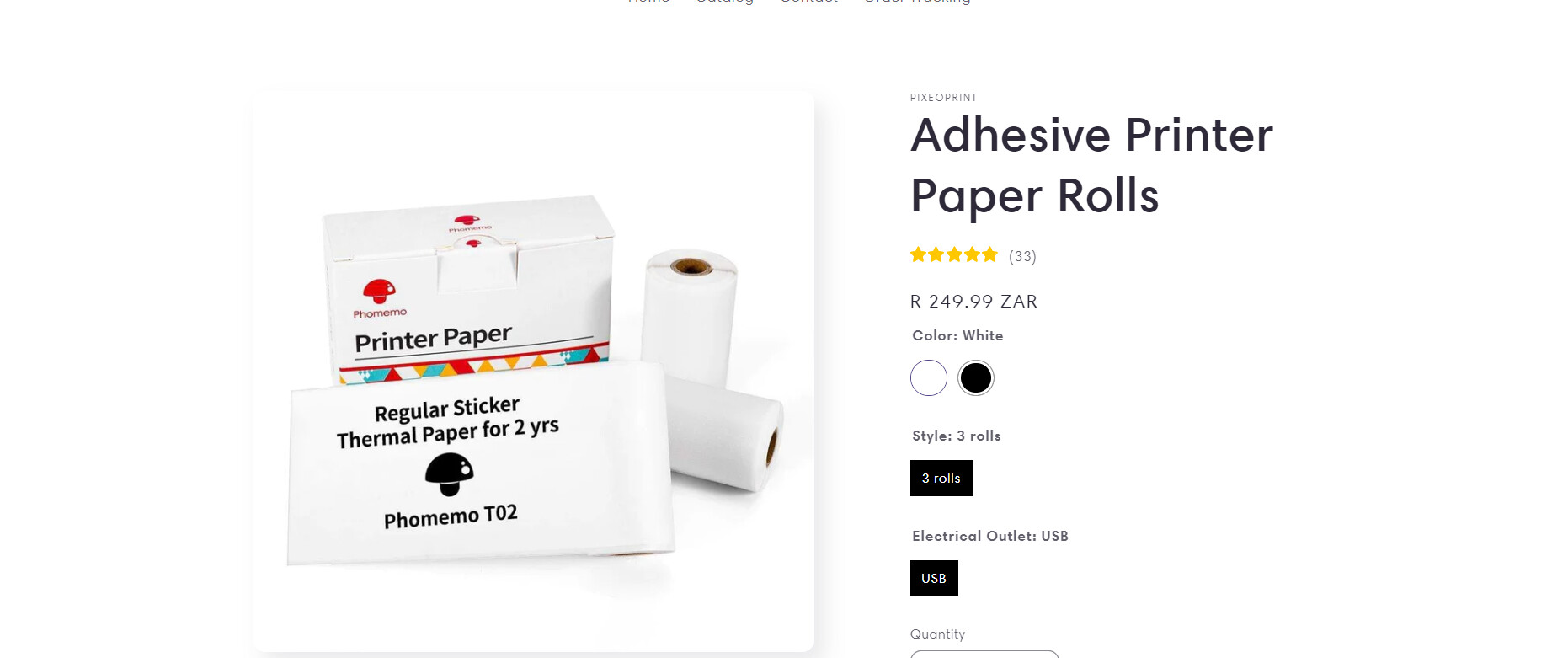
Hi,
How do i hide, not remove, but hide these variants that have only one option? Especially the one saying USB. It’s totally useless and it’s just there because CJDropshipping added it so i can’t remove it but i want to hide it. Link of my website : pixeoprint.com
Hi @Jeanne8 ,
You can try this code by following these steps:
Step 1: Go to Online Store->Theme->Edit code.
Step 2: Search file theme.liquid
Step 3: Paste the below code at the bottom of the file → Save
Hope my solution works perfectly for you!
Best regards,
Oliver | PageFly
Oh wow! I love you God bless you. It works! It’s been so long that i’ve been trying and not finding but you solved it.