Hello,
I want to have a other background for the product card as the background of the shop, like a product box

Like here:
Hello,
I want to have a other background for the product card as the background of the shop, like a product box
Like here:
Hi , kindly provide your store URL please and if it is password protected, please share the password as well. Thanks
Hi @MS2333
You can try to follow this step
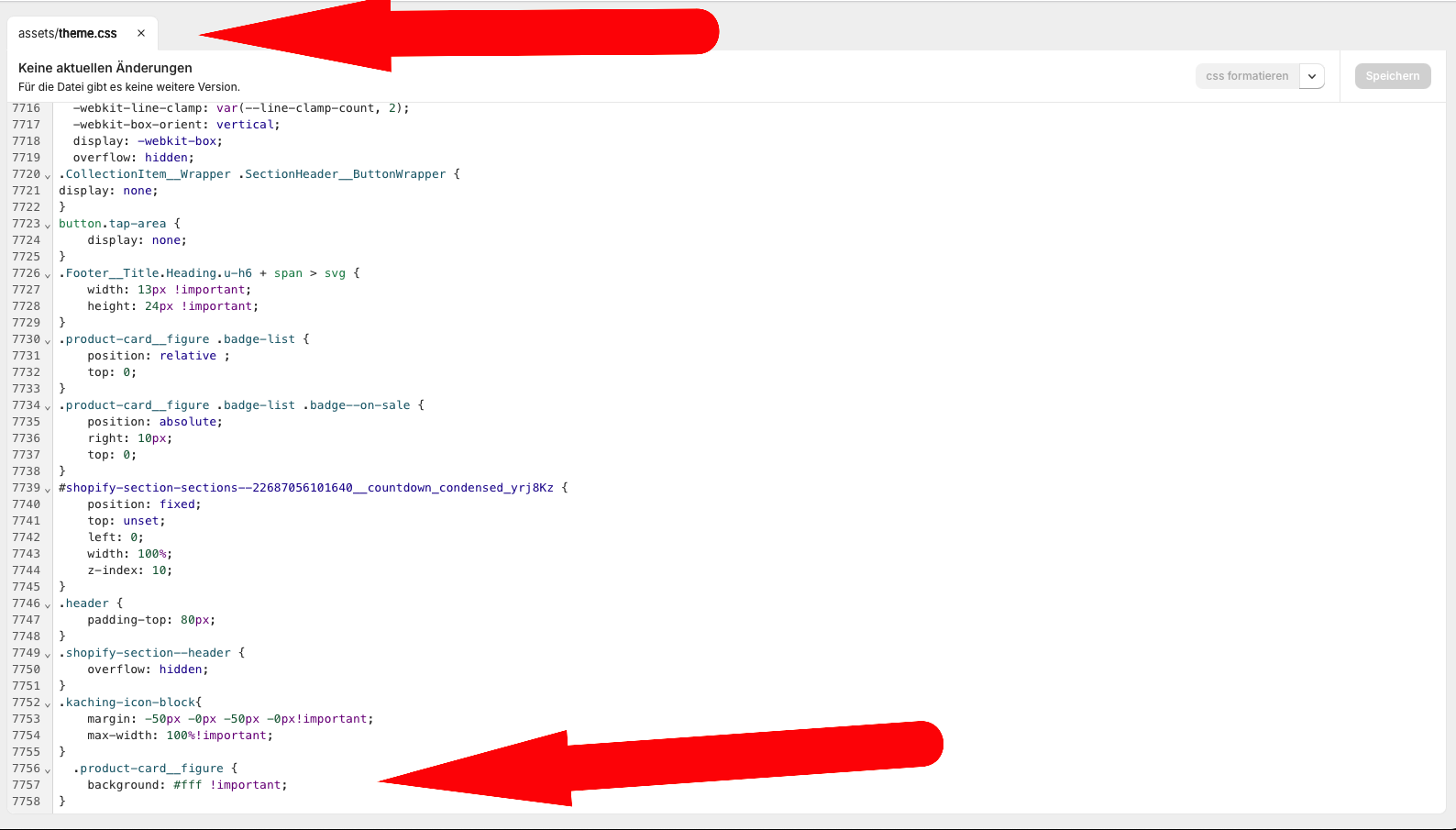
Step 1: Go to Edit code
Step 2: Find file theme.css and add this code at the end of the file
.product-card__figure {
    background: #fff !important;
}
Result:
Best,
Liz
don´t work
Can you share an image of the place where you added the code?
Note: Firstly try this code, if you suggest changing the color, I will do it.
If my reply is helpful, kindly click like and mark it as an accepted solution.
Thanks!
Hi
You can try to add this code snippet under the tag in the theme.liquid file.
Add it too in the section of the theme customizer