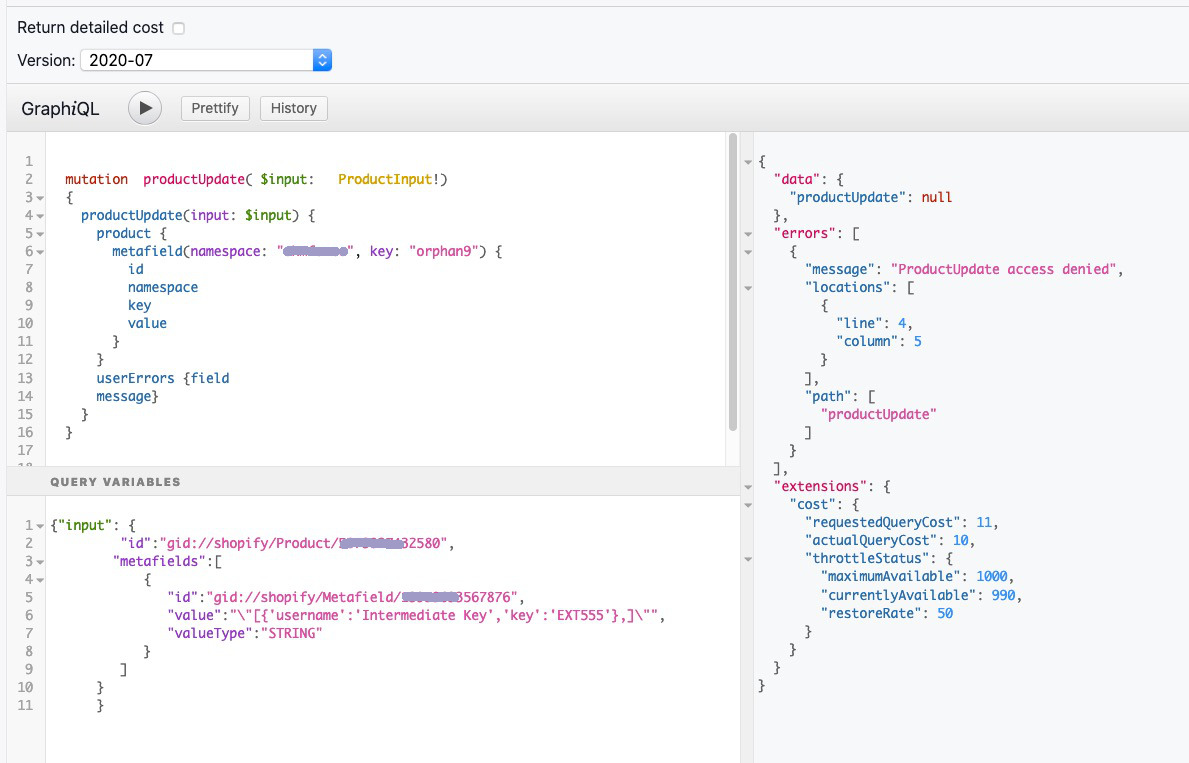
Users are encountering issues updating public product metafields via GraphQL’s productUpdate mutation, receiving errors like “Key must be unique within this namespace on this resource” despite successful API responses.
Key Technical Requirements Identified:
Must include valueType parameter (e.g., “INTEGER”, “STRING”) in the mutation
Must use the metafield’s actual id (e.g., “gid://shopify/Metafield/XXX”) rather than just namespace/key as the identifier
Requires appropriate API access permissions/scopes
Common Issues & Solutions:
Permission errors: Resolved by reinstalling the Shopify GraphiQL App or verifying user account permissions
Value conflicts: Title_tag metafield cannot have the same value as the product’s title
Documentation gap: Official tutorials only cover updating private metafields, not public ones, causing confusion
Current Status:
Some users successfully updated metafields after correcting the mutation structure and permissions. However, the “Key must be unique” error persists for others in the latest API version, suggesting the issue remains partially unresolved. The lack of clear documentation for public metafield updates continues to be a pain point.
Summarized with AI on November 24.
AI used: claude-sonnet-4-5-20250929.
It looks like the issue you are running into here is that your mutation is missing the valueType parameter in the input. In this case, you will most likely want to set this to “INTEGER”.
In the future, I recommend that you try running these mutations in the Shopify GraphiQL App and including the userErrors return field to get the most amount of feedback. For your mutation, including the userErrors would have given you the information to help fix the issue. I’ve included an example below.
mutation productUpdate($input: ProductInput!) {
  productUpdate(input: $input) {
    product {
      metafield(namespace: "global", key: "wish_count") {
        id
        namespace
        key
        value
      }
    }
    userErrors {
      field
      message
    }
  }
}
I realize now that what you’re trying to do is update the value of an existing metafield on a product, which cannot actually be done with the mutation we are using here. Instead, we should be using the privateMetafieldUpsert mutation instead. Take a look at the tutorial I have linked here. That should give you the information you need to update the product.
I recognize that this is a bit confusing and not very intuitive, so I will speak to the team here about what we can do to make the documentation clearer on how to handle this use case. Please let me know if you run into any other issues.
My mistake for suggesting the privateMetafieldUpsert mutation. You are correct in that it is the wrong thing to be using here. Instead, we should be using the productUpdate mutation as you originally thought, except instead of passing in the key as the identifier, we should use the actual id of the metafield itself. I have included a sample of what the mutation should look like below:
mutation productUpdate($input: ProductInput!) {
  productUpdate(input: $input) {
    product {
      metafield(namespace: "global", key: "wish_count") {
        id
        namespace
        key
        value
      }
    }
    userErrors {
      field
      message
    }
  }
Access denied typically indicates that your API credentials don’t have the access scope permissions to perform the operation. If you edit the app permissions in the Shopify web admin and reauth your app then it should work.
So if you go into the Shopify web admin for this shop and go into your logged-in user account. See what permissions are listed there. If you are using the Shopify GraphiQL app then the permissions flow from the logged-in user.
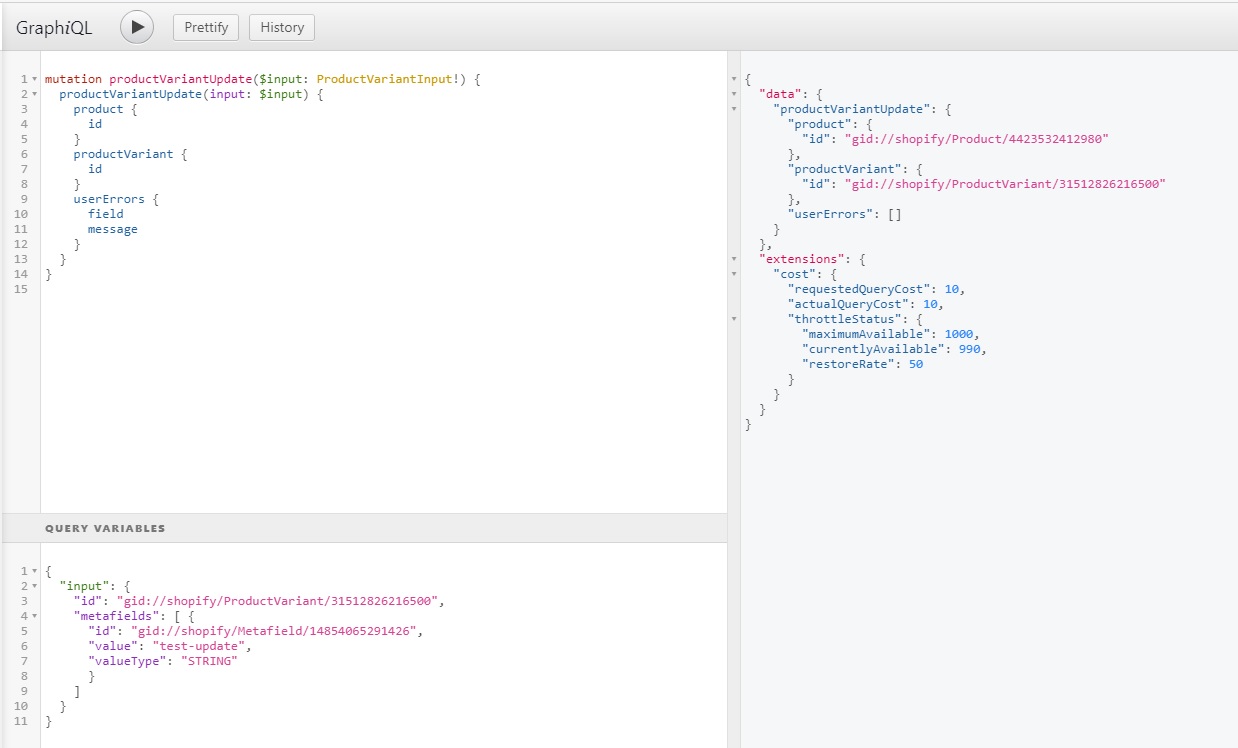
I just ran this for a ProductVariantUpdate using the GraphiQL app in my test store. It worked fine. See below. I didn’t have an exiting product with a defined metafield so it was against a variant child, but seemed to go okay. And you’ve verified that this particular Shopify account has the appropriate permissions? I know you said that it’s the root account, but double-checking might not hurt!