Hello, 
I have a problem with the spacing between the text and the image
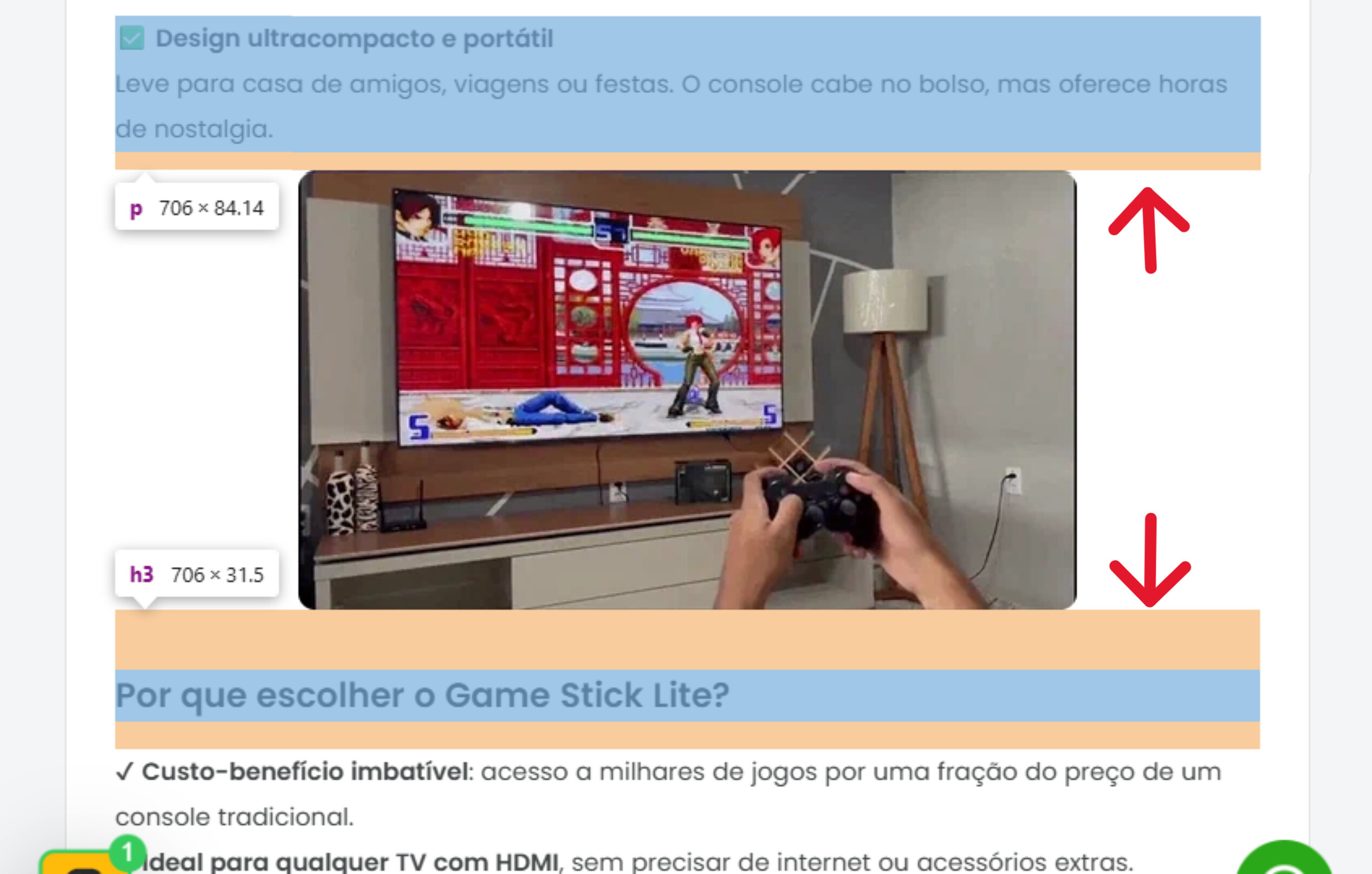
How do I remove these spaces in the indicated places?
My store: tudoconexao.com
Hello,
I have a problem with the spacing between the text and the image
How do I remove these spaces in the indicated places?
My store: tudoconexao.com
@Dawenn just search the forums: product description spacing + themename
But really this is how merchants slowly ruin the design of a site.
Don’t wear the designers hat for every little thing.
Whitespace is a customers friend.
That site is already really visually noisy removing padding for headings is a good way to make a site seem more cramped , visually noisy and trashy.
Don’t.
Hi @Dawenn you can add below code to theme.css at bottom but it will remove for all elements, if you want to customize for each product/element then it will to be done in product description editor
.product-block-list__item .card__section .rte h2{
margin-top:0;
margin-bottom:0;
}

.product-block-list__item .card__section .rte h3{
margin-top:0;
margin-bottom:0;
}

.product-block-list__item .card__section .rte p{
margin-top:0;
margin-bottom:0;
}
@Dawenn After my checking, it seems like you have already removed the spaces properly. Congratulations!
If you need further support still, feel free to share more details here. Thanks!
Thank you very much, it worked perfectly!
