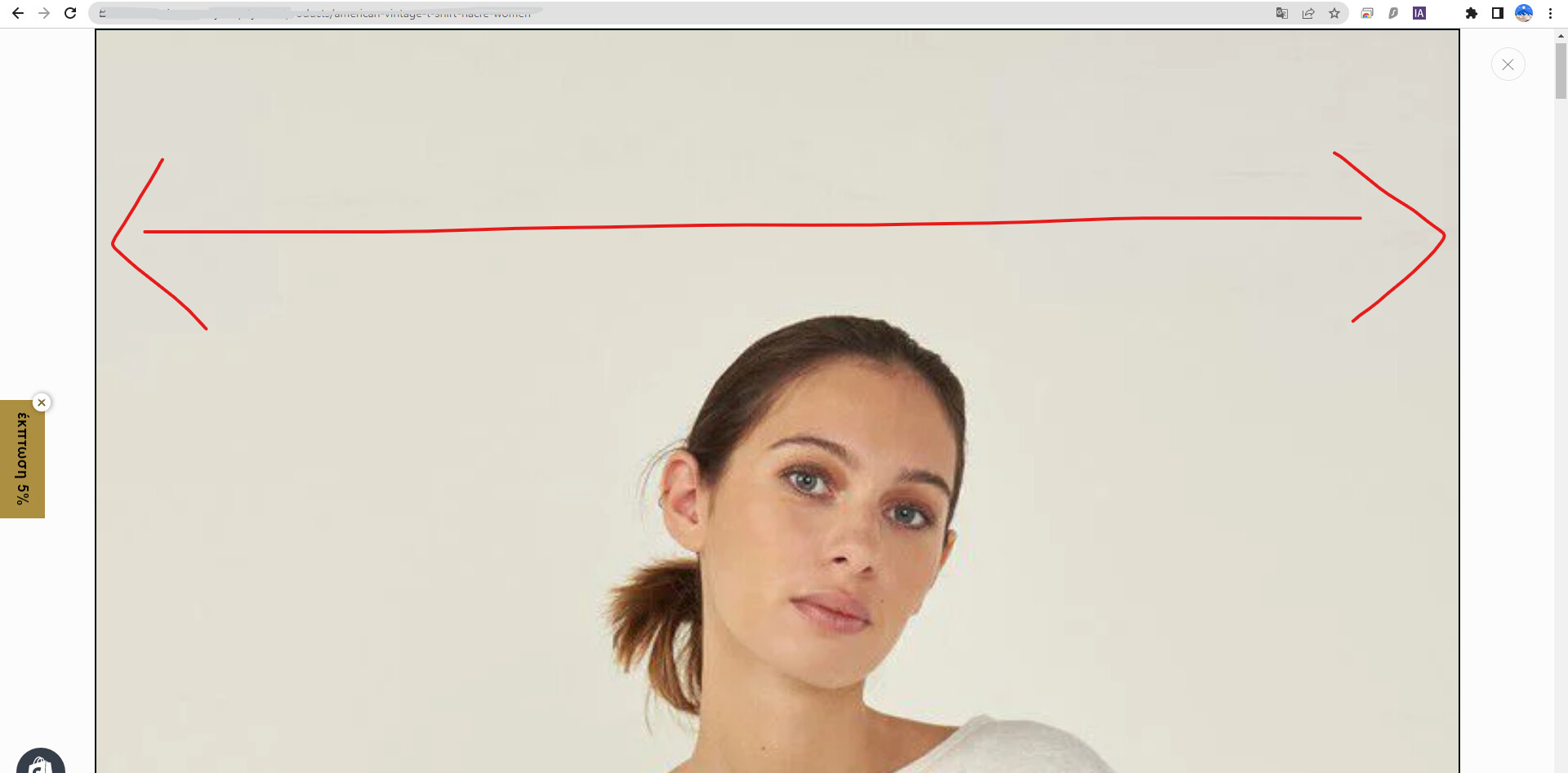
Reduce Image size of product when zoomed in Taste theme

Topic summary

A user needed to reduce the zoomed product image size in the Taste theme. The issue was resolved by adding custom CSS code to the theme.liquid file.

Solution provided:

  • Navigate to Online Store → Theme → Edit code
  • Open theme.liquid file
  • Insert CSS media query before the closing tag that sets max-width to 420px for zoomed product images on screens wider than 750px

Current status:

  • Desktop zoom issue: Resolved
  • Mobile optimization: A follow-up question was raised about applying the same fix for mobile devices, which remains unanswered

The discussion includes reference images showing the before/after states, though the image URLs appear corrupted in the thread.

Summarized with AI on November 19. AI used: claude-sonnet-4-5-20250929.

Hello,

I am trying to reduce the image size of the product (theme Taste) AFTER it’s clicked for zooming inside an individual product’s page.

Please look at the images hope they help.

Thanks in advance!

Hello @JohnPan123

You can add code by following these steps to make image smaller after zoom in

  1. Go to Online Store → Theme → Edit code.

  2. Open your theme.liquid file

  3. Paste the below code before on theme.liquid

@media screen and (min-width: 750px) { .product-media-modal__content >* { width: 100% !important; max-width: 420px !important; } }

Thanks so much! It worked!

And how i can fix it for mobile also?