Yes i know but can’t see at home page h1 give particlur section screenshot so i will guide you?
i know but o can’t see h1 at banner and at home page how can i guide if possible give further issue screenshot?
Hi, here are two screen shots with my comments.. Hope this helps


Is not fixed..I had hoped to get some expert help in here ?
im happy to take your guidance but not open up my code sorry.. Customer wont allow it
Hi Ketan,
Thank you for all your help above.
Our text on our banner looks great on desktop, but it shows a big gap under the banner on mobile (where the text needs to lie) and doesn’t look neat.
How can I hide the banner from the mobile view only, and then show an image instead for the mobile view only, and keep the banner for the desktop view?
Thanks,
Pri
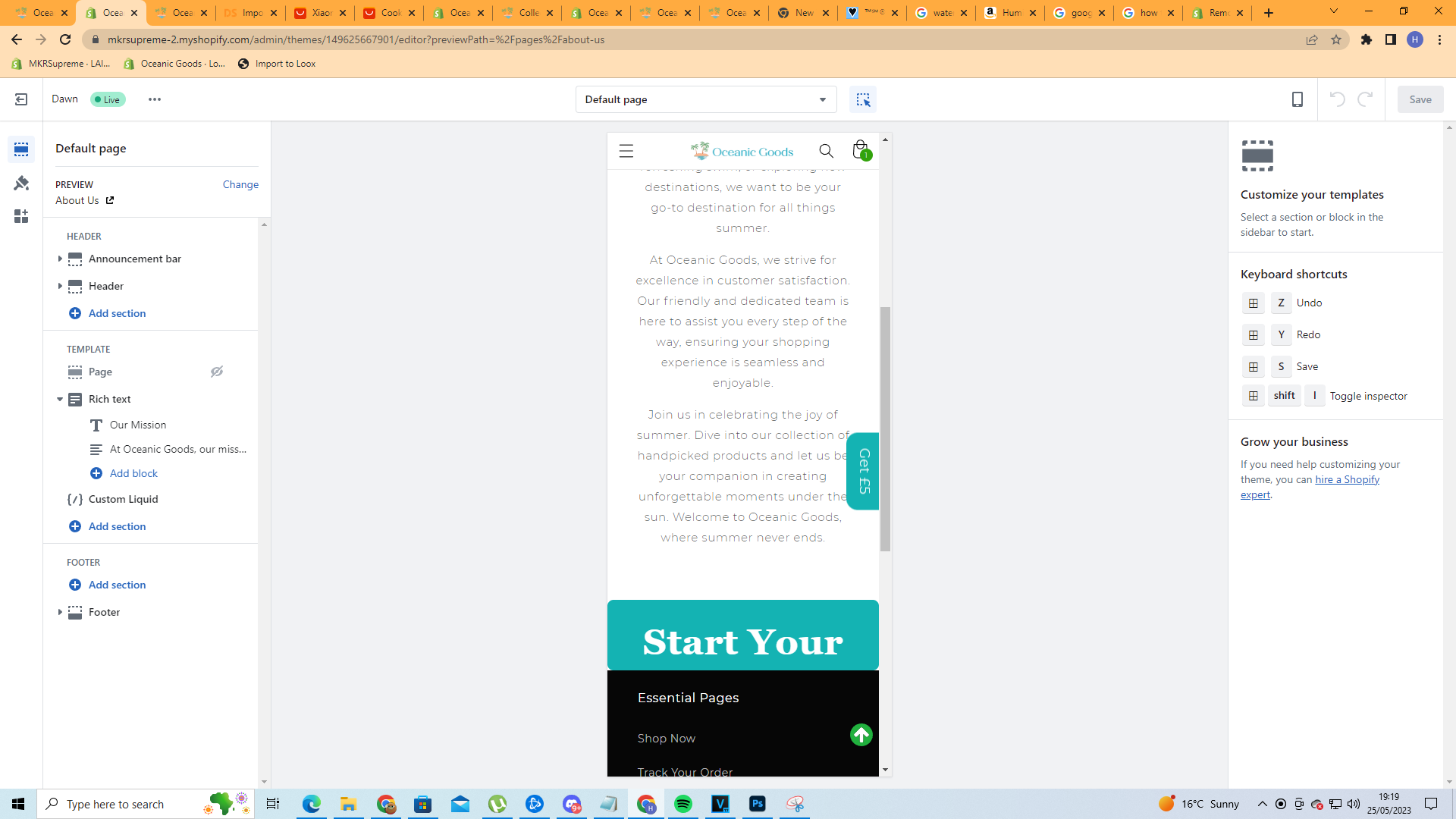
@KetanKumar I’m just wondering If you’d be able to provide the same solution for me I have a third party banner on my about us section and It does fir properly for mobile. So I would like the banner to show up only on the desktop version of the website. the url is https://www.oceanicgoods.com/pages/about-us

1 Like
oh sorry for that issue can you please try this code
- Go to Online Store->Theme->Edit code
- Asset->/base.css ->paste below code at the bottom of the file.
@media (max-width: 749px) {
section#shopify-section-template--18983721566525__e7ac5c53-ef4f-42cb-8d91-db91e8428763 {
    display: none;
        }
    }