Hey so I’ve started making another store, and I wish to remove the cat gif from the main page but only for the desktop version is there a way to do it? I’m using dawn theme.
My store: vanhesky.co
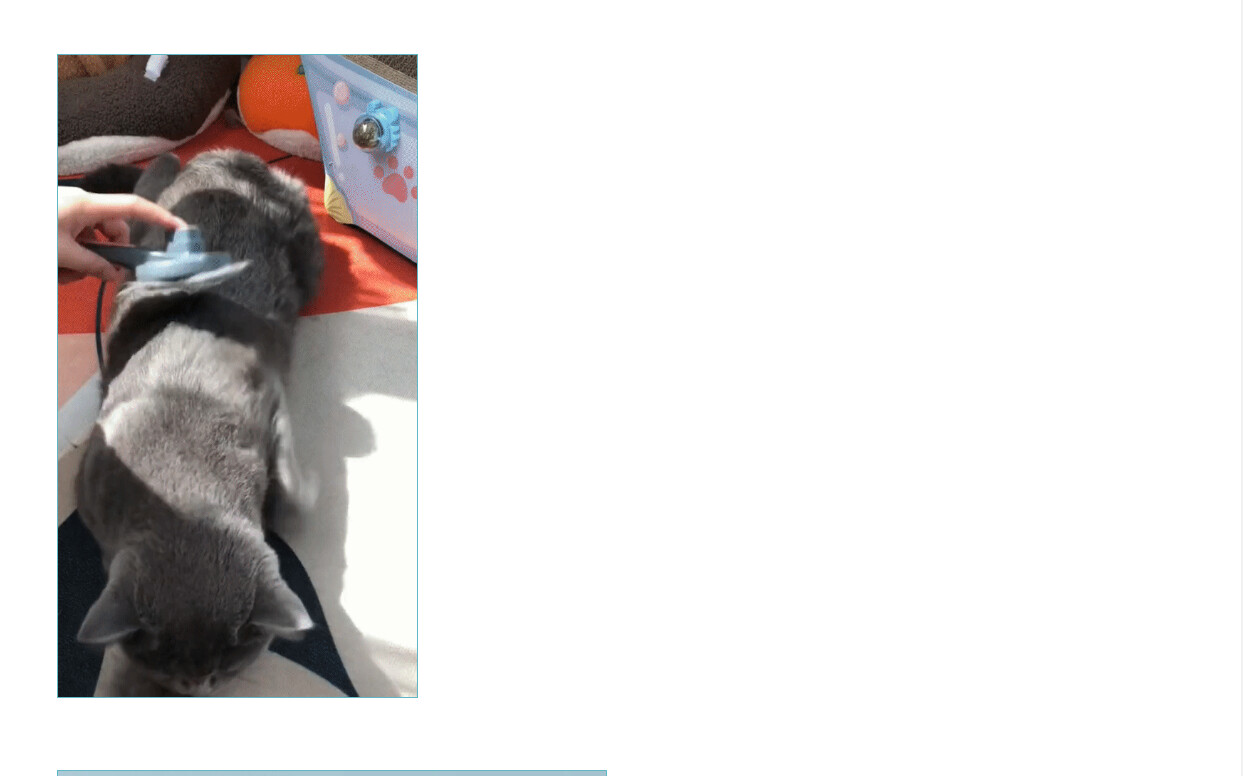
this is the gif I want to remove
Hey so I’ve started making another store, and I wish to remove the cat gif from the main page but only for the desktop version is there a way to do it? I’m using dawn theme.
My store: vanhesky.co
this is the gif I want to remove
Add this code at the bottom of your base.css file.
@media screen and (max-width: 749px) {
#shopify-section-template--15322982940719__1661027168203185af {
    display: none;
 }
}
That removed it on the mobile version, I want to remove it on the desktop ahah
That removed it on the mobile version, I want to remove it on the desktop ahah
Sorry, replace the code with this one.
@media screen and (min-width: 750px) {
#shopify-section-template--15322982940719__1661027168203185af {
    display: none;
 }
}
Fantastic, Thank you 
@Vanbesky ,
You’re welcome.