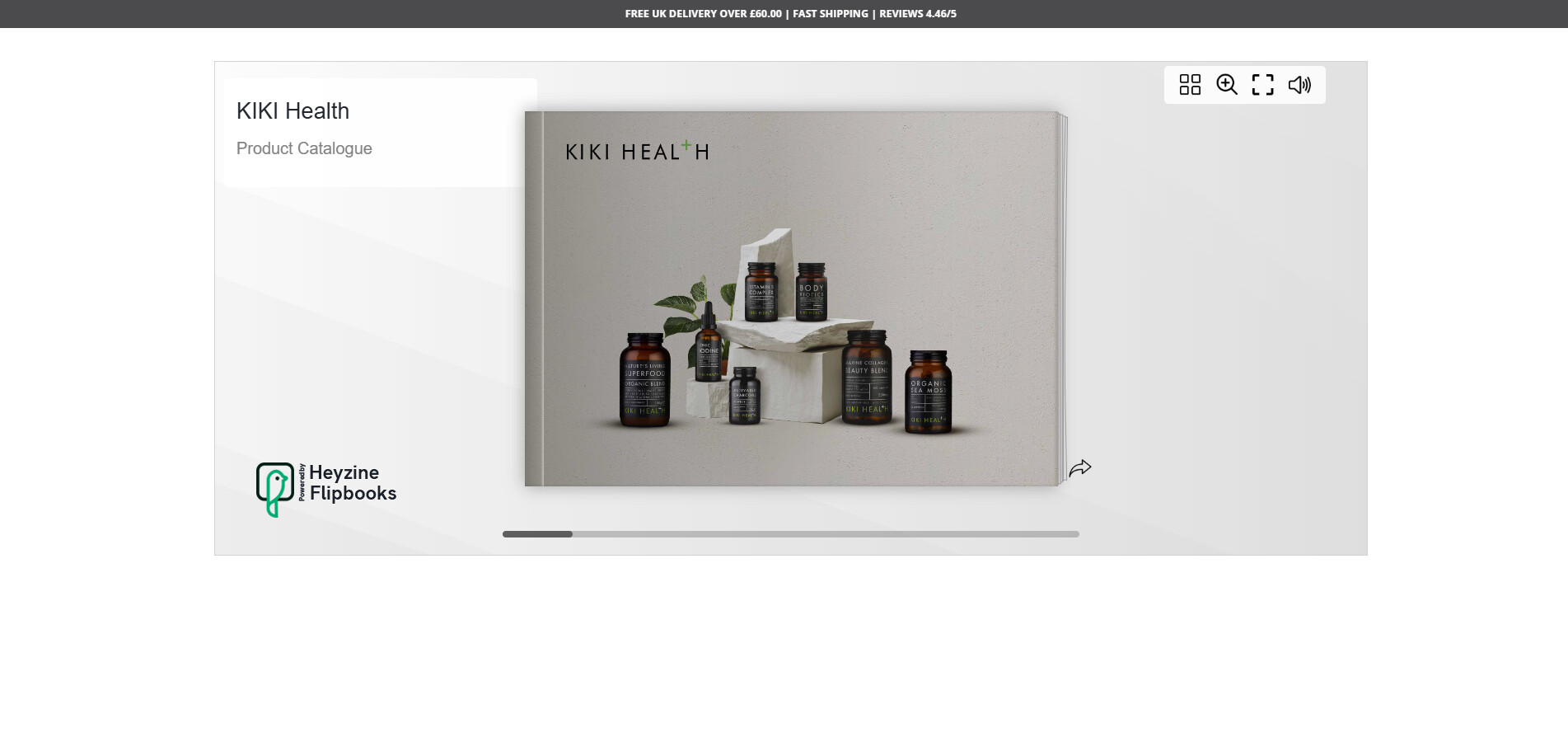
Hi,
I would like to remove the header, footer, Menu and announcement bar from this page only. https://kiki-health.com/pages/product-catalogue
Any help would be appreciated!
Thank you
Gina
A user seeks to hide the header, footer, menu, and announcement bar exclusively on their product catalogue page (https://kiki-health.com/pages/product-catalogue).
Solution Approach:
Multiple respondents provided nearly identical CSS-based solutions:
theme.liquid file</body> tag{% if page.handle == "product-catalogue" %}Implementation Details:
The code uses CSS display: none to hide:
Minor Variations:
Some responses suggest placing code after the opening <body> tag instead, though the majority recommend positioning before </body>. The core CSS selectors and conditional logic remain consistent across all solutions.
The discussion remains open with no confirmation from the original poster on which solution was implemented or successful.
Hi,
I would like to remove the header, footer, Menu and announcement bar from this page only. https://kiki-health.com/pages/product-catalogue
Any help would be appreciated!
Thank you
Gina
Hey @gina16
Follow these Steps:
Go to Online Store
Edit Code
Find theme.liquid file
Add the following code in the bottom of the file above tag
{% if page.handle == "product-catalogue" %}

{% endif %}
RESULT
If I managed to solve your problem then, don’t forget to Like it and Mark it as Solution!
Best Regards,
Moeed
@gina16 - add this code to the end of your theme.liquid file before and check,
{% if page.handle == "product-catalogue" %}

{% endif %}
Hi @gina16 ,
If my reply is helpful, kindly click like and mark it as an accepted solution.
Thanks!
Hello @gina16
{% if page.handle == 'product-catalogue' %}

{% endif %}
Hi @gina16
Please put this code in theme.liquid before body closing tag
{%- if page.handle == 'product-catalogue' -%}

{%- endif -%}
Thanks!