Hi there!
I’m building on the Palo Alto theme & I’m looking to remove the padding between images on the default product page. This is the desired look I’d like to achieve - https://zuluandzephyr.com/collections/fall-24/products/olive-daisy-linen-dress
please share screenshot and mark area
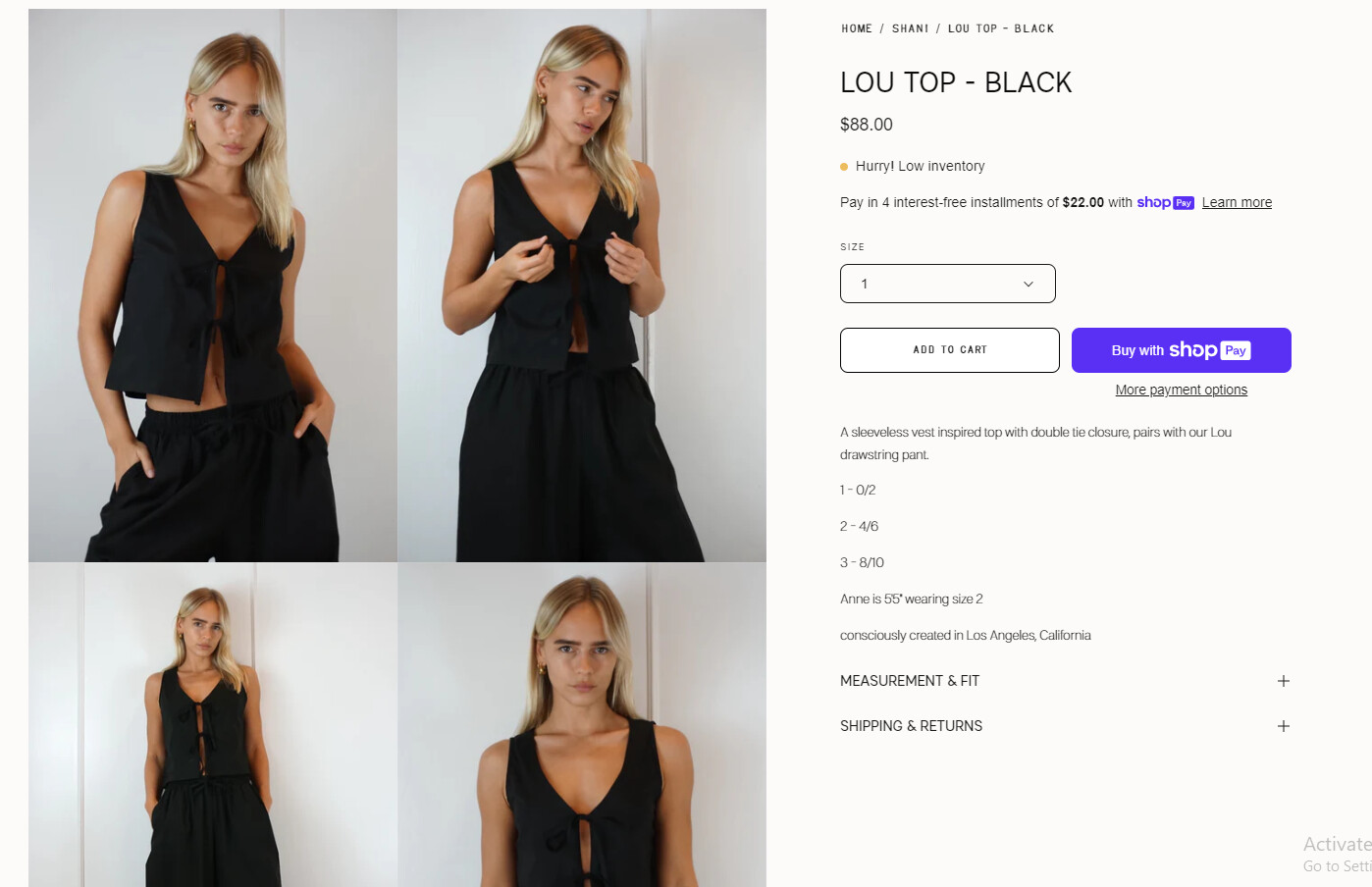
Here is my site now. Would like the gallery to mimic the one on this site - https://zuluandzephyr.com/collections/fall-24/products/olive-daisy-linen-dress full screen, no padding around images.
I’d like no padding around the images if possible. Do you need to see my site? I can share password and url.
please share your site screenshot and mark area where you want to remove padding
but i can’t see pasword option…
Try now. Password is lapl00
Looks great! How do I implement on site?
Please feel free to reach out if you have any further questions or need additional information.
Great thank you!!
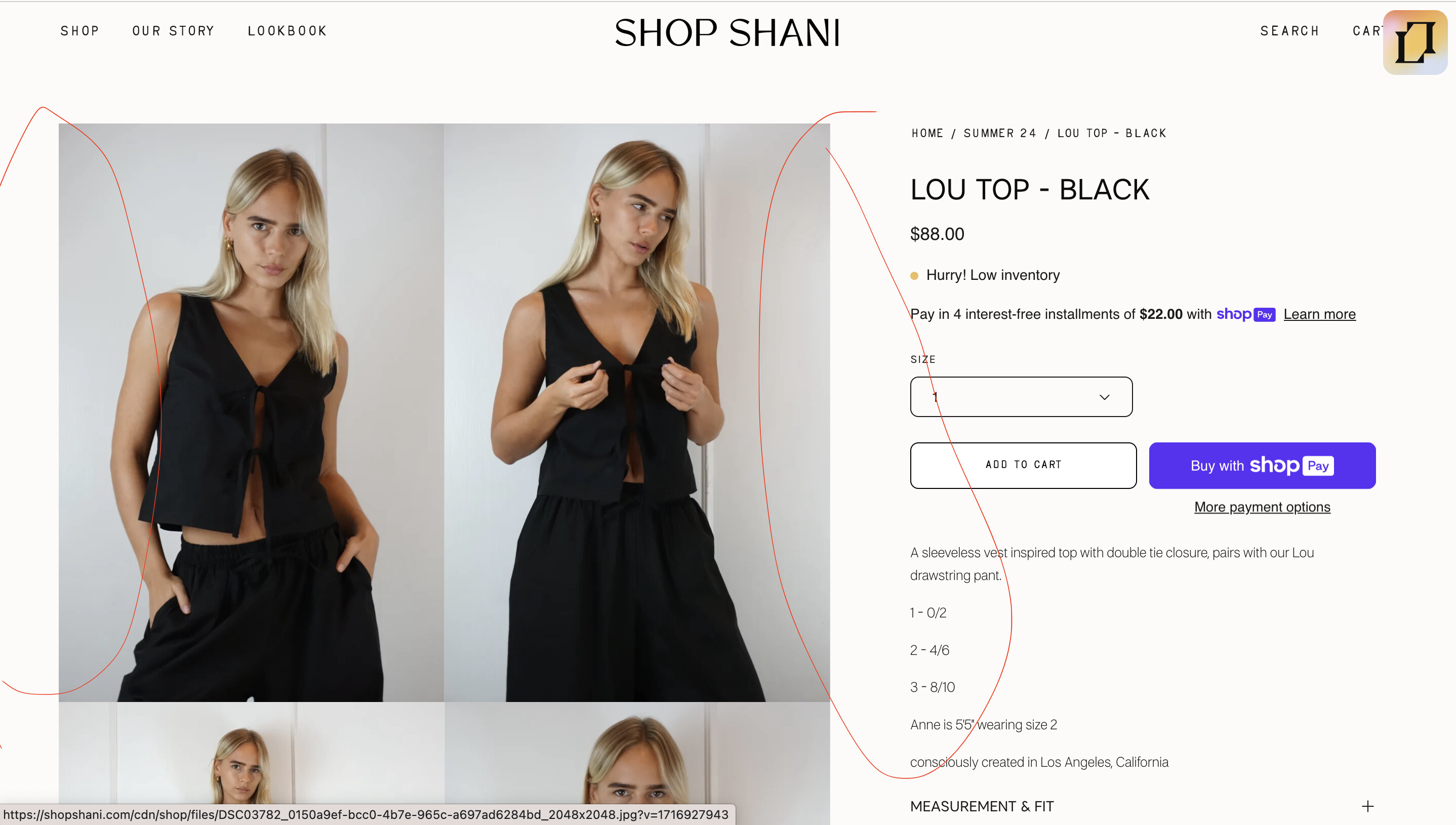
Is there a way to remove the padding on the sides too? So it matches the design of the inspo site I provided. See screenshot.