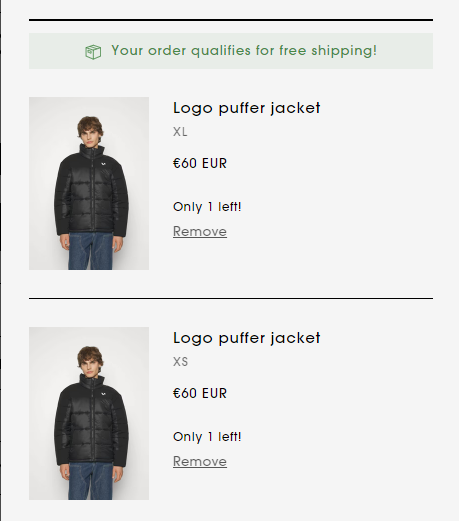
Hello!
Basically I want to remove the “quantity selector” option from the cart (I have the mini cart activated) in my store.

My Theme is Stiletto and my website is www.winnerofficial.com
Hello!
Basically I want to remove the “quantity selector” option from the cart (I have the mini cart activated) in my store.
My Theme is Stiletto and my website is www.winnerofficial.com
Hi @martujv
Do you mean remove in your quick cart?
If it check this one.
From your Shopify admin dashboard, click on “Online Store” and then “Themes”.
Find the theme that you want to edit and click on “Actions” and then “Edit code”.
In the “Assets” folder, click on “base.css, style.css or theme.css” file, depending on which file your theme uses to store its CSS styles. At the bottom of the file, add the following CSS code:
.quick-cart__items .quantity-input {
    display: none;
}
And Save.
Result:
Hi @martujv
.cart.page .quantity-input {
display: none;
}
This is Noah from PageFly - Shopify Page Builder App
Hi @martujv Please add code here to fix it:
Step 1: Online Stores > Themes > Edit code
Step 2: Choose file theme.liquid
Step 3: Add code above the tag
Hope my solution will help you resolve the issue.
Best regards,
Noah | PageFly