Hi, I played a bit with the coding and probably removed the footer from the product page and I don't know how to fix it. Could someone please help me?
3 Likes
Hi @Teaphoria
Could you share the code you added and the file you modified? That’ll help pinpoint the issue.
Also, can you check in Admin > Online Store > Customize > Product Page to see if the footer section is present but hidden? Here’s where to look:
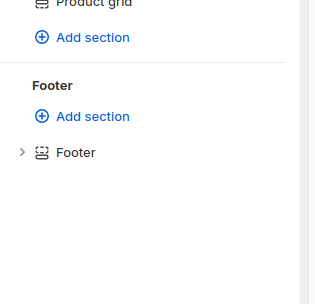
If the footer is missing entirely, it might be related to the theme file edits. Let me know, and I’ll help you narrow it down!
I can see the footer in the product page, but I don't know what code I added and what file i modified.
Could you send me a screenshot of the footer area in Admin, on the product page?
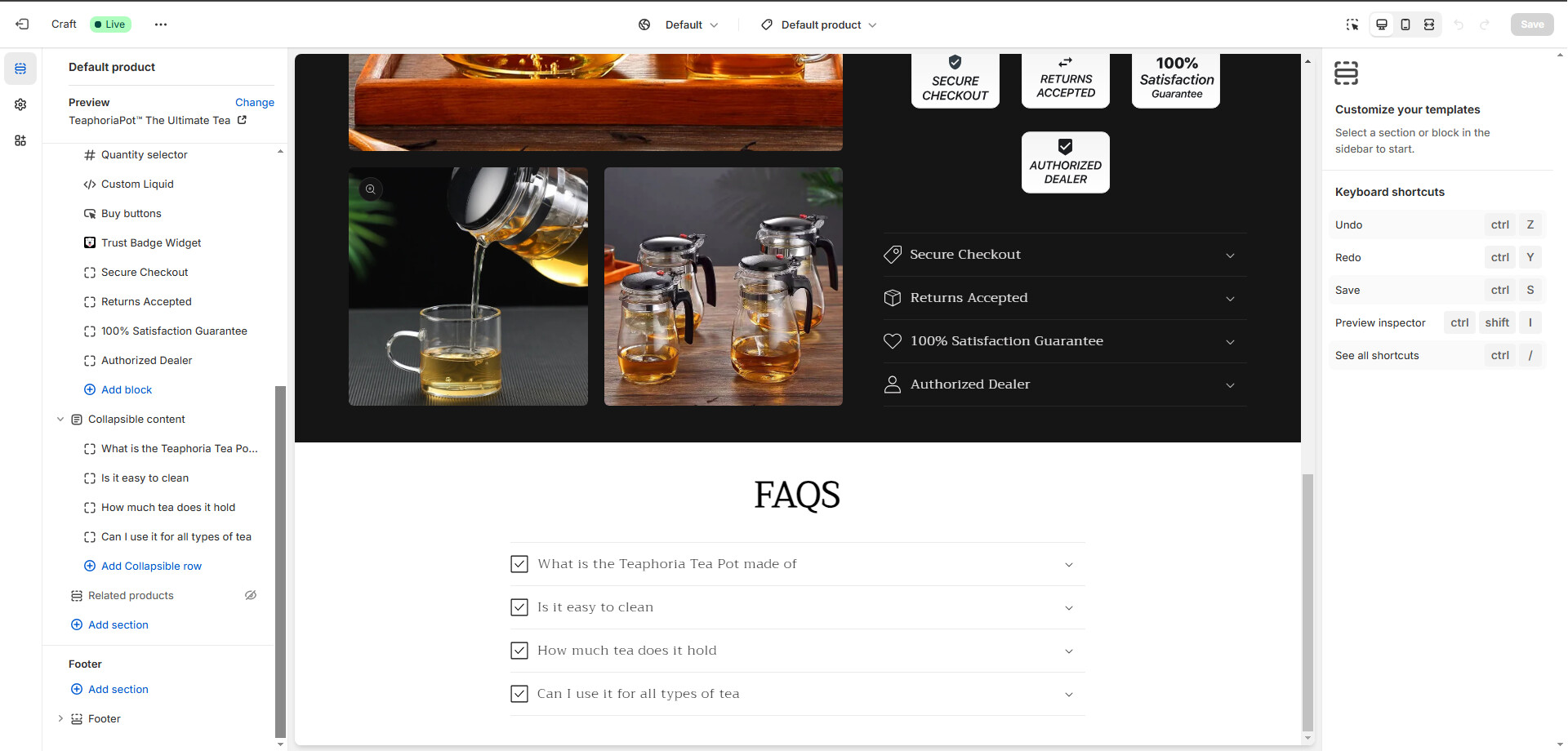
Can you please help me?
Hi @Teaphoria ,
Apologies for the delayed response!
Could you share the link to the product page where the footer issue is occurring? If your store is password-protected, please also provide the storefront password so I can take a closer look.
Hi, no problem.
Here is the Product Page
Hi @Teaphoria ,
In Admin > Online Store > customise > edit code:
Do you have a file called teophoriapot-the-ultimate-tea?
Around line 784 there’s a style tag that’s setting the footer to display:none
.footer {
  display: none !important;
}
Changing this to:
.footer {
  display: block !important;
}
Will make the footer visible, like this:
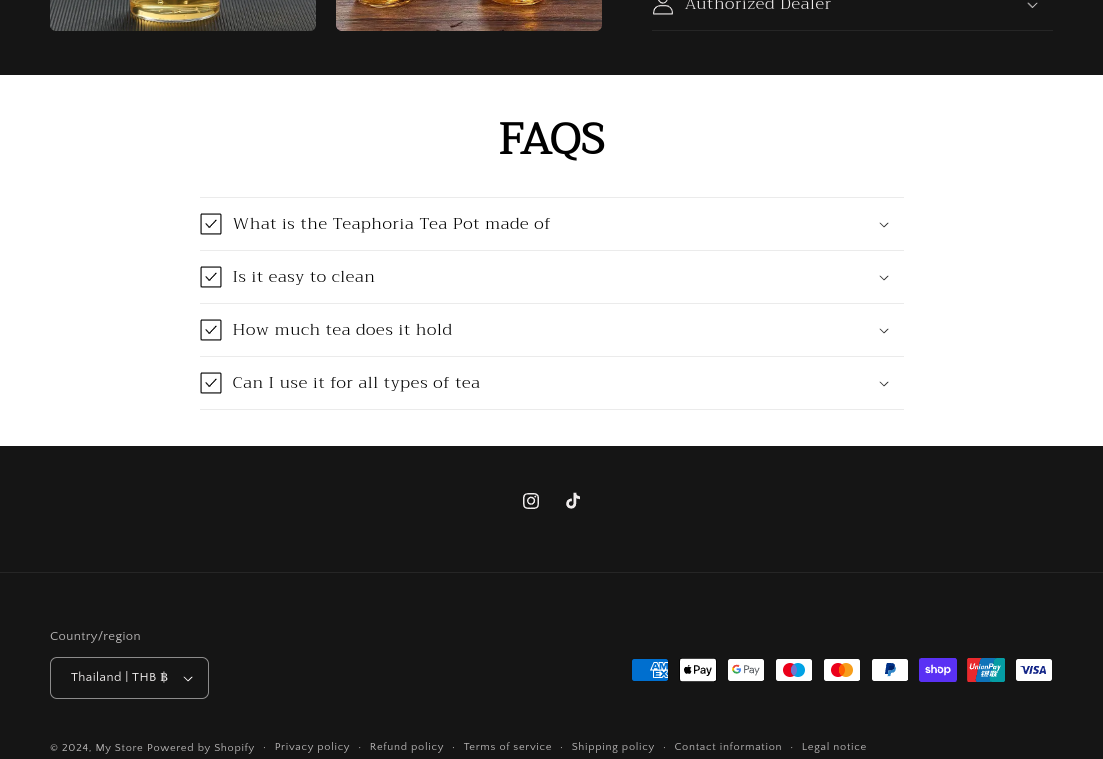
Let me know if you need anymore details!
Hi i dont have a file called teophoriapot-the-ultimate-tea.
What now?
It looks like there’s a custom style rule (footer {display: none}) applied specifically to the product page where the footer is missing.
This isn’t coming from a CSS file, so it might have been added manually in the admin panel.
Could you check the Theme Editor in Online Store > Themes > Customise, see if there’s anything in Custom CSS for your Footer (send me a screenshot)
As a quick fix, you could add this rule to your ‘Custom CSS’ in the Theme Editor for that Product page
.footer {
  display: block !important;
}
Let me know what you find!
I dont know how to this: Could you check the Theme Editor in Online Store > Themes > Customise, see if there’s anything in Custom CSS for your Footer (send me a screenshot)
Previously you sent me this screenshot:
Head to the same place and select Footer on the left side bar.

More information about the footer will appear on the right side bar - if you scroll down there’ll be a section called Custom CSS:

Please then send me a screenshot of your Custom CSS.

Hi!
The style hiding your footer is being added directly into the page for this product, likely from your theme.
Here’s what you can do:
Check your theme code:
Go to Online Store > Themes > Customise > Edit Code
Look in these files for the following rule:
.footer {
  display: none;
}
- theme.liquid (in the Layout folder)
- product.liquid, product.template.liquid, footer.liquid (in the Sections folder)
- Any files with names like section-footer.css or section-main-product.css (in the Sections or Assets folders)
Let me know what you find!
Yea i have it in theme.liquid, it says
.footer {display: none !important;
What Now?
Never mind i have it.
Thank you very much.
1 Like