I want to reduce the size of my add to cart button and buy button on the theme streamline. Please kindly help me
1 Like
Sorry you are facing this issue, it would be my pleasure to help you.
Welcome to the Shopify community! 
Thanks for your good question.
Please share your site URL,
I will check out the issue and provide you a solution here.
can you please try this code
- Go to Online Store->Theme->Edit code
- Asset->/theme.css ->paste below code at the bottom of the file.
this code apply for after 5 - 6 second
.payment-buttons {
    max-width: 50%;
}
hello @MarshallTharsow
please Go to Online Store->Theme->Edit code then go to assets/theme.css ->paste below code at the bottom of the file.
.template-product .payment-buttons{
    width: 60% !important ;
    margin: 0 auto !important;
}
Thanks, it worked the image attached below but is it possible to it side by side. I will like it like that in order to optimise that vacant space

ok please Go to Online Store->Theme->Edit code then go to assets/theme.css ->paste below code at the bottom of the file. see screenshot http://prnt.sc/13jes9s
.template-product  .payment-buttons{
    width: 60% !important ;
}
.template-product  .add-to-cart{
    border-radius: 35px;
}
.template-product  .shopify-cleanslate ._1LP9NPTft85QosIXd3_zOV {
    border-radius: 35px  !important;
}
1 Like
It is still the same thing, didnt have it side by side.
1 Like

1 Like
Yes, Exactly how I want it
1 Like
thanks for confirm
please add this code
- Go to Online Store->Theme->Edit code
- Asset->/theme.css ->paste below code at the bottom of the file.
this code apply for after 5 - 6 second
@media only screen and (min-width: 420px) {
.template-product .payment-buttons {
    display: flex;
    align-items: center;
}
.template-product .payment-buttons .btn--tertiary {
    padding: 10px 25px;
    width: 50%;
    margin-right: 10px;
    margin-top: 10px;
}
.template-product .shopify-payment-button {
    margin-top: 10px;
    width: 50%;
}
}
3 Likes
Thanks, It actually works but didn’t spread out the way I want it. Kindly check the image below. If I can have the way you sent it to me, I think I need to change things like width and height


Hello KetanKumar
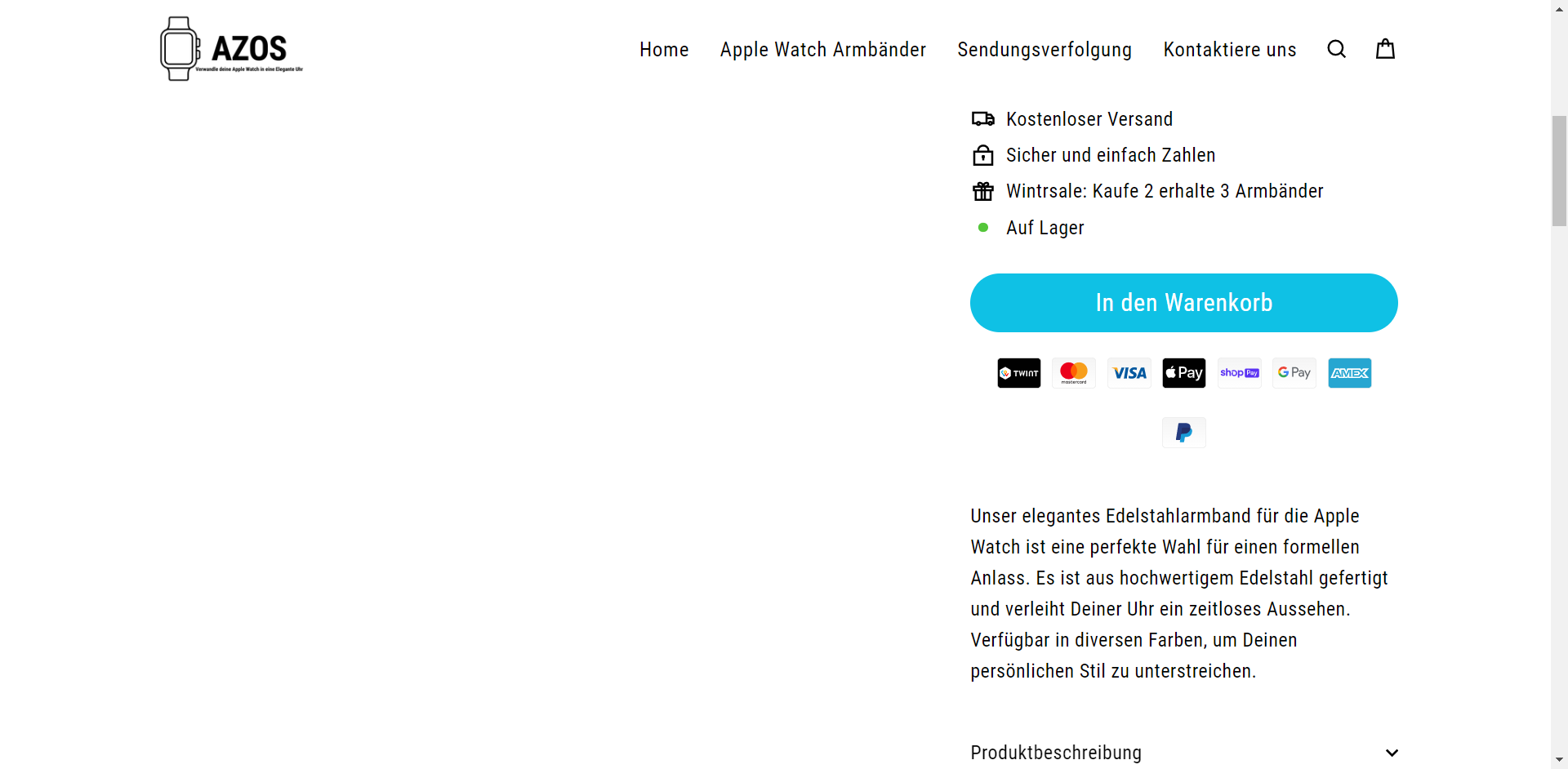
I want also to change the add to cart button. i just want to change the size. i want to make it a little bigger. Can you help me pls?
URL: azos.ch
PS: i don’t have the theme.css folder i just have theme.css.liquid
thank you very much for your help.
1 Like
1 Like
this looks perfect.
KetanKumar?