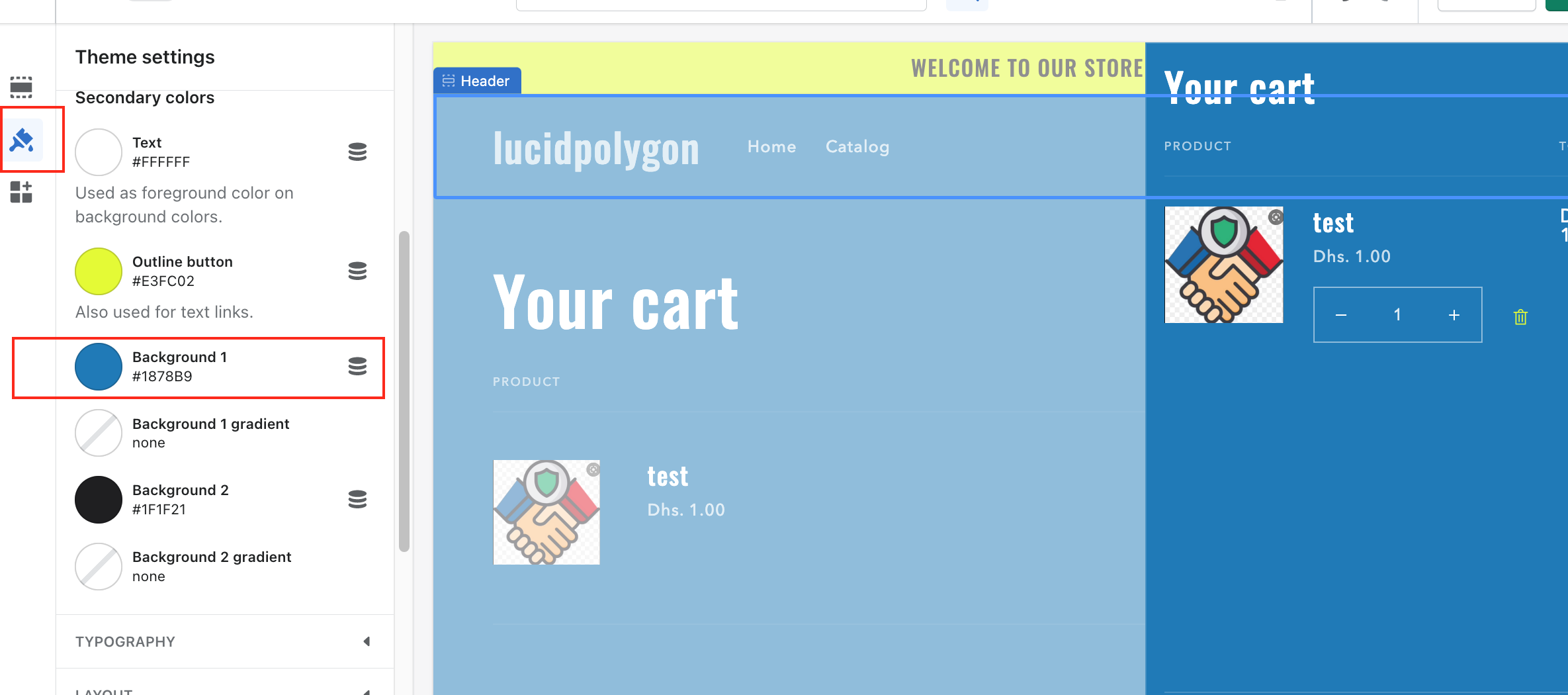
Hello, I’ve been trying to figure out how to either increase the opacity or change the color of the cart drawer’s and pop-up’s background but am having a hard time. Originally they were showing as transparent. From trying different things I’ve gotten it from transparent to a sheer white but I’m honestly not sure how I did that and I also have a feeling its just a shadow setting and not the actual background color. I haven’t seen any option in the theme settings to change this, nor do I know where to edit the code to change it myself. Please help!
Preview link: https://16gv1a2hvr9gjbjz-51548717234.shopifypreview.com
Screenshot attached in zip file