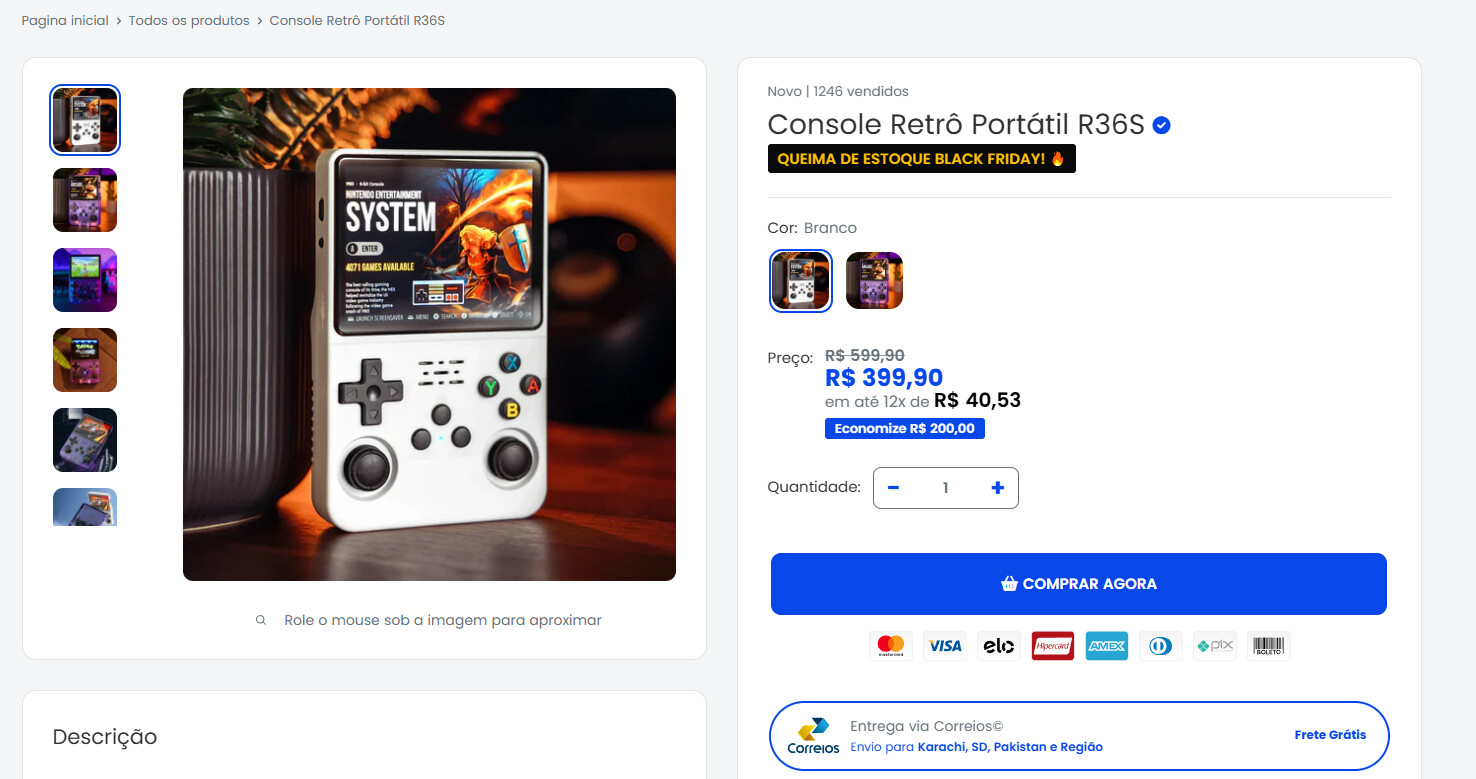
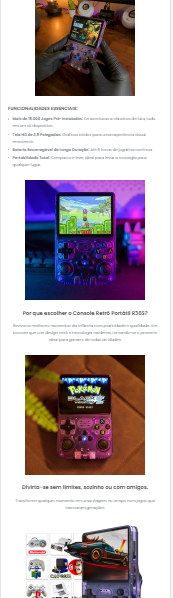
Hello,
I need help with some things. How to round the corners of variant images and description images?
My store: tudoconexao.com
Hello,
I need help with some things. How to round the corners of variant images and description images?
My store: tudoconexao.com
Hey @Dawenn
Follow these Steps:
Go to Online Store
Edit Code
Find theme.liquid file
Add the following code in the bottom of the file above tag
RESULT:
If I managed to help you then, don’t forget to Like it and Mark it as Solution!
Best Regards,
Moeed
Hello @Dawenn
Go to Online Store, then Theme, and select Edit Code.
Search for assets/theme.css Add the provided code at the end of the file.
.aspect-ratio img {
opacity: 1;
border-radius: 10px;
}
Output -
Thank you, both ways worked. But how do you round the images in product descriptions as well?
Hello @Dawenn
Go to Online Store, then Theme, and select Edit Code.
Search for assets/theme.css Add the provided code at the end of the file.
.product-block-list__item--description img {
opacity: 1;
border-radius: 10px;
}
Output -
Hello @Dawenn
You’re very welcome! I’m glad to hear that you’re pleased with the outcome. Please feel free to reach out if you need further assistance.
If my assistance was helpful, please consider liking and accepting the solution. Thank you!
Bro, thank you very much
It worked fine