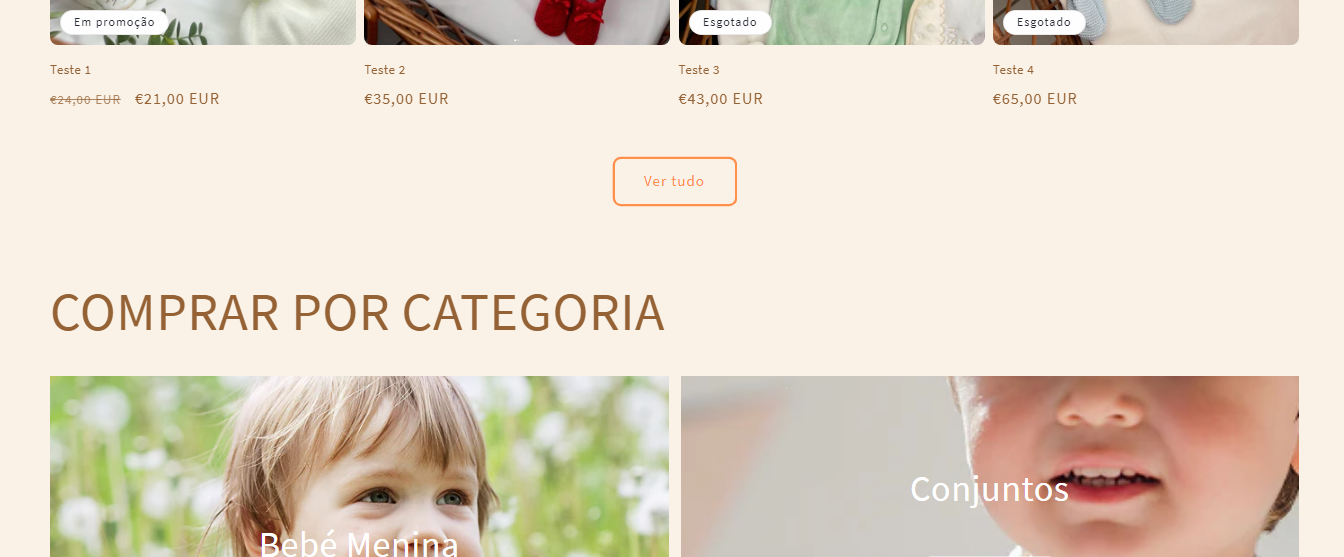
Hi, I need to make this section the same size as the section above. Can anyone help me? Thanks

Preview link: https://umhw5c-2w.myshopify.com/?_ab=0&_fd=0&_sc=1
Pass: mahpor
Hi, I need to make this section the same size as the section above. Can anyone help me? Thanks
Preview link: https://umhw5c-2w.myshopify.com/?_ab=0&_fd=0&_sc=1
Pass: mahpor
Hello @pimpaoclothing
.tpt-section_content {
padding: 0 5rem;
}
I can’t find this code, can you help?
.tpt-section_content {
  max-width: 1440px;
}
It did’t work, i don’t know why
Hello @pimpaoclothing
Where you add the CSS? Can you send me a screenshot?
ok now it worked but it still isn’t aligned with the other sections in sizes greater than 1440px
Forget it, I’ve already solved it! Thank you very much for your help
Hi @pimpaoclothing ,
Thank you for your response. It’s good to know that it’s worked for you. Kindly feel free to get back to me if you need any further assistance. If helpful, please like all posts.
Your HTML includes this:
/* Content max width */
#shopify-section-template--24835640394052__tpt_collection_list_2_NVVxaJ .tpt-section_content {
max-width: 1440px;
}
Shopify “Custom CSS” prepends section id selector to selectors of the rules entered there, so I deduced that original content for the setting was:
/* Content max width */
.tpt-section_content {
  max-width: 1440px;
}
Obviously, it’s possible that selector like the former one was entered manually, but I myself try to avoid selectors like this.
Anyways, the !important did it, so no need to dig deeper.