A year back Shopify made it mandatory to give justification to access order data and other PII customer data, which we opted out of(image 1).
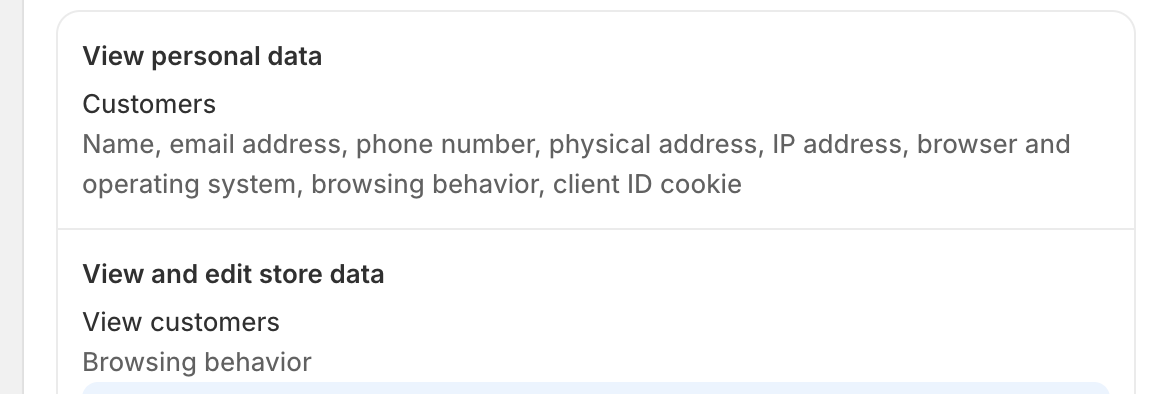
When installing our app, the permissions still show that we are asking for customer’s personal data like names, emails etc (Image 2). How can we avoid asking for these Permissions.
Hello @Sherki
Hope you are doing well
As per Shopify rules and regulations, you have to provide details on why you used customer data. You can’t avoid it because you use customer_read scope. if you use customer data in you app then you have to must provide details else remove that scope. then error must be gone.
Hey @hardik355 ,
Thank you for your reply.
As you can see in the screenshot below, we have given reason for the protected customer data scope, which is mandatory. But we have not selected any of the optional Protected Customer Fields like name, address etc.
The permission page still show these as being accessed. Any way to remove these fields from the permissions.