
Hi,
Can you please share your store url so that we can take a look to guide you.
Thanks
aventacy.com pass: bcstore
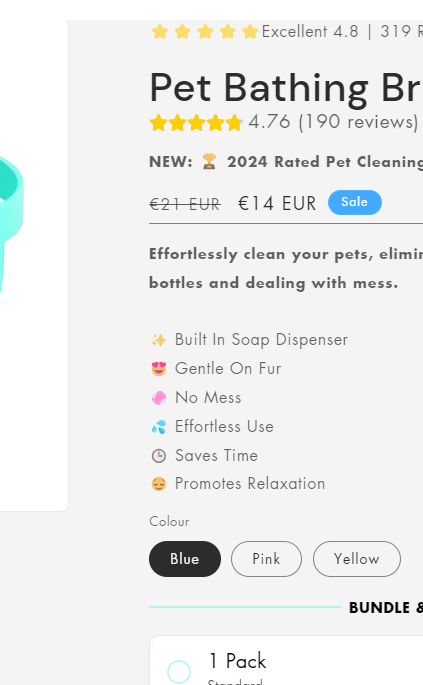
also you will see on my products a line under the price amount i put that in with a code but it only shows on pc not mobile is there a way to fix that?
Hi @Spay
Its wrong password, would you mind to share the correct one. Thanks!
Hello @Spay
Our team is ready to help you.
Please share your website address and access password (if necessary) so that we can check and assist you.
@Made4uo-Ribe pass is Store1
Thanks for the info, check this one.
From you Admin page, go to Online Store > Themes
Select the theme you want to edit
Under the Asset folder, open the main.css(base.css, style.css or theme.css)
Then place the code below at the very bottom of the file.
@media only screen and (min-width: 749px){
.product__info-wrapper.grid__item {
    padding-left: 8rem;
}
}
And Save.
Result:
Please don’t forget to Like and Mark Solution to the post that helped you. Thanks!
@Made4uo-Ribe the only main i can see close to that under assets code folder is main-search.js can you show me where please
@Made4uo-Ribe i put it at the bottom of the base section it works but not on mobile when viewing?