A user working with Shopify’s Savor theme wants to display all color variants of a product as separate items on collection pages without duplicating products. They noted that common guides reference a main-collection-product-grid file that doesn’t exist in their theme.
Current Status:
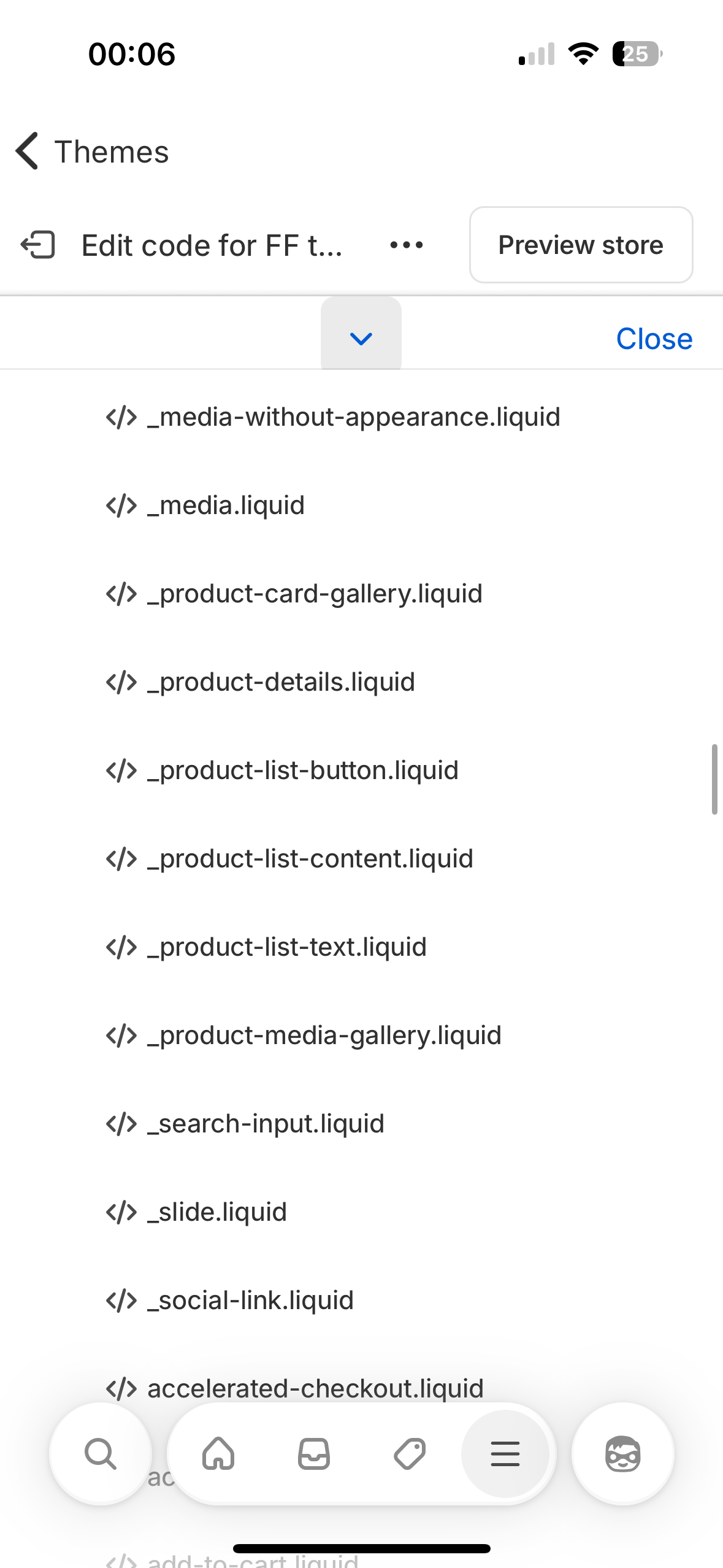
The user shared screenshots of all Liquid files in the Savor theme to help diagnose the issue.
No code-based solution has been provided yet for this specific theme structure.
Proposed Solutions:
Two respondents recommend using third-party Shopify apps instead of custom code.
Suggested approach: Display products separately on collection pages, then group them as variants on product pages using metafield-based systems.
Specific app mentioned: “Product as Variants by OnlyWeb” — uses Shopify metafields, requires no coding, and works with Shopify 2.0 themes.
Discussion remains open — no custom Liquid/CSS solution has been offered for the Savor theme specifically.
Summarized with AI on October 27.
AI used: claude-sonnet-4-5-20250929.
Yes, what you’re trying to achieve is absolutely possible — and without the need to manually duplicate or restructure your entire catalog.
You can list each product (like different colors or sizes) separately in your collection pages, and then group them visually as variants on the product page using a simple metafield-based system.
here is an app specifically for this purpose:
Product as Variants by OnlyWeb
It allows you to treat separate products (like “Chiffon Bag - Red” and “Chiffon Bag - Blue”) as if they were variants of a single product, without compromising on SEO, inventory, or customization.
What it does:
Displays grouped products on the product page using a theme block
Third-party apps make it easy to separate variants I own the Stamp ‑ Variants on Collectionand we help merchants display variants separately on the collection page and home page. You can customize the settings per collection to show or hide specific variants, filter variants, or separate them by specific options. For example, you can create a “Gold” collection and display only gold-related variants.