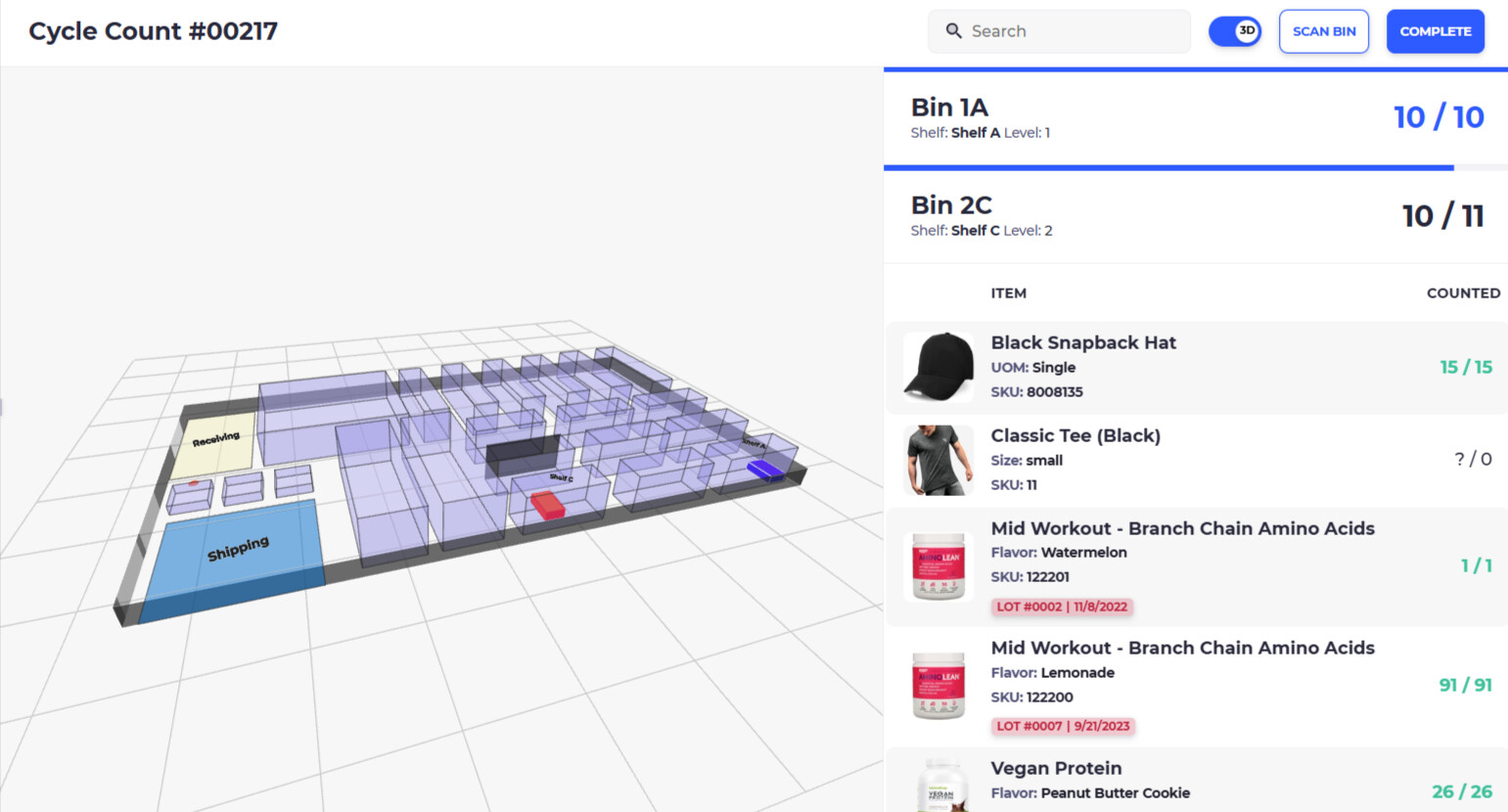
We’re preparing for our first full inventory since switching to Shopify (previously used Heartland Retail). I’m comparing the ‘Stocktakes’ in Stocky vs paying for an app that specializes in inventory counts. Has anyone used Stocktakes and what are the pors/cons of it?
I’ve already identified 2 apps that could work well but not sure if it’s worth paying for another app.
Some context - we’re lifestyle retail with a wide variety of items (apparel, jewelry, food, furniture, etc) and have a larger catalog of items (+40k skus) . We are planning to close for 1 day as well as working after hours with a team of 10-15 people.
1 Like
Were you be able to create batches (like Heartland offered) with Stocktakes?
The key is to chunk the count down so your team can tackle this together. Come up with strategically relevant cycle counts and distribute them. Stocky has a barcode scanner so you can use this to perform the count though it is not a very good mobile interface so you need to work through that. You should find that stock take on Stocky is fairly intuitive. You can break down the stocktake by vendor or specific product type as well. One problem is that if you have multiple bins for one product it may not be as intuitive as you’d like. The other problem is that if you are using multiple team members to perform the count the stock values may not update in real-time, which is why its generally better to break up the count into multiple counts and do some math after to ensure everything is counted correctly.
If you are looking for a bit more of a WMS with built-in stock take that will make it easy to count by areas of the warehouse check out SKUSavvy which has the whole operations stack built-in including purchasing, check-in, 3D mapping of the warehouse so you know exactly where each of your inventory items are, as well as pick-pack-ship and transfers.