Subject: "Error: Maximum call stack size exceeded in Shopify CLI Theme Development"

Topic summary

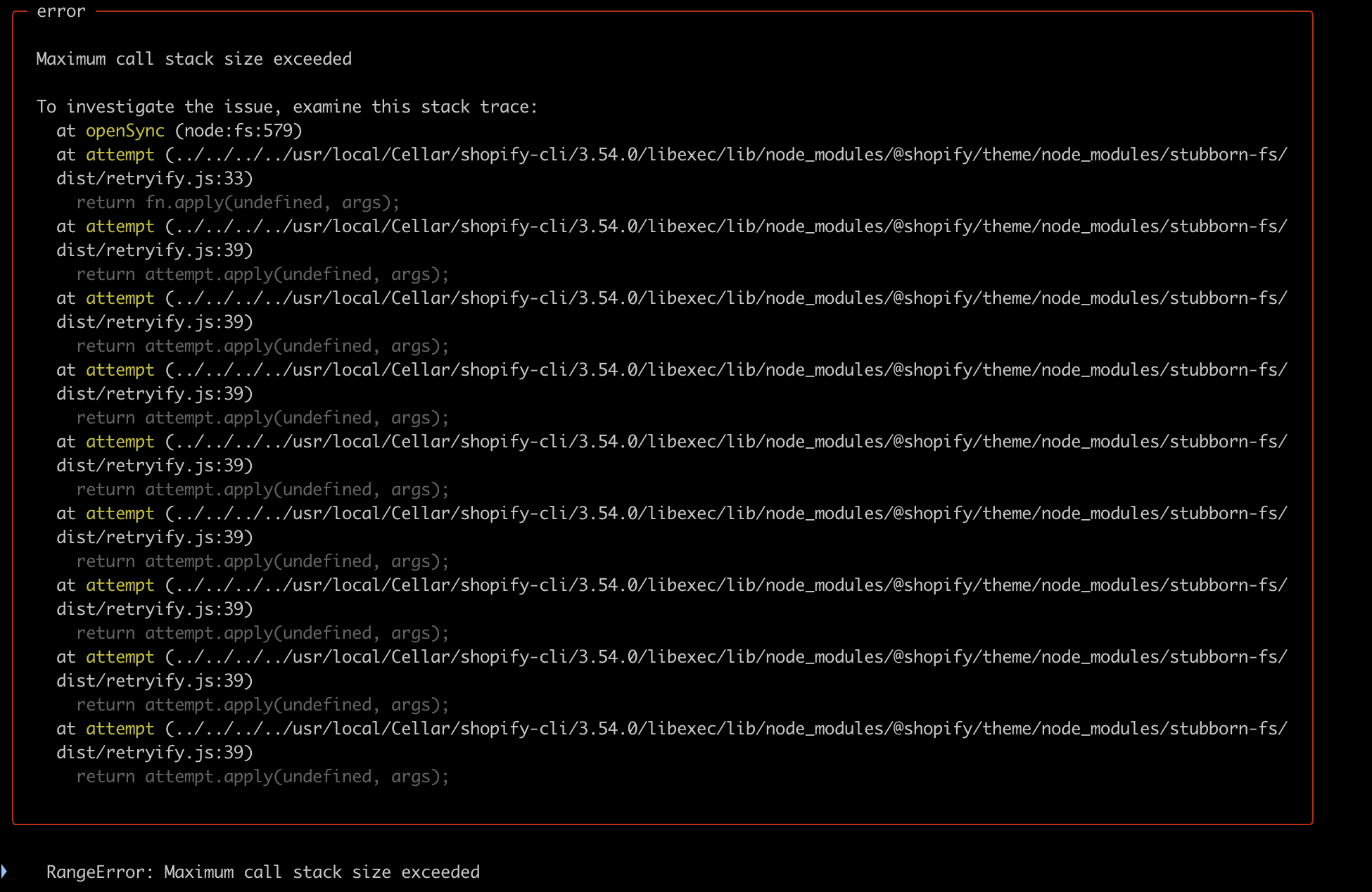
Multiple developers report a recurring “Maximum call stack size exceeded” error when using Shopify CLI for theme/extension development. The stack trace references file system operations in the stubborn-fs module (notably dist/retryify). A screenshot of the stack trace is included and central to understanding the error.

Impacted commands: “npm run generate extension” and other commands involving “shopify npm.” One user specifically requests Shopify’s team to investigate.

Environment details from one report: macOS on Apple M3, Ruby 3.3.0, Node v16.15.1, Shopify CLI 3.57.0.

Workaround noted: running the Shopify command with sudo helped one user. No confirmed root cause or official fix is provided in the thread.

Status: Issue is reproducible across multiple users; discussion remains open with an outstanding request for Shopify’s review. Key questions unresolved include whether the problem is version-specific (Node/CLI/ruby or Apple Silicon M3) and what the proper fix is beyond the sudo workaround.

Summarized with AI on December 15. AI used: gpt-5.

I’m encountering an issue in my Shopify CLI theme development where I’m getting the error “Maximum call stack size exceeded.” The stack trace points to file system operations, specifically within the stubborn-fs module.

Here’s the relevant portion of the stack trace:

3 Likes

We are having the same issue.

Shopify Team, can you look into that?

When trying to run “npm run generate extension” or any command with shopify npm it gives this error of “Maximum call stack size exceeded” and "

stubborn-fs/dist/retryify"

We are also having the exact same issue. We’re on a M3 mac.

  • ruby 3.3.0
  • node v16.15.1
  • Shopify CLI version: 3.57.0

You can try running shopify command with sudo it helped me

1 Like