Hello,
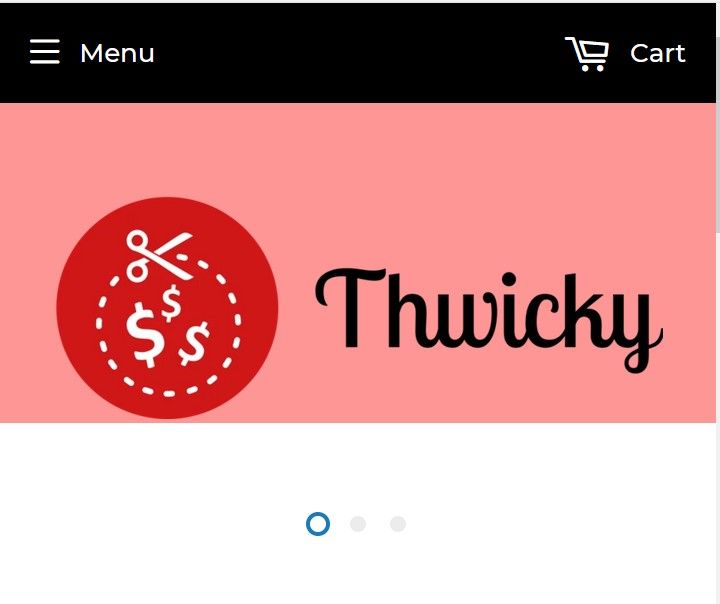
I am new to Shopify and basically a baby when it comes to my ability to code and read through the coding documentation. I changed my header height from its default on the supply theme to 160 px. It centered my logo because I wanted to make it big on the desktop version, but the mobile site now has this ugly pink gap on the top of the page. For fear of messing anything up, I am reluctant to touch my website until I get a clear answer on what I need to do to fix this. Is there a way that I can fix this issue while keeping the look I have on the desktop version? For future reference there are a couple things I’d like to know. 1. Is there a way to completely delete the header banner with the logo and place just the red circle in the black bar at the top (I have a file of that image, just not an idea of how to do it)? 2. Is there a way to edit the header on specifically mobile devices to make the logo and header in that location smaller? Thanks in advance.
My site is thwicky.com and my passcode is allegry.
Below is an image of what I want the Desktop site to stay as:

This is an image of the bad header that got created when I changed my settings on mobile:
This is a visual explanation of the things that I asked for in the bulk of this post:

Regards,
A confused but hopeful Shopify customer