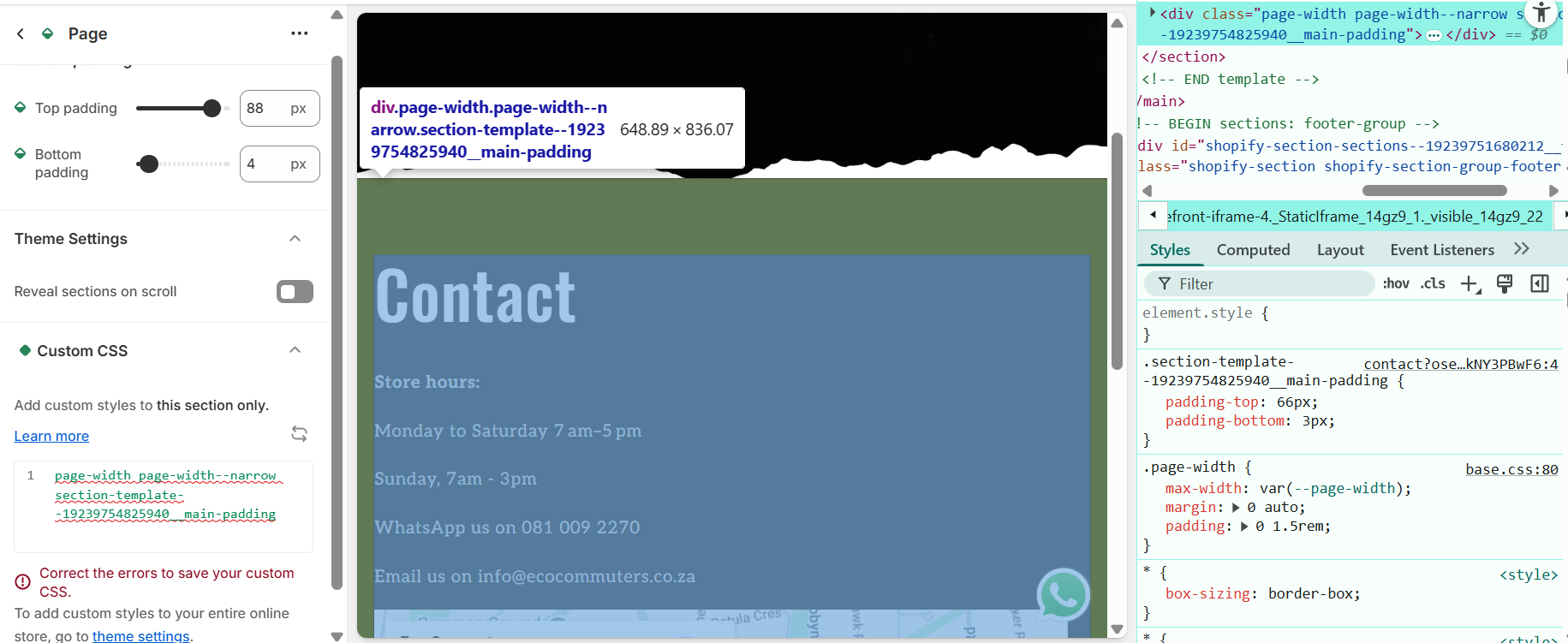
Good day,
I am trying to edit the background of this contact page to transparent.
Can anyone assist. I have tried multiple options from forums and youtube videos but nothing seems to work.
password: 0202
Thank you!
Good day,
I am trying to edit the background of this contact page to transparent.
Can anyone assist. I have tried multiple options from forums and youtube videos but nothing seems to work.
password: 0202
Thank you!
I have come right, sorry about that.
Thank you!
Hello @EcoCommuters
#shopify-section-template--19239754825940__page_FFWBL .color-scheme-3.gradient {
background: transparent;
color: #fff;
}
#shopify-section-template--19239754825940__page_FFWBL .page-title.h1 {
color: #fff;
}
Hi there,
Thanks for reaching out.
To make the background of your contact page transparent, you can try the following steps:
Step 1: Go to your Shopify admin, then to Online Store, then Themes, and click Customize.
Navigate to the contact page and check if the section settings allow you to change or remove the background color. Some themes have this option directly in the editor.
Step 2: If there’s no setting in the editor, you’ll need to add custom CSS.
Go to Online Store, then Themes, click Actions, then Edit Code.
Open your main CSS file. This is usually named base.css, theme.css, or styles.css under the Assets folder.
At the bottom of that file, add a CSS rule that targets the contact page and sets the background color to transparent. You may need to inspect the page to confirm which class is controlling the background.
Step 3: After saving, clear your browser cache and refresh the page to see if the change takes effect.
If you’re unsure which CSS class to target, I’m happy to take a closer look and Guide you identify the exact code you need.