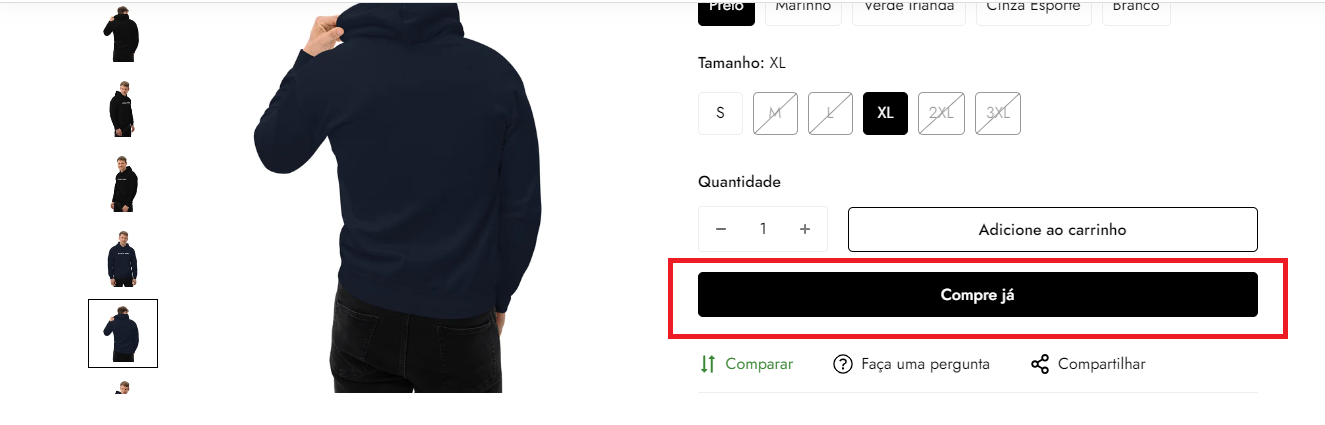
As per our merchant terms, section 1-8, you agree not to circumvent the Shopify checkout experience. Directing customers to a payment gateway that is not supported by Shopify is not allowed on the platform. This is to ensure the security of the checkout experience is always maintained.
You agree not to work around, bypass, or circumvent any of the technical limitations of the Services, including to process orders outside Shopify’s Checkout, use any tool to enable features or functionalities that are otherwise disabled in the Services, or decompile, disassemble or otherwise reverse engineer the Services.
I recommend disabling that checkout redirect right away. Is this gateway not on our supported gateways list?
It is not prohibited to use another checkout. The platform is a Shopify partner, including. I just want help with the codes and the way to make installing this checkout easier.
If the gateway is connected to your Shopify store through your Settings > Payments then you do not need to alter the buy now buttons as they would all redirect to the Shopify Checkout flow and the connected gateway(s). If the gateway is not connected to your store through your store settings then this does go against our merchant terms of service. You will need to connect the gateway through your store admin to stay adherent to these policies.
I did some more investigating into this and I wanted to apologize, as I was incorrect in this case! If your business is located in Brazil then you do have the ability to use external gateways, like the one you are setting up. This is a unique consideration for merchants in Brazil, and I wasn’t overly familiar with that process before. Merchants located in other countries do not have the same access to these kind of gateways. So again, my apologies!
I recommend reposting this question on our Portuguese forums for more tailored assistance: Comunidade da Shopify (PT-BR)