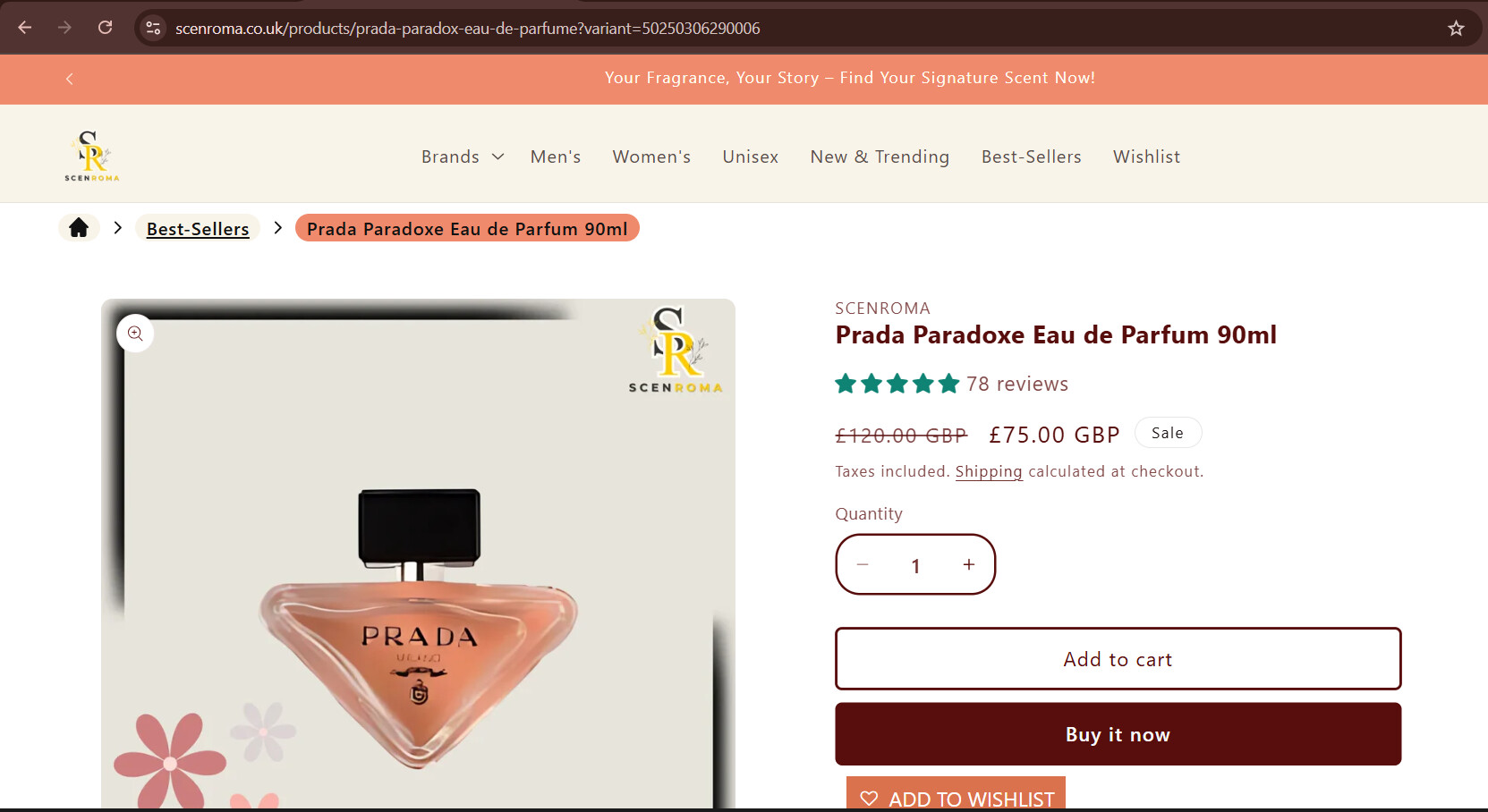
Hi is there anyone that can help me with this issue my urls are looking like this
https://scenroma.co.uk/products/prada-paradox-eau-de-parfume?variant=50250306290006
when i dont even have a variant in a product i want my url to be like this
https://scenroma.co.uk/products/prada-paradox-eau-de-parfume
this issue is on all products that are present in my store
1 Like
as you can see i dont have any variant and i have checked my listing also but no variant is there i want to remove this to make my url clean to do a better seo can you guide me how can i do that i am using the theme feather
Hi @anonymous90
Have you installed other related APPs that modified your URLs before? If so, please double-check the settings made before and see if it is the cause code. After that, go back to the Shopify backend product page and edit the URL properly.