A Shopify store owner reports two intermittent issues with their Debutify theme: the header color unexpectedly switches from black to transparent on the homepage, and product images sometimes fail to display in enlarged view when clicked. They shared their theme.liquid code for troubleshooting.\n\nThread Divergence:\nThe conversation quickly shifts away from the original issue. Multiple users ask about adding \
Summarized with AI on November 16.
AI used: claude-sonnet-4-5-20250929.
my theme has an option to change header color, in my site its set to black, but sometimes in the main page it turn transparent… also in the main page sometimes when i click on the images of the main product, it doesnt display them in big . my site is www.mozzafiatostore.com , so you can check what i mean
i also add my theme.liquid:
thanks for your help
Show More
{% capture sb %}{% include “Secomapp-Description” %}{% endcapture %}{% unless sb contains “Liquid error” %}{% include “Secomapp-Description” %}{% endunless %} {% if settings.favicon %} {% endif %} {% if page_description %} {% endif %} {% include ‘social-meta-tags’ %} {{ ‘theme.scss.css’ | asset_url | stylesheet_tag }} {{ ‘jquery-2.2.3.min.js’ | asset_url | script_tag }} {% include ‘currency-detection’ %} {{ content_for_header }} {{ ‘modernizr.min.js’ | asset_url | script_tag }} {% comment %} If you store has customer accounts disabled, you can remove the following JS file {% endcomment %} {% if template.directory == ‘customers’ %} {{ ‘shopify_common.js’ | shopify_asset_url | script_tag }} {% endif %} {% include ‘loadify_loader’ %} {% include ‘qikify-navigator’ %} {% include ‘qikify-smartmenu-data’ %} {% include “loyaltylion” %} {% include ‘talkable-partial’ %} {{ ‘sca_affiliate.js’ | asset_url | script_tag }} {% comment %} Add the page template as a class for easy page or template specific styling. {% endcomment %}
{% include ‘search-bar’, input_type: ‘input-group-full’, search_location: ‘drawer’ %}
{% section ‘drawer-menu’ %}
{{ ‘cart.general.title’ | t }}
{{ ‘cart.general.empty’ | t }}
{{ ‘cart.general.continue_browsing_html’ | t }}
{{ ‘cart.general.cookies_required’ | t }}
{% include ‘announcement’ %} {% section ‘header’ %} {% unless template == ‘collection’ or template == ‘article’ %} {% include ‘breadcrumbs’ %} {% endunless %} {% section ‘guarantee’ %} {% section ‘footer’ %} {% if settings.show_top_button %} {% endif %}
{% comment %} Template-specific js {% endcomment %} {% comment %} Ajaxify your cart with this plugin. Documentation: - http://shopify.com/timber#ajax-cart {% endcomment %} {% if settings.cart_type == ‘drawer’ %} {% include ‘ajax-cart-template’ %} {% endif %} {% if template.name == ‘product’ or template.name == ‘index’ %} {% endif %} {% if template.name == ‘collection’ %} {% endif %} {% if template.name == ‘cart’ and settings.cart_top_button %} {% endif %} {% include ‘gtranslate’, float: ‘yes’ %} {{ ‘//cdn.shopify.com/s/files/1/0194/1736/6592/t/1/assets/booster-page-speed-optimizer.js?23’ | script_tag }}
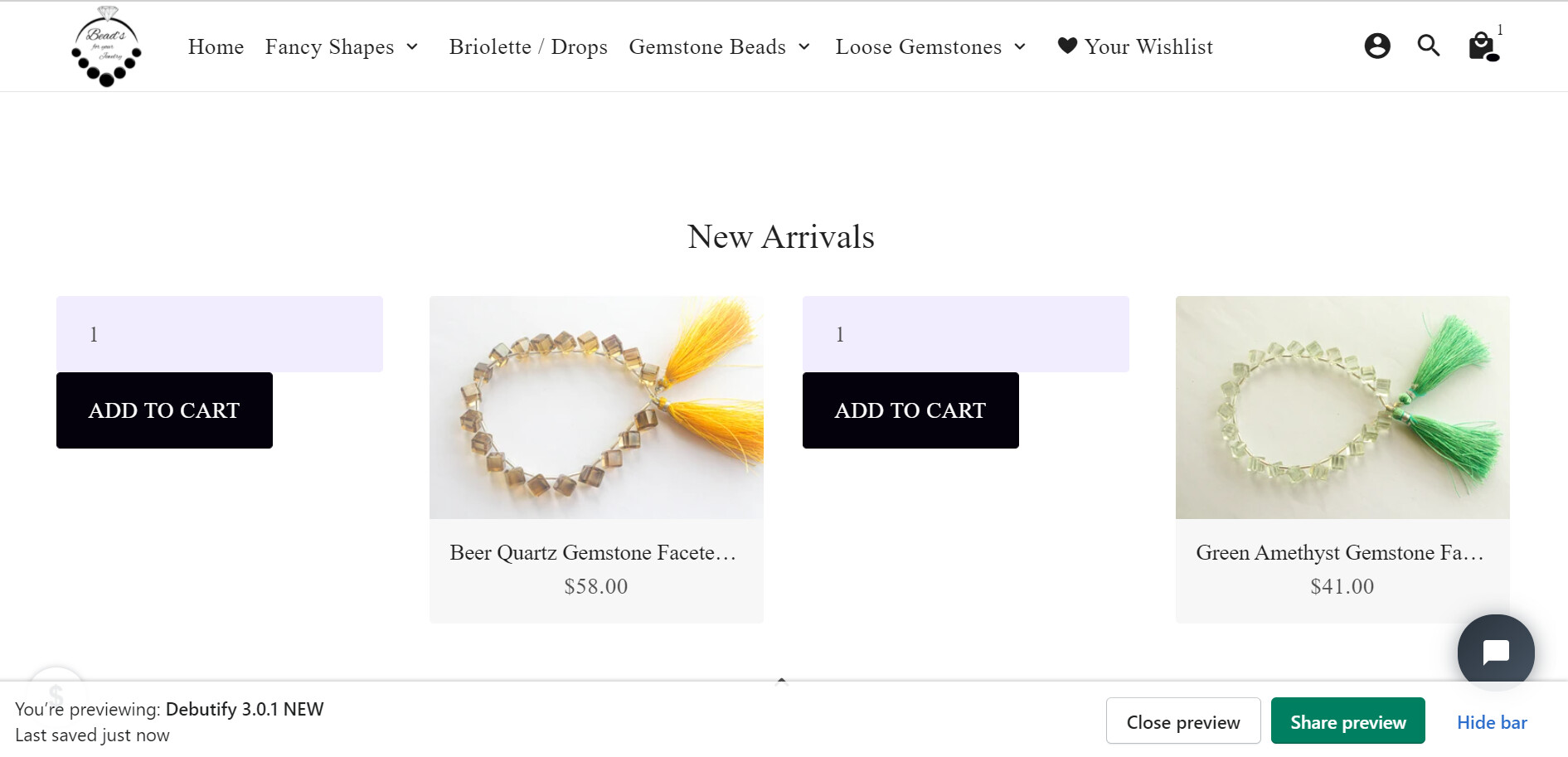
Hey ketan kumar i have added the same code in my code file but i am facing an issue that i want add to cart button below the product price but its showing on side you can check on image