Hi, hoping this is a simple fix that can be helped.
I’m using Narrative theme version 9.0.10
A previous developer removed a size selection dropdown on a product page. After adding the product variant selection back, it appears the selection of the product variant is not working. When a new size is selected, the dropdown value still shows the default variant value. However, the correct variant is added to the cart and if the page is refreshed, the correct value is shown as ‘selected’.
First I try to select a new size:

After selection, the dropdown value still shows the default or original value

After page refresh, dropdown value now reflects the newly selected option
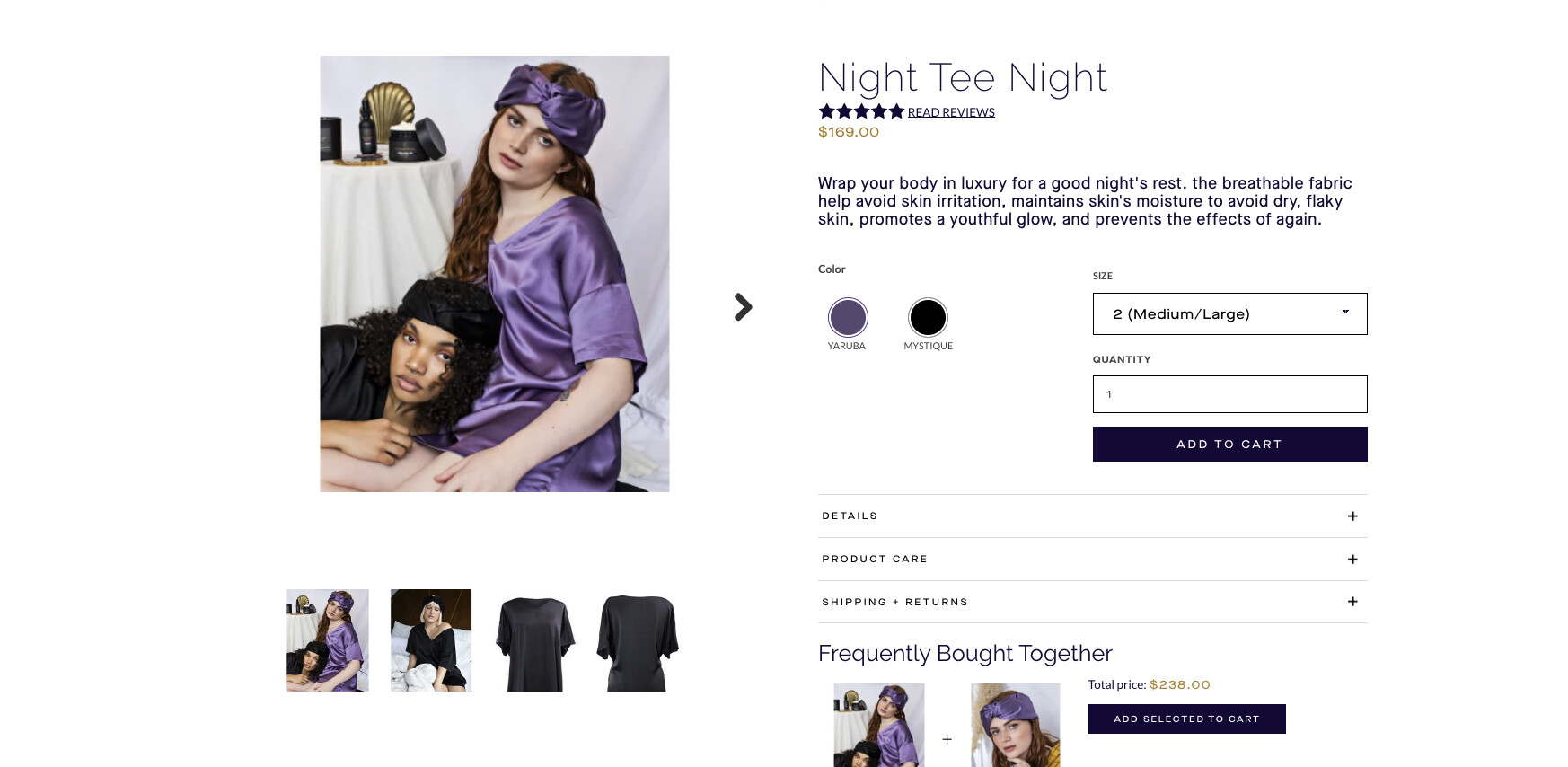
Can someone help me determine how to immediately show the new selected variant value without the need for a page refresh?
Here is the current code within product-form.liquid:
{% unless current_variant.available %}
{% assign button_text = 'products.product.sold_out' | t %}
{% else %}
{% assign button_text = 'products.product.add_to_cart' | t %}
{% endunless %}

{% form 'product', product, class:'product-form' %}

  {% unless product.has_only_default_variant %}
  {% for option in product.options_with_values %}
  {% if option.name != 'Color' %}


    {% if option.name != 'default' %}

    {% endif %}


  {% endif %}
  {% endfor %}
  {% endunless %}
  {% if section.settings.show_quantity_selector %}


      {% endif %}


{% if section.settings.enable_payment_button and current_variant.available %}
  {{ form | payment_button }}
{% endif %}
{% endform %}