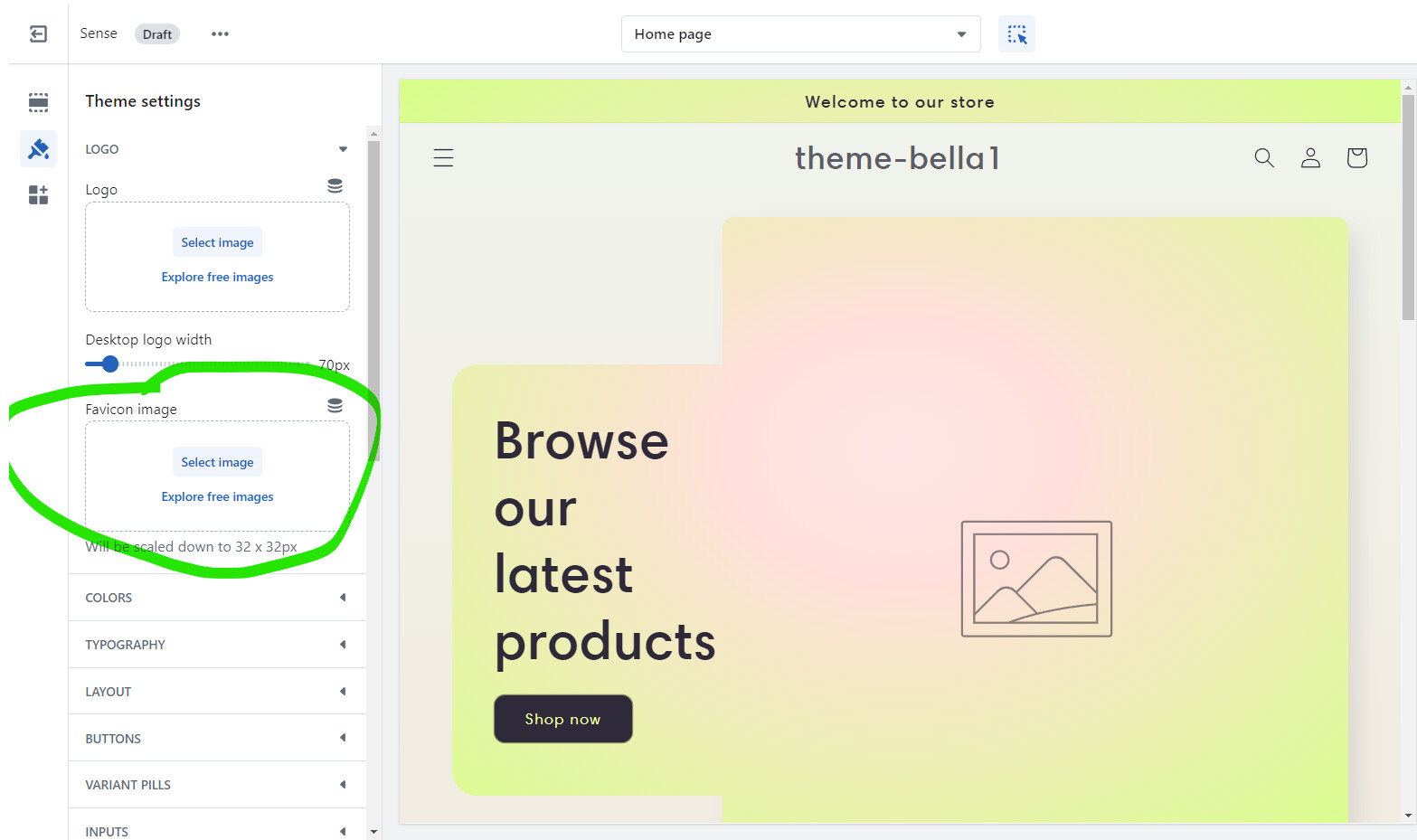
I’ve browsed and looked at many solutions answered before on Shopify’s discussion board regarding favicons, and none of the solutions have worked for me yet. I’m not sure if I’m doing something wrong, but my favicon option does not display on my theme settings. I’ve tried inputting codes in theme.liquid, but that was no help. I’m hoping for a solution, thanks!
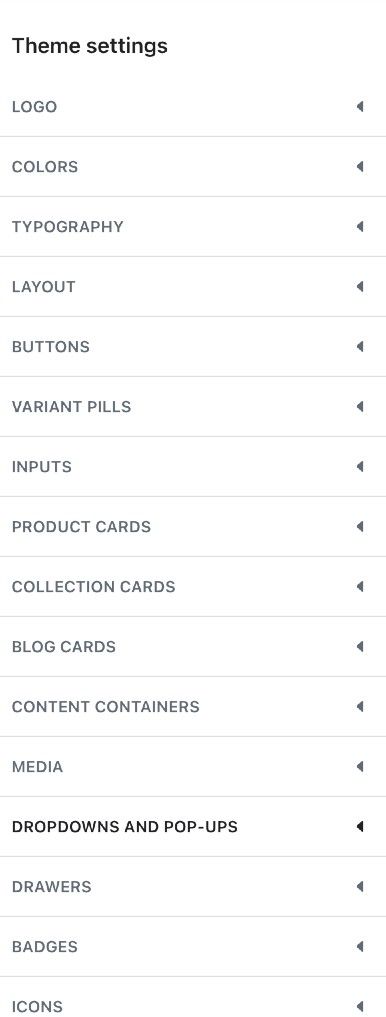
Topic summary
Issue: The merchant cannot find the favicon (small browser tab icon) option in Shopify’s theme settings. Previous attempts, including editing theme.liquid and reviewing forum solutions, did not help.
Context: They are using the “Sense” theme and shared screenshots of their available theme settings to show the missing option.
Guidance: A responder clarified that, in the Sense theme, the favicon setting is located under the Logo section of the theme settings and provided a screenshot indicating where to find it.
Status: No confirmation yet that this resolved the issue. The discussion remains open pending the merchant checking the Logo section for the favicon upload.
Notes: Images/screenshots are central to the thread, illustrating both the merchant’s current settings view and the advised location of the favicon setting.