Hi guys,
What’s the best way to create an offer like this, with the pictures.
Shopify App or coding ?
I want a very customizable option

Thanks
Hi guys,
What’s the best way to create an offer like this, with the pictures.
Shopify App or coding ?
I want a very customizable option
Thanks
You can create this exact design using Rapi: https://apps.shopify.com/rapi
hello @EcomGuru07
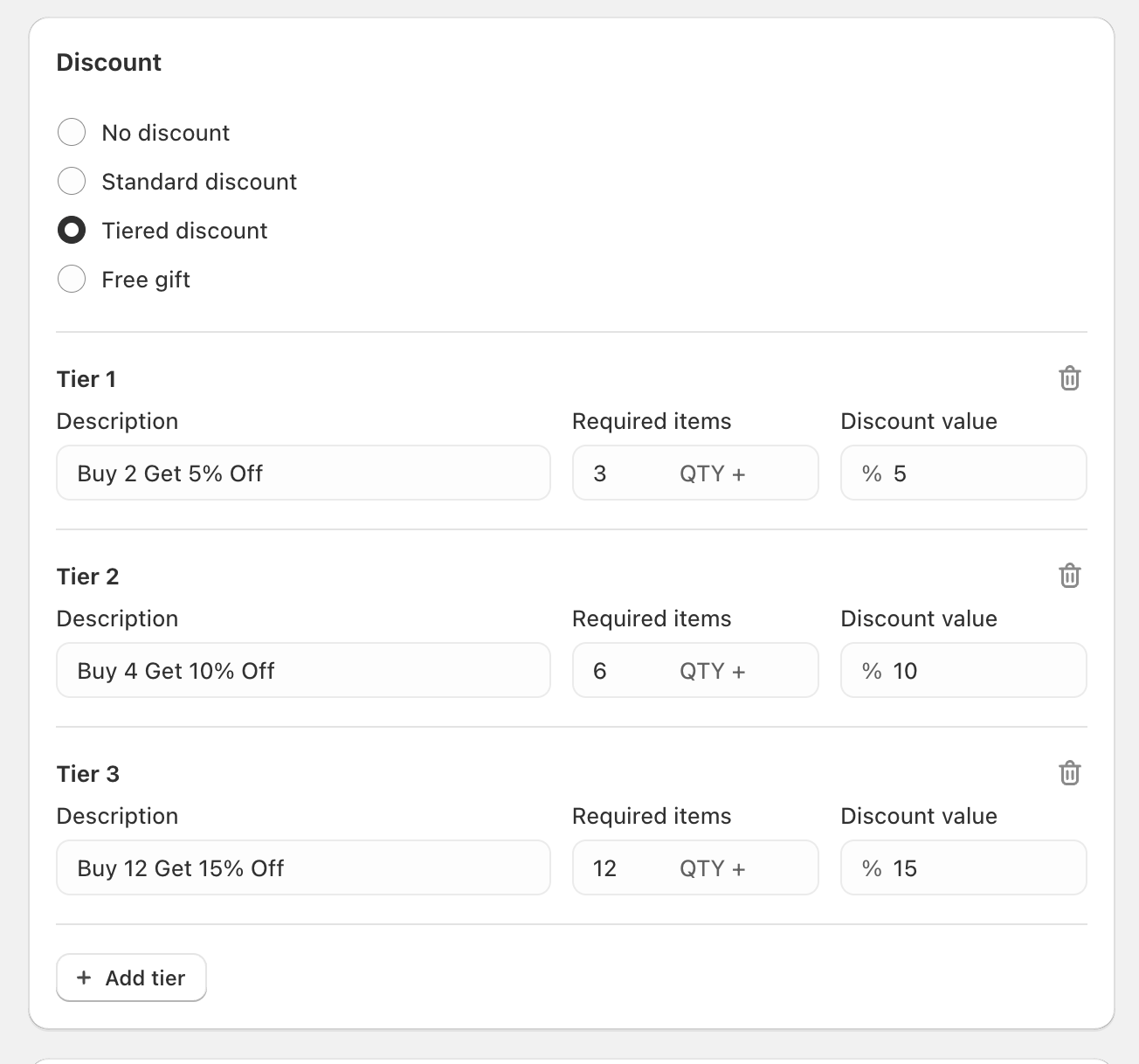
This offer is called ‘volume discount’, the more shoppers buy, the more they save (you can also choose BOGO offer and customize it)
You can create this exact offer by using MBC Bundles MBC Bundles App | Buy X Get Y - Shopify Bundle App & BOGO | Buy X Get Y... | Shopify App Store
You can either offer percentage discount or fixed rate discount for this kind of offers.
Steps:
Install MBC Bundles
Choose the bundling type (Volume or BOGO)
Choose the layout type ‘grid‘ to match the screenshot you uploaded
Add products
Select the ‘tiered discount‘ type and add discounts
Select where the widget will be displayed
Save
Hope this helps