My cookie banner is no longer showing when you come to my page, I think it is due to the codes of the popup.js. can anyone help with this ?
Topic summary
A store owner reports their cookie consent banner has stopped displaying on their website, suspecting the issue stems from popup.js code modifications.
Troubleshooting steps taken:
- Verified customer privacy settings in Shopify admin (Settings > Customer Privacy)
- Confirmed regional settings are properly configured
- Reviewed cookie banner configuration screenshots shared by the user
Current status:
The issue remains unresolved after checking standard Shopify settings.
Recommended next steps:
- Review the cookie banner code within the theme files
- Contact the theme developer for technical support (accessible via Online Store > Themes > Customize > Get Support button)
The discussion suggests this may require developer-level code review rather than a simple settings adjustment, as basic configuration appears correct.
I have checked on your query. May I know that the cookie bar that you are using from Shopify or Third-party app?
Furthermore, can you go to Shopify > settings > customer privacy and share with us the setting of Regions to check further please?

Thank you.
Esther
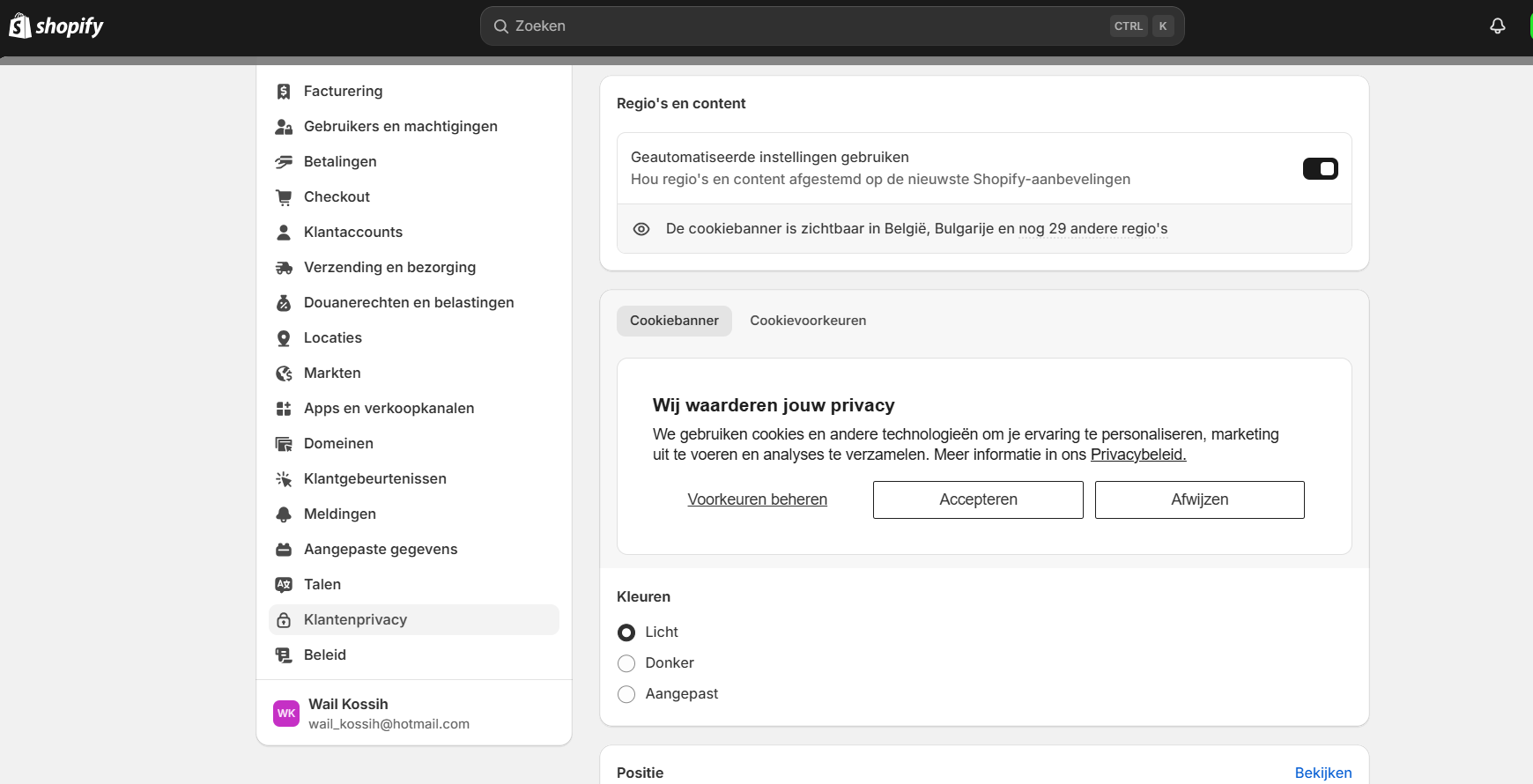
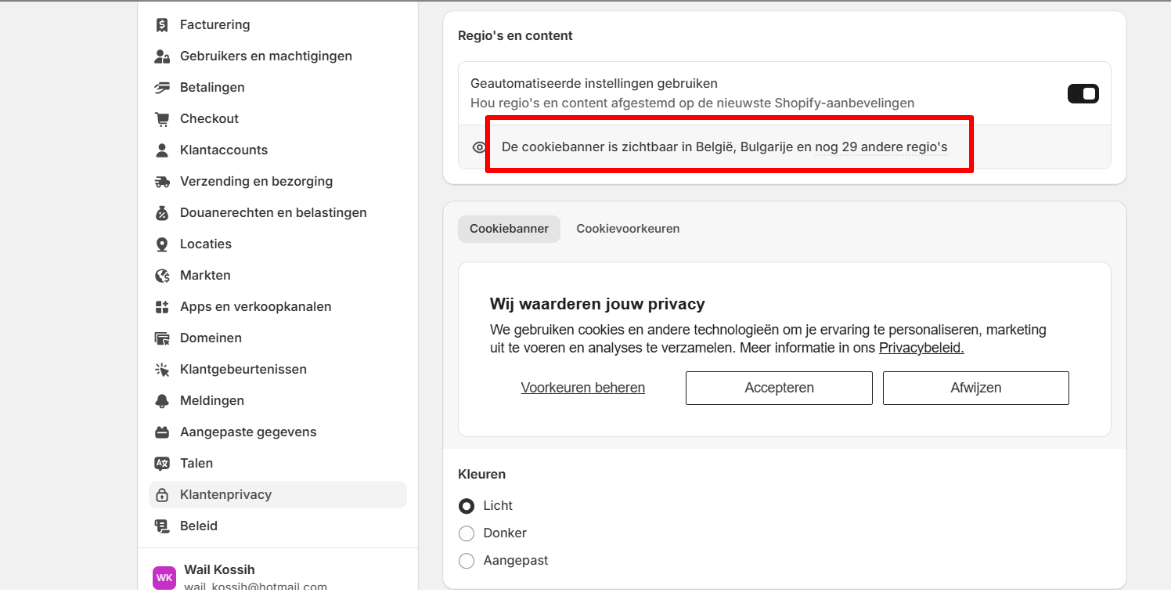
Yes i did.
If it is still not working, i highly reommend to review the code of the Cookie banner within the theme.
furthermore, you can reach out to Theme developer to assist further.
Thank you.
How can i reach the theme developer ?
Thank you @EstherBui
-
Go to Shopify > Online store > theme > customize
-
Click to this button > click to Get support : https://prnt.sc/Zhn0JWqNDuFO
I hope it helps.
Best,
Esther