
Help! My website menu suddenly shows the options for every single currency, it looks so tacky and distracting! I only need CAD,USD,EUR to show. I’ve scoured Shopify back-end and my theme and can’t figure this out. Thanks in advance!
- Which theme are you using?
- Please share the website link
1 Like
Thanks for the reply! I am using Shella by ThemeForest
https://www.youtube.com/watch?v=aGUW1B9byEg
Does this work for you? This is Shella Theme
1 Like
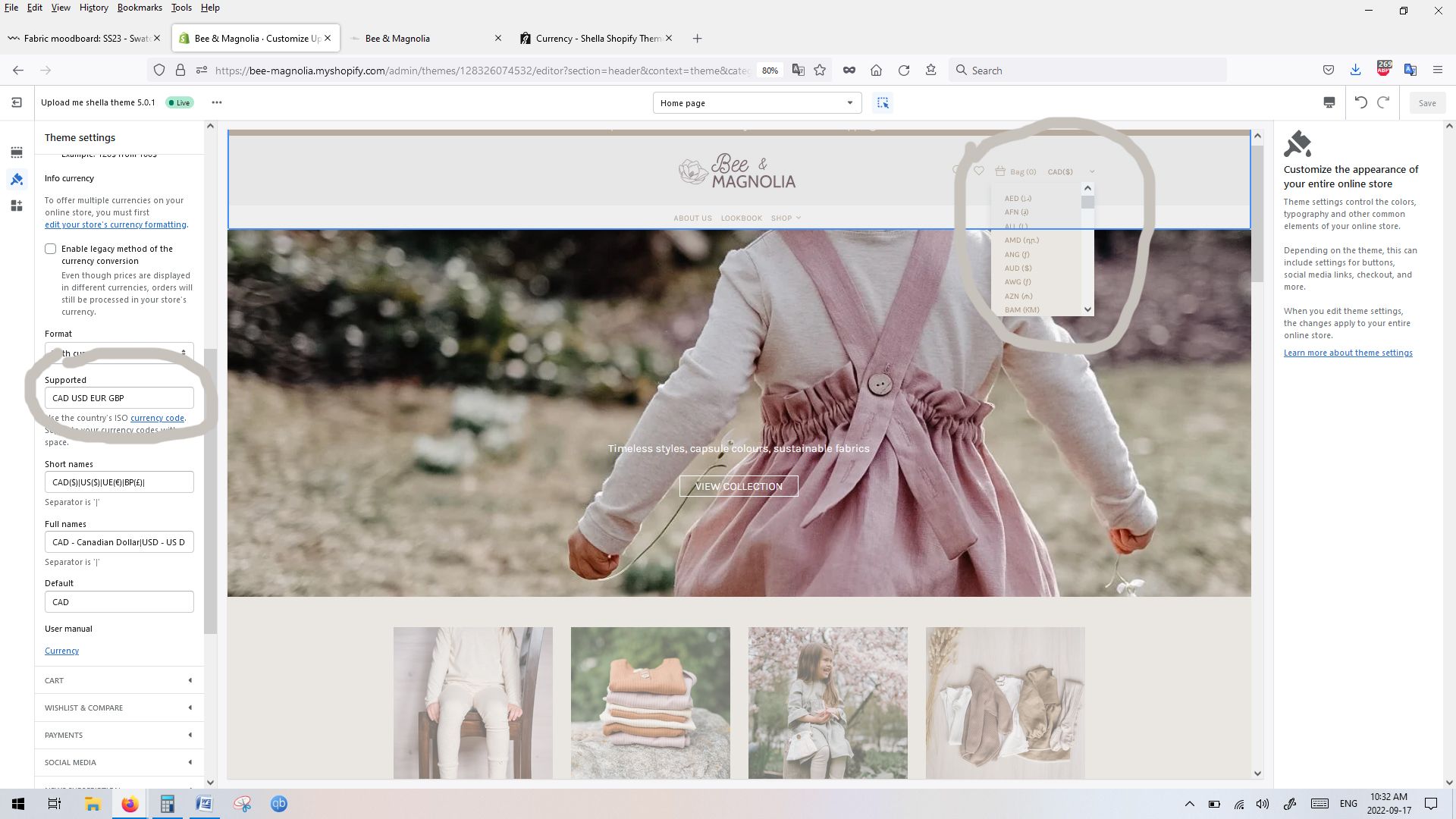
Thank you for the link, unfortunately all the currencies are still listed. Has me wondering if its a setting within Shopify but I can’t seem to find anything
- Can you go to header code Online Store > Themes > Actions > Customize > Search for Header
- Then inside header search for currency
- Then send the relevant code snippet here
1 Like

Thank you so so much for your help! I figured it out. This has been boggling my mind for days!
It was a setting in Shopify, under “Markets”. I clicked off “Show prices to customers in their local currency.” and it seems to have done the trick!
1 Like
Great.