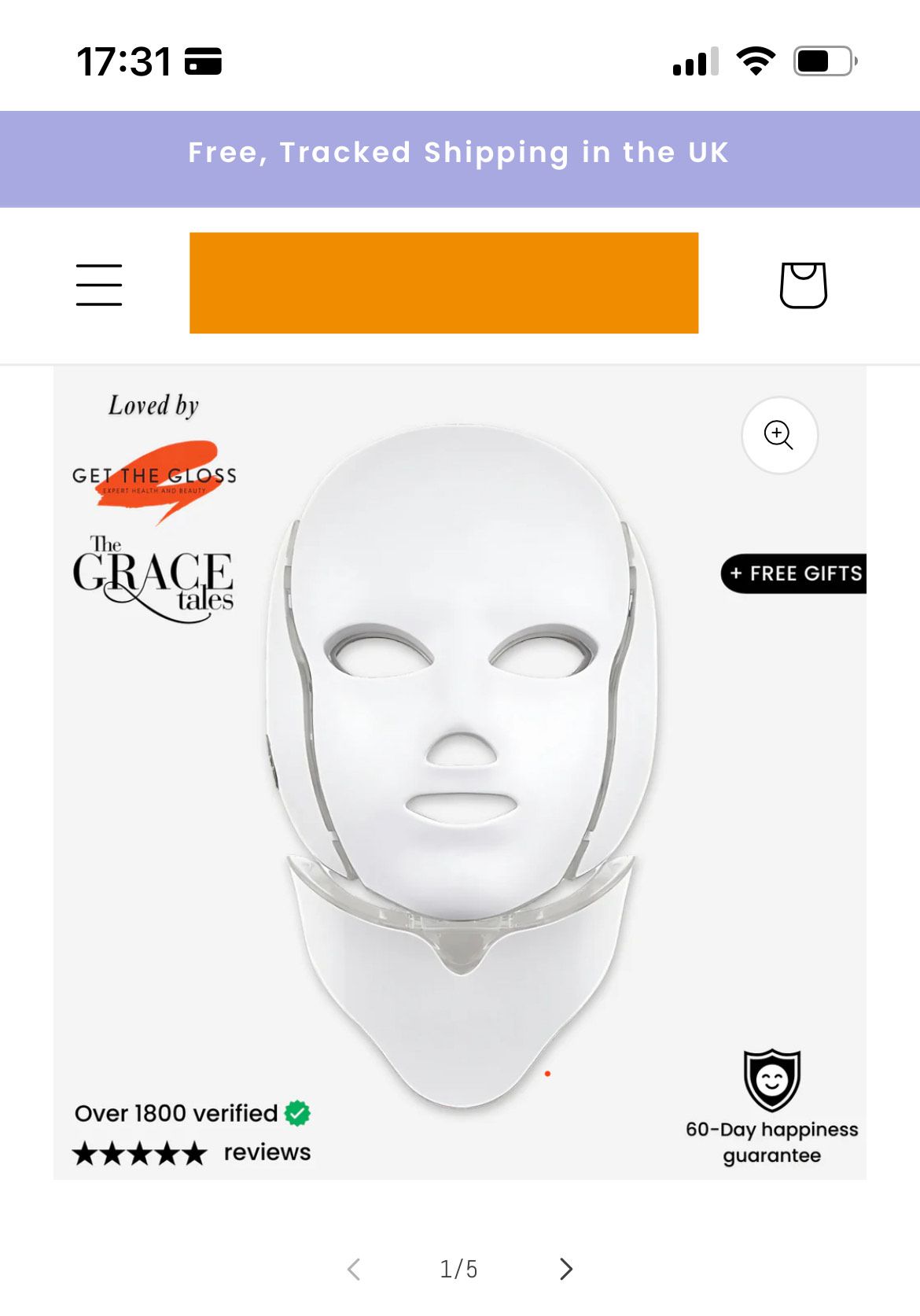
A user sought to remove left and right padding from product images on mobile devices in the Dawn theme, making them full-width. Previously available solutions no longer worked.
Visual Goal:
Transform product images from having side margins to spanning the entire screen width on mobile
Reference images were provided showing current state versus desired outcome
Solution Provided:
Add custom CSS code to the theme.liquid file
Insert the code snippet above the </body> tag
The code targets product media elements and removes padding/margins
Resolution:
The solution successfully resolved the issue
The user confirmed it worked after struggling independently for 4 hours
Summarized with AI on October 27.
AI used: claude-sonnet-4-5-20250929.
Thank you for your reply. I’m glad to hear that the solution worked well for you. If you require any more help, please don’t hesitate to reach out. If you find this information useful, a Like would be greatly appreciated.