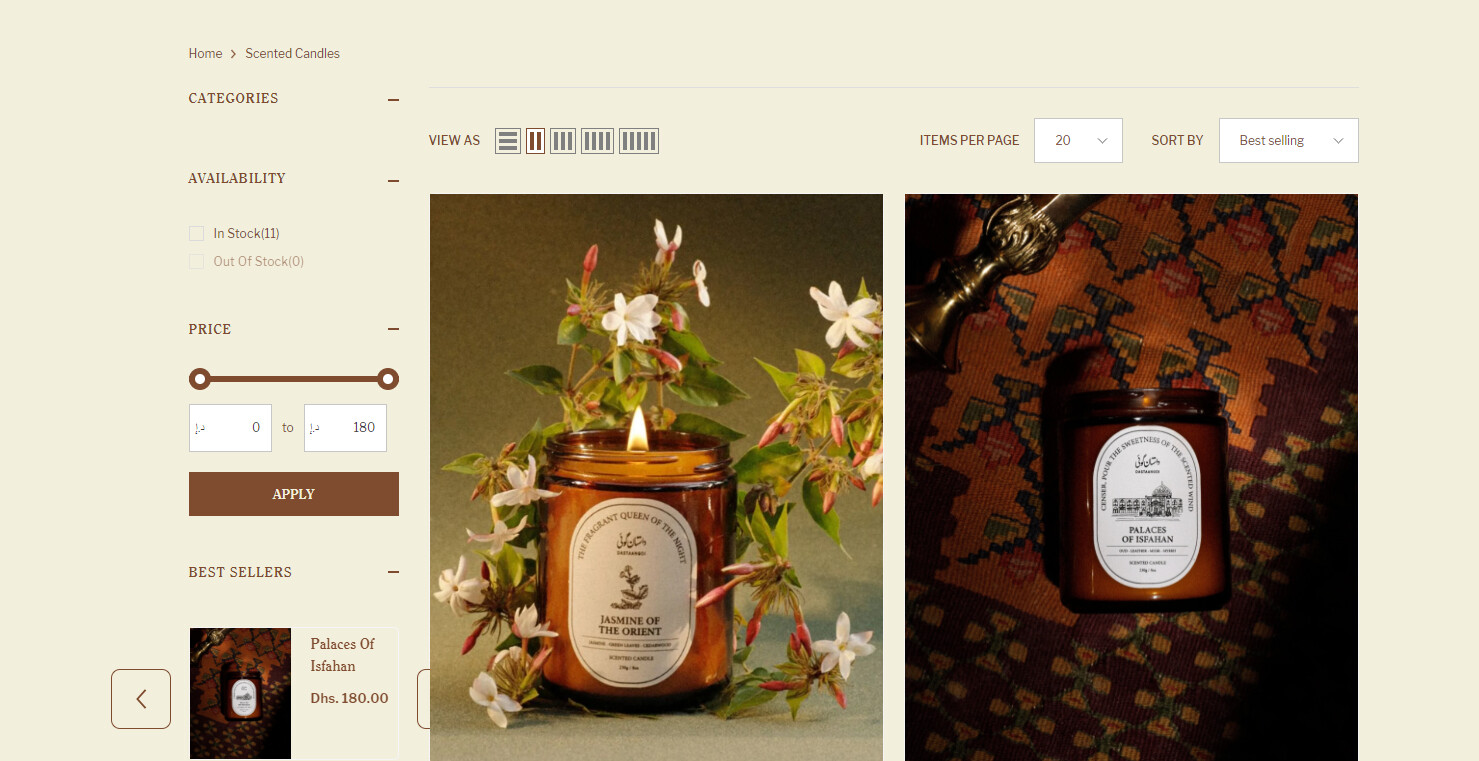
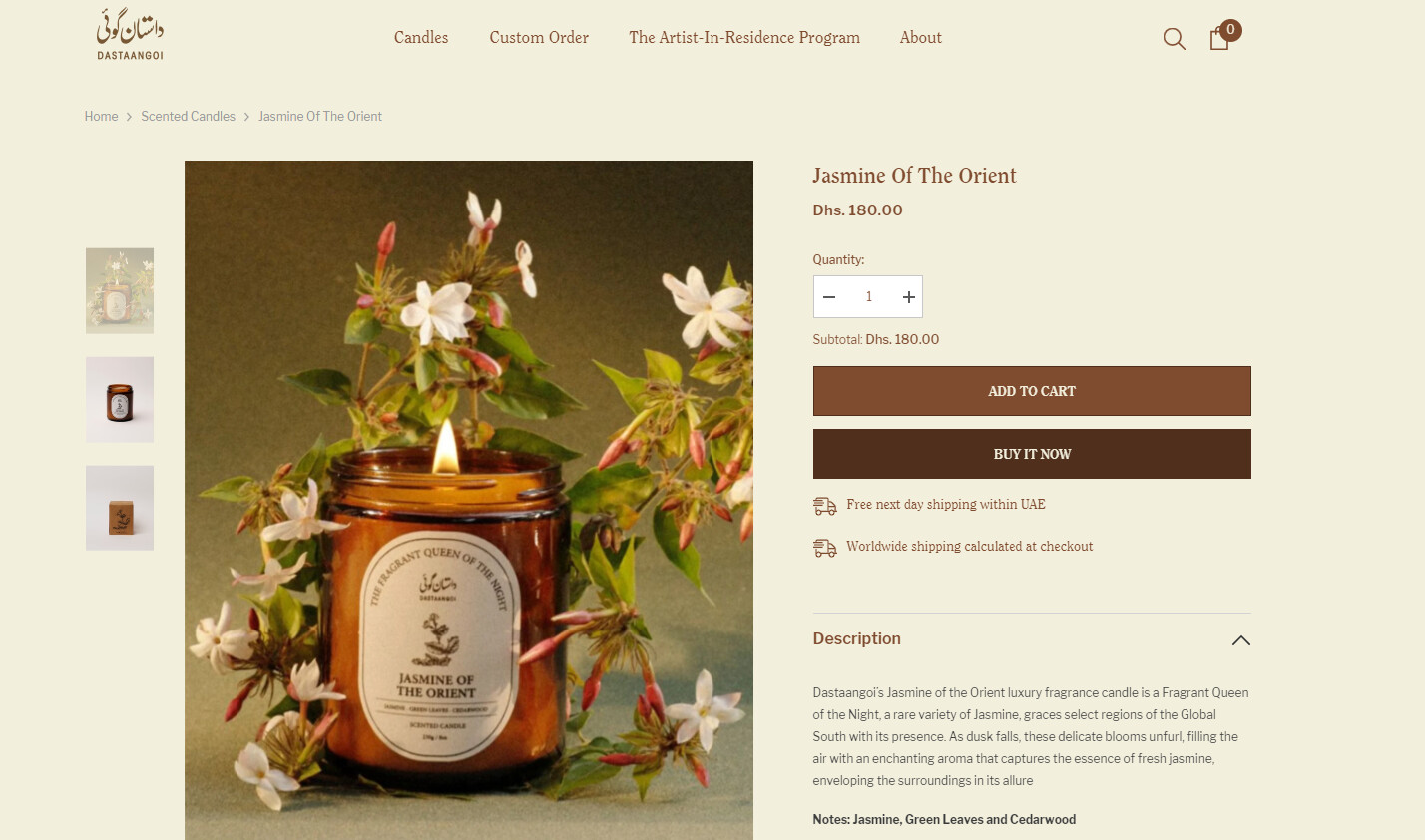
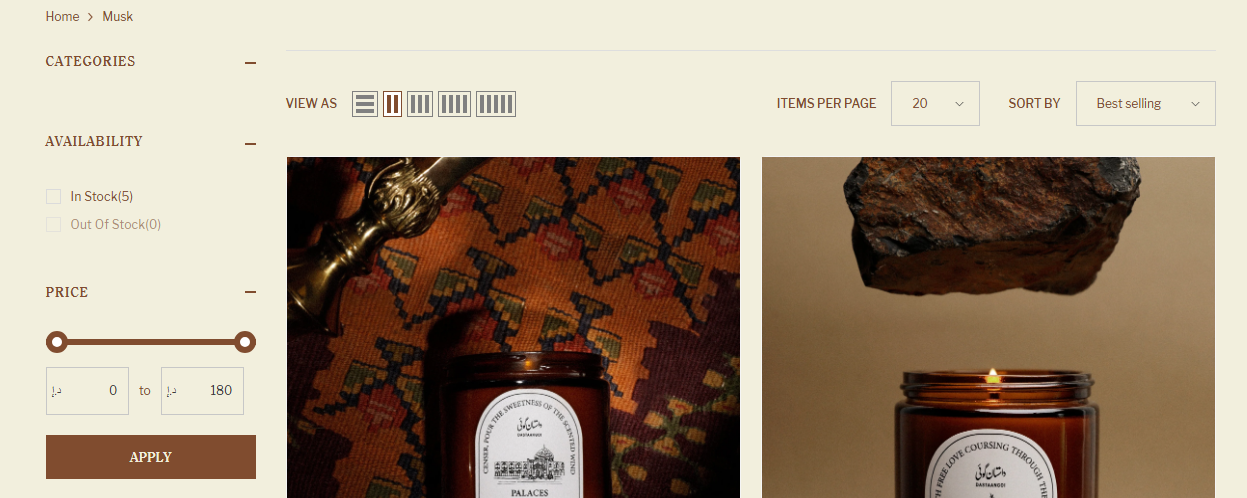
Hi, I need your help again, could you please guide me how can i change the color of these
1- Search bar menu color on desktop and mobile
2- Shopping cart menu on desktop and mobile
3- Customer accounts login menu on desktop and mobile
Store URL : https://ndympeslhzz4qfzr-56680546493.shopifypreview.com
Add this code in your base.css file:
/* Search bar menu */
.sticky-search-menu-open .header-nav-plain .search-modal__form,
.quickSearchResultsWrap,
.products-grid.column-3.disable-srollbar,
.quickSearchResultsBlock .search-block-title .text {
  background-color: #ff9cdd !important;
}
/* Shopping cart menu */
.halo-sidebar-wrapper.custom-scrollbar,
.halo-sidebar-header.text-left {
  background-color: #ff9cdd !important;
}
/* Without access to the login menu */
Change the color to whichever one you prefer!
Result:
1 Like
Thank you so much its working but i can see few spaces are still showing white
1 Like
Also add this code to your base.css file:
.toolbar .toolbar-dropdown .label-tab,
.form-input, .field__input,
.bundlePdItem-container,
.dropdown-menu.hidden-on-desktop,
.search-modal__form {
  background-color: #f2efdd !important;
}
.toolbar .dropdown-menu.hidden-on-desktop .dropdown-menu-body li.is-active {
  background-color: #e1dbb9 !important;
}
.search-modal__form {
  border: 1px solid #a3470b !important;
}
Result:
1 Like
Thank you so much, its working
1 Like