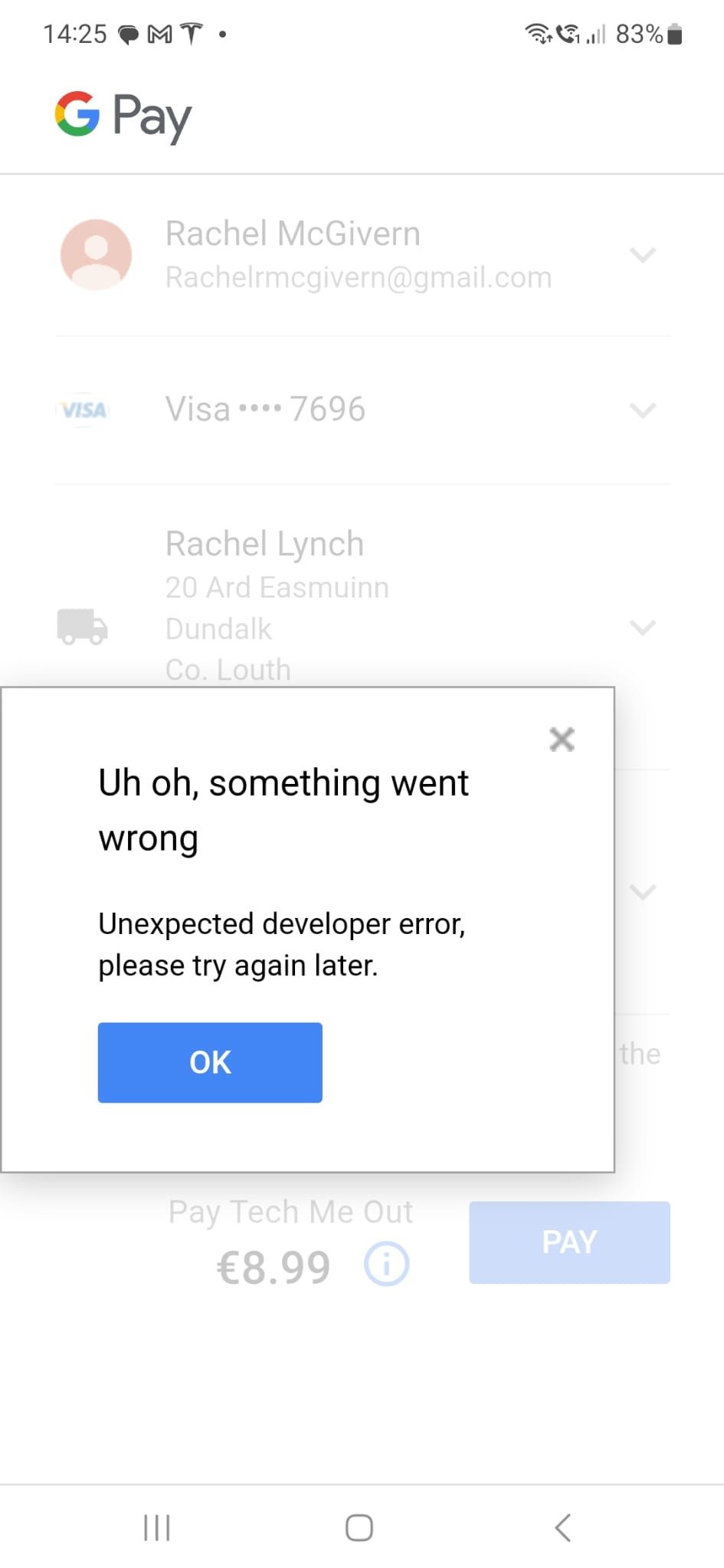
All customers getting this error when trying to use Google Pay to process payment.
Topic summary
Customers are encountering an “Unexpected Developer Error” when attempting to complete purchases using Google Pay at checkout.
Affected Users:
- Multiple merchants report the issue
- One merchant notes 2 out of 3 test orders failed
Potential Causes Identified:
- Missing or unavailable shipping rates for customer addresses
- Invalid or incomplete addresses saved in Google Pay wallets (e.g., incorrect postal codes)
- If the address in Google Pay isn’t 100% valid, shipping rates cannot be retrieved from Shopify, preventing the transaction
Current Status:
- Issue remains unresolved
- One merchant reports both Shopify and Stripe support are deflecting responsibility to each other
- Recommendation: Verify shipping rates are configured for affected locations and confirm customers’ Google Pay addresses are complete and accurate
Hey, @techmeout !
Thanks for reaching out here about this.
- Can you tell me how many customers are affected?
- Are you able to replicate this on your side?
This error can appear if there are no shipping rates available for your customer’s address, can you check and make sure there are rates available for these locations for your customers?
Another reason this specific error message can be presented, is if the customer’s saved address in their Google Pay wallet is not complete/valid - eg: it could be that the postal code is incorrect, for example, and no shipping rates can be retrieved and then pulled through to the Google Pay modal window, (you just see a “Loading rates” message): If the address in Google Pay is 100% correct and valid then the applicable rates from your shipping settings in Shopify will be loaded. I’d recommend checking this with the customers if possible at all!
Let me know how things go!

I have stripe payment gateway. Google pay is not working for 2 out of 3 users who tried top place a test order. I also tried and it did not work. I spoke to the rubbish support of shopify and stripe, they both throw the responsibility on to the other. Any idea why this is happening?? I added a screenshot of the error message.