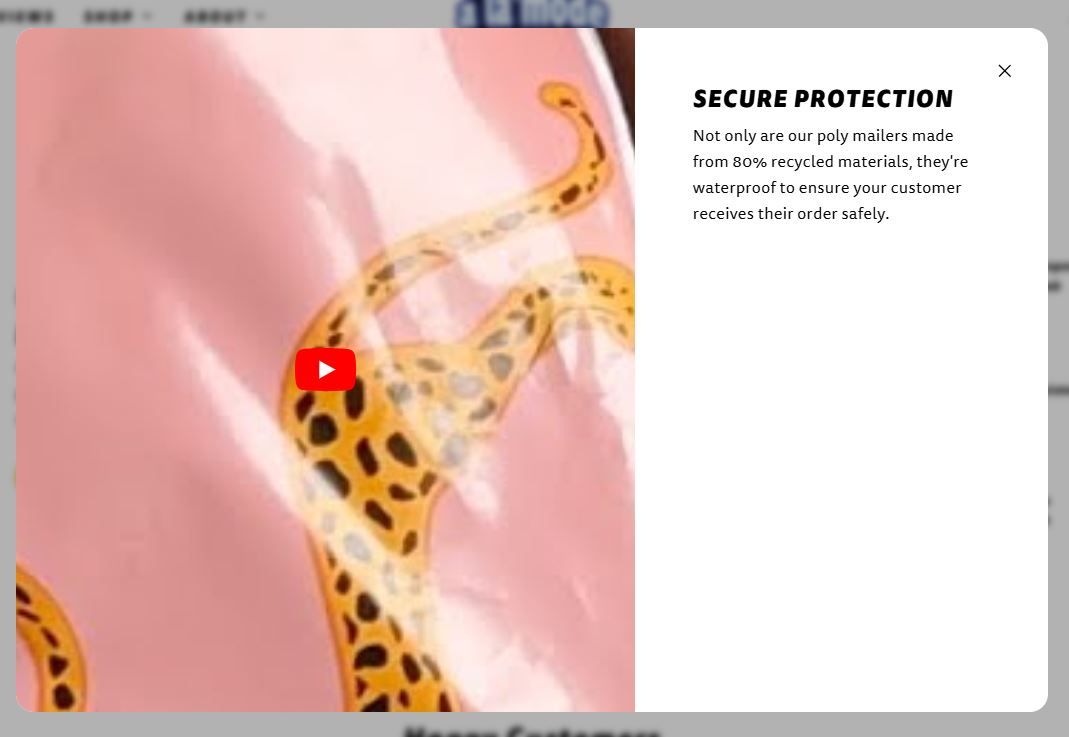
I am trying to use the videos from YouTube for the hotspot popups but I am having two issues:
-
they aren’t playing
-
they aren’t formatted correctly, it’s way too far zoomed in (see image below)
I am using the Taiga template. Can anyone advise on how to fix this?
Hi @ApexEnterprise ,
Thank you for reaching out to the Shopify community. I’d be glad to assist you. Could you kindly share your store URL and
password (if it’s password-protected) so I can review it and provide you with an update?
www.alamodemailers.com
You will see the hotspot section just below the top of the landing page.
Thank you!
I was able to resolve this issue by uploading the video to the “Content” section, copying the link, and using that link as the URL in place of the YouTube hosted URL. Everything formatted correctly, I’d highly recommend uploading videos directly to Shopify instead of using YouTube. I hope this helps!