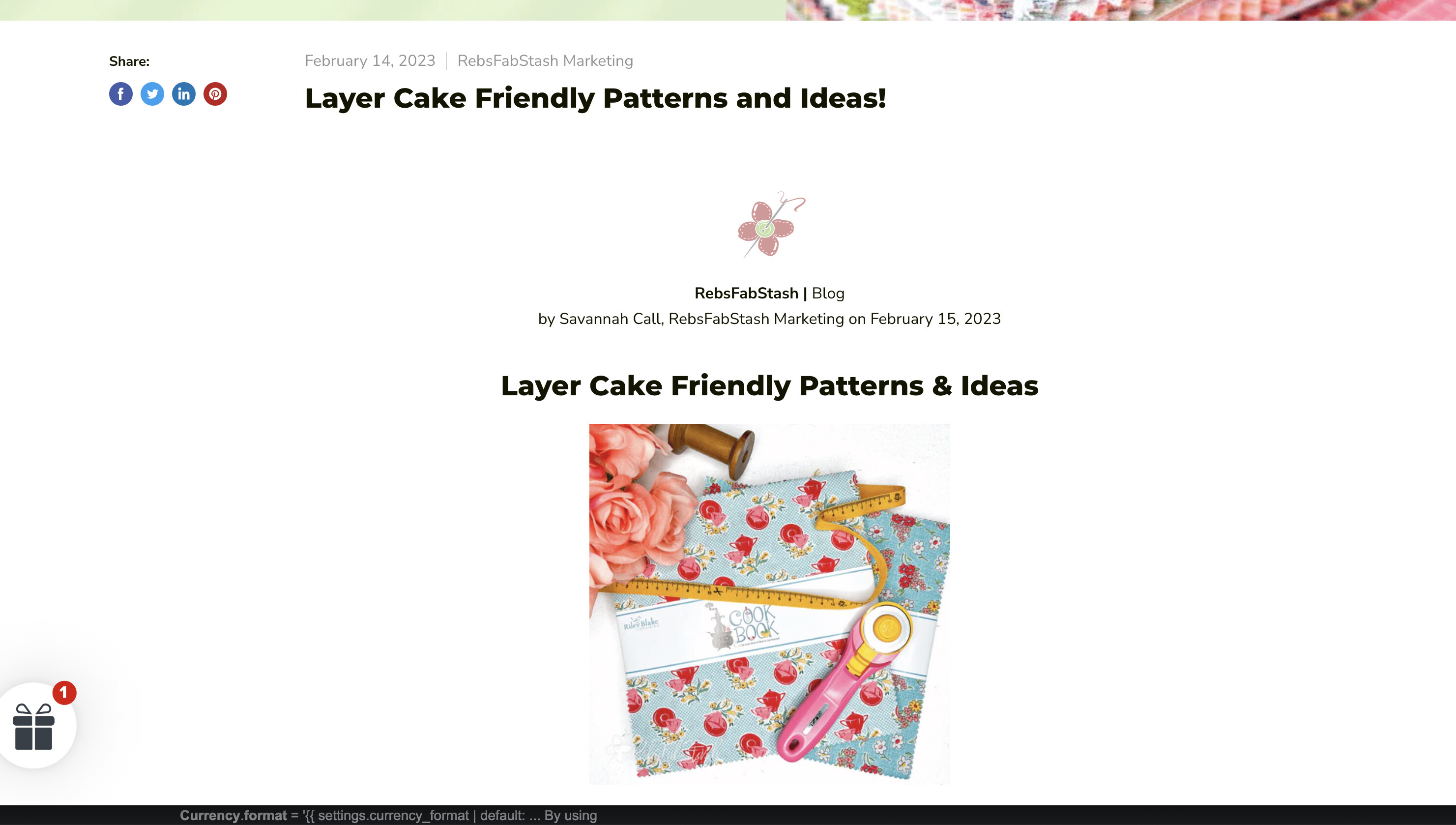
I need some help adjusting the width of the blog posts on my site. They’re just way too narrow, and I’d prefer to widen them at least a little, maybe by 50% or so. Ex. https://www.rebsfabstash.com/blogs/news/layer-cake-friendly-patterns-and-ideas
Theme is Empire.
Not a cs major by any means but I can follow plain-English directions, so any help is appreciated!
-Thanks
Hi @RebsFab ,
You can try this code by following these steps:
Step 1: Go to Online Store->Theme->Edit code.
Step 2: Search file theme.css
Step 3: Paste the below code at the bottom of the file → Save
#shopify-section-template--16345537609877__main .article--inner{width:60vw}
Hope my solution works perfectly for you!
Best regards,
Oliver | PageFly
Hi there! It doesn’t seem to have affected anything, unfortunately.
You can try to add
#shopify-section-template--16345537609877__main .article--inner{width:60vw;max-width:unset}
Thank you so much, this worked perfectly!