My client’s Shopify store has products to sell individually and in bundle.
Store has products (sell individually also):
- Recycling bag (black)
- Recycling bag (white)
- Recycling bag (blue)
Then, it has product:
- Recycling rack (“master product”) → that Recycling rack contain variations: Recycling bag (black, white or blue) → these are dropdown menus on Recycling rack -product page.
So the customer buys a Recycling rack AND could choose the bag they want - from the dropdown.
Any app to solve the problem:
When customers buys a Recycling rack
→ and choose Recycling Bag (black) from the dropdown menu
→ the inventory should -1 Recycling Bag (black) also because the Recycling Bag (black) is also its own product in the store.
Did you get my point?
Hi
You would need to bundle each variation with the component SKUs.
For example you would have something like this:
Recycling rack - SKU: RACK
Recycling bag (black) - SKU: BAGB + SKU: RACK
Recycling bag (white) - SKU: BAGW + SKU: RACK
Recycling bag (blue) - SKU: BAGA + SKU: RACK
Our bundle app will let you connect up all your products to correct SKUs and we then update their inventory based on the component stock level. So in above example when SKU RACK sells from either variation or normal product we then recalculate the stock for all items.
We also have the additional option of unbundling orders made for a bundled product into the component SKUs post purchase. This way the order lines are only for components and can be fulfilled as per normal.
If you need assistance in setting up and testing please get in touch or check our guide:
https://help.channelup.com.au/hc/en-us/articles/900004620086-Bundleup-Guide-for-Shopify
Regards
Tom
Hi @Kjankko-US
This is Jun from Bundle Kit.
Our app is capable of meeting your needs.
Using the example you provided, you would need to first create a dummy bundle product in Shopify. You can name the dummy bundle product as “Recycling Rack & Bag” or however you want.
Under ‘Options’, you can name the ‘Option name’ as “Recycling bag color” and add all 3 colors under ‘Option values’.
Using our app, convert this into a bundle. We have step-by-step instructions here: https://help.bundlekit.io/creating-your-first-bundle
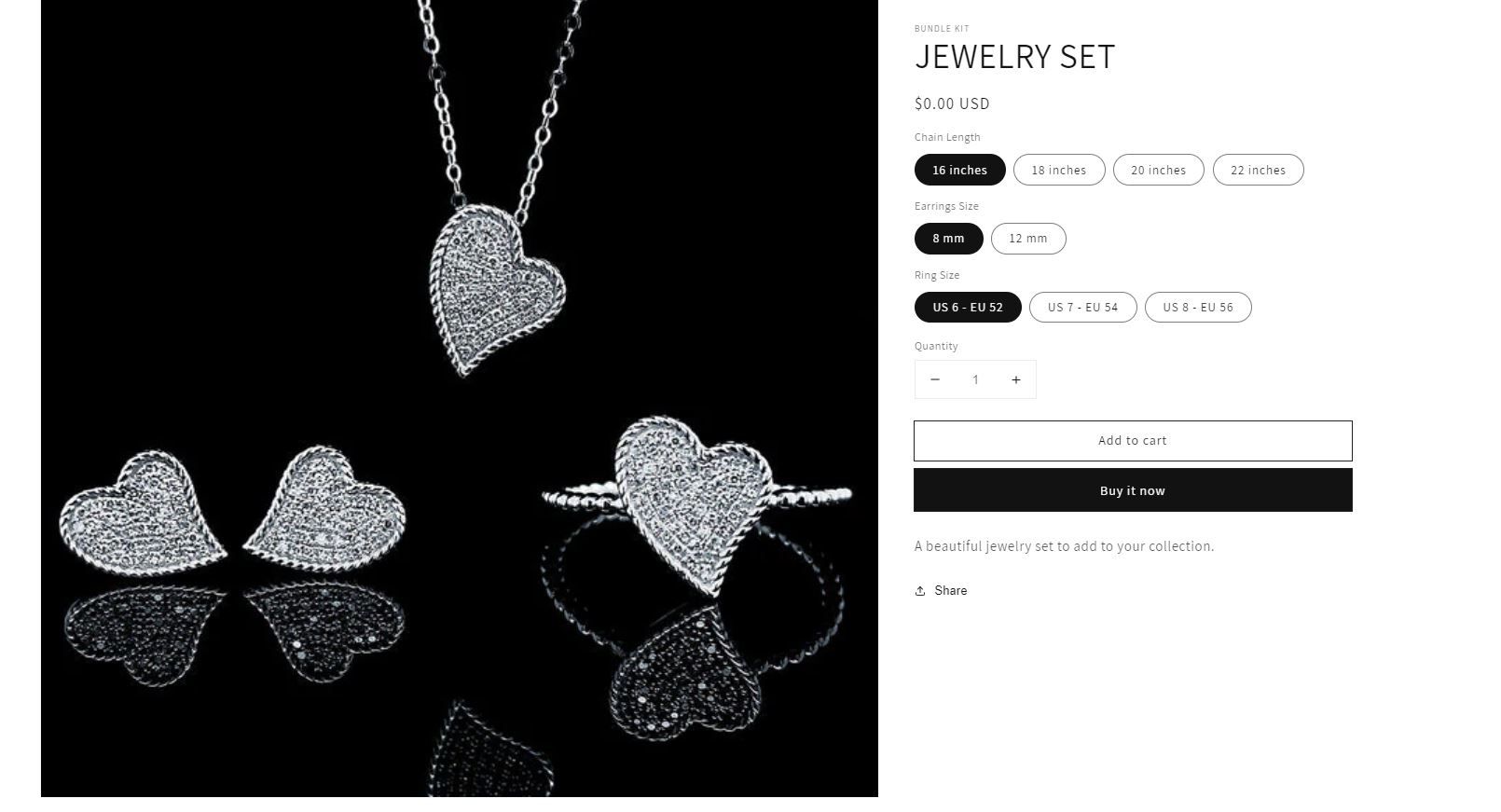
I have also attached a couple of sample bundles so you can visualize the outcome of your bundle.
Please let me know if you have any questions. We are also very much happy to assist you with onboarding.
Hi,
Regarding to this:
- Recycling rack (“master product”) → that Recycling rack contain variations: Recycling bag (black, white or blue) → these are dropdown menus on Recycling rack -product page.
So the customer buys a Recycling rack AND could choose the bag they want - from the dropdown.
Question for you: Does your app show which price in collection page and product page? The price of “Recycling rack” or can I choose the price for example:
Recycling rack (100 euros)
Bag (25 euros)
→ I can show 125euros in collection and product page? Another app which I used shows 100 euros and when I click products to cart → it increases the price in cart → I need to show the price earlier than cart.
Hi,
Regarding to this:
- Recycling rack (“master product”) → that Recycling rack contain variations: Recycling bag (black, white or blue) → these are dropdown menus on Recycling rack -product page.
So the customer buys a Recycling rack AND could choose the bag they want - from the dropdown.
Question for you: Does your app show which price in collection page and product page? The price of “Recycling rack” or can I choose the price for example:
Recycling rack (100 euros)
Bag (25 euros)
→ I can show 125euros in collection and product page? Another app which I used shows 100 euros and when I click products to cart → it increases the price in cart → I need to show the price earlier than cart.
Hi
When you use the bundleup app you set your prices as normal so the user sees them before cart.
We don’t use discounts to adjust pricing as the products are just normal products and components managed in our app not by the buyer.
So in your case the option without bag would be set at 100 and the variation including bag would show 125.
Regards
Tom
Hello [email removed]Kjankko
Hope you are doing well
MultiVariants - Bulk order apps can be a solution for you. Create your variants in your Shopify. Then by using MultiVariants - Bulk order app style view option you can show your variants as a dropdown menu. So, your customers can choose their preferable variants from the dropdown menu by going to the product page.
The SKU comes from Shopify.
Along with that MultiVariants - Bulk order app also allows you to apply min/max order quantity, min/max order value, bundle quantity, incremental quantity, etc.
Here I am providing you with a Demo product. You can select variants from dropdown and order.