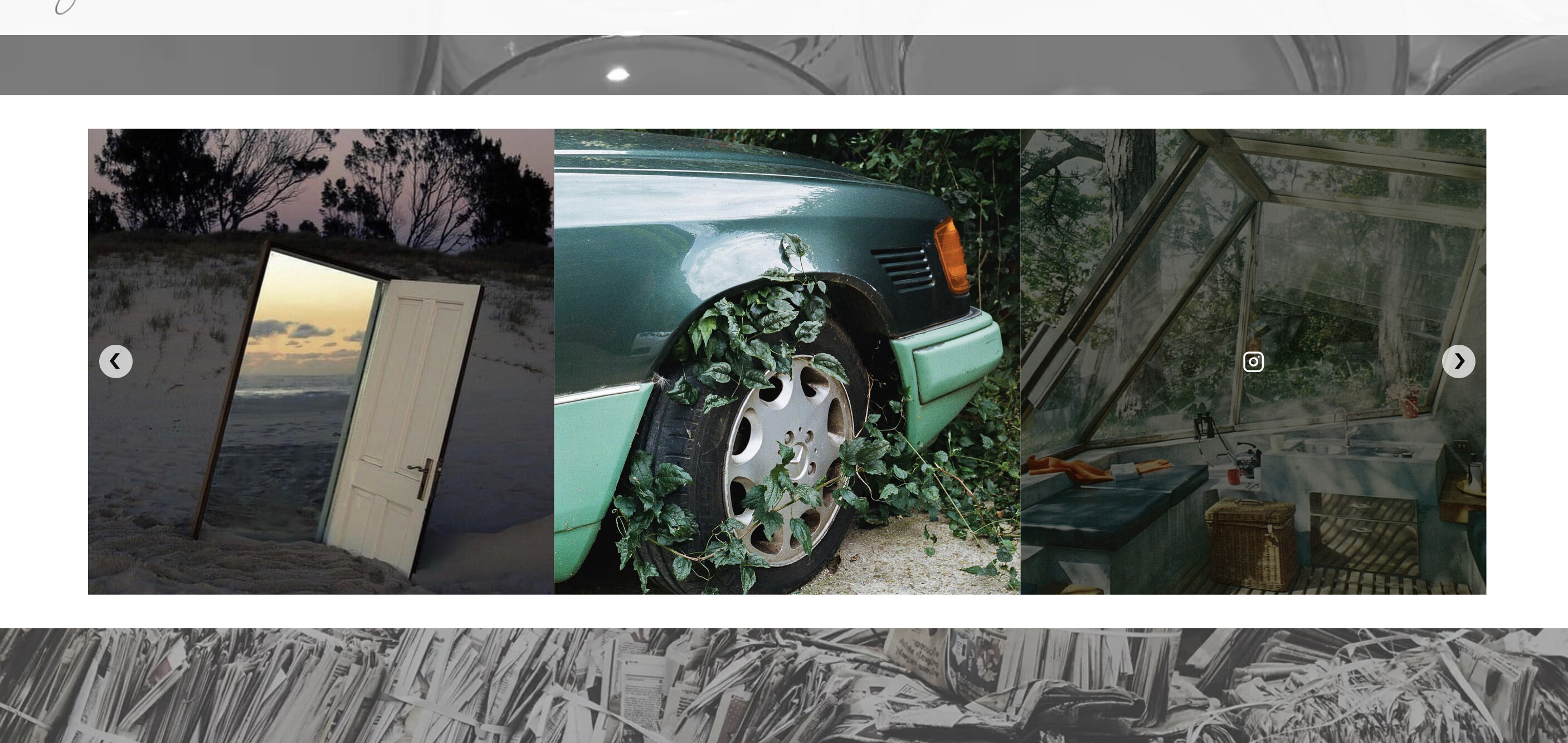
Hello! I am trying to remove the top padding showing above my instafeed app. I can easily remove using the inspect tool, but cannot find the instafeed code sheet to edit on the back end. Can anyone help? The white bar above the feed is the padding I wish to remove.
Changing the margin to 0px is what is working in the inspect tool. See below.
#insta-feed, .instafeed-shopify {
position: relative;
display: block;
box-sizing: unset;
text-align: center;
clear: both;
margin: 0px auto 0;
}
1 Like
Hello @thelittlehousek ,
Please share:
- your store URL;
- page URL with the issue you mention;
- storefront password (if your store has one).
If the store is not online yet, please follow this quick tutorial to learn how to safely and temporarily share an offline/unpublished theme URL.
Kind regards,
Diego
It is the bottom bar right before the footer.
Good day.
maybe you can share the url of shop?
so I can send you the correct CSS code.
P.S. Just want to help you with that white border for free
@thelittlehousek ,
- In your Shopify Admin go to online store > themes > actions > edit code
- In your theme.liquid file, find the (press CTRL + F or command + F on Mac)
- paste this code right above the tag:
-60px = top spacing desktop
-40px = top spacing mobile
make sure you add the - sign as a prefix, it needs to be a negative number to work.
If it helps you please click on the “like” button and mark this answer as a solution!
Thank you.
Kind regards,
Diego
3 Likes
Thank you so much, I was desperate to find a solution!
A big THANKS 
Julien
Hi there Diego!
Hope all is well.
I’m looking to accomplish something similar, but I’d like to get rid of both the top and bottom margings/padding, as well as set it up so that the Instafeed Photos can take up full width (once the margins are gone) without getting distorted.
Any help would be greatly appreciated!
Thanks,
Pat