How do I correctly set up Google Ads conversion tracking?

Topic summary

The original poster successfully resolved their Google Ads conversion tracking issue by importing conversions from GA4 into Google Ads. The standard Shopify Google Channel app automatically handles conversion tracking without requiring manual tag installation.

Key Implementation Points:

  • The Google Channel app auto-generates conversion tracking code when connected to Google Ads
  • Users should verify proper installation using Google Tag Assistant
  • Conversions set up in GA4 need to be manually imported into Google Ads

Conversion Tracking Options:

  • Google Shopping App Purchase: Tracks every ad click leading to conversion (recommended by most respondents)
  • GA4 Import: Only tracks last non-direct click
  • Custom Code: Allows merchants to control what data is sent to Google Ads

Common Questions Addressed:

  • Both tracking methods can run simultaneously, with one set as secondary
  • The app handles conversion value tracking without additional adjustments
  • Manual Google Tag setup is unnecessary when using the Google & YouTube app
  • Connection issues may require disconnecting/reconnecting the app or contacting support

The discussion remains active with users seeking clarification on tag setup options and troubleshooting connection problems.

Summarized with AI on October 24. AI used: claude-sonnet-4-5-20250929.

HI if you install Google and youtube app and connect with google ads Then you don’t need to install google tag manually on the website.

But if you want to track the conversions manually and track through Google tag manager GTM then use google tag manager.

Thanks
Could you please share your issue in details?

Hi J_mah

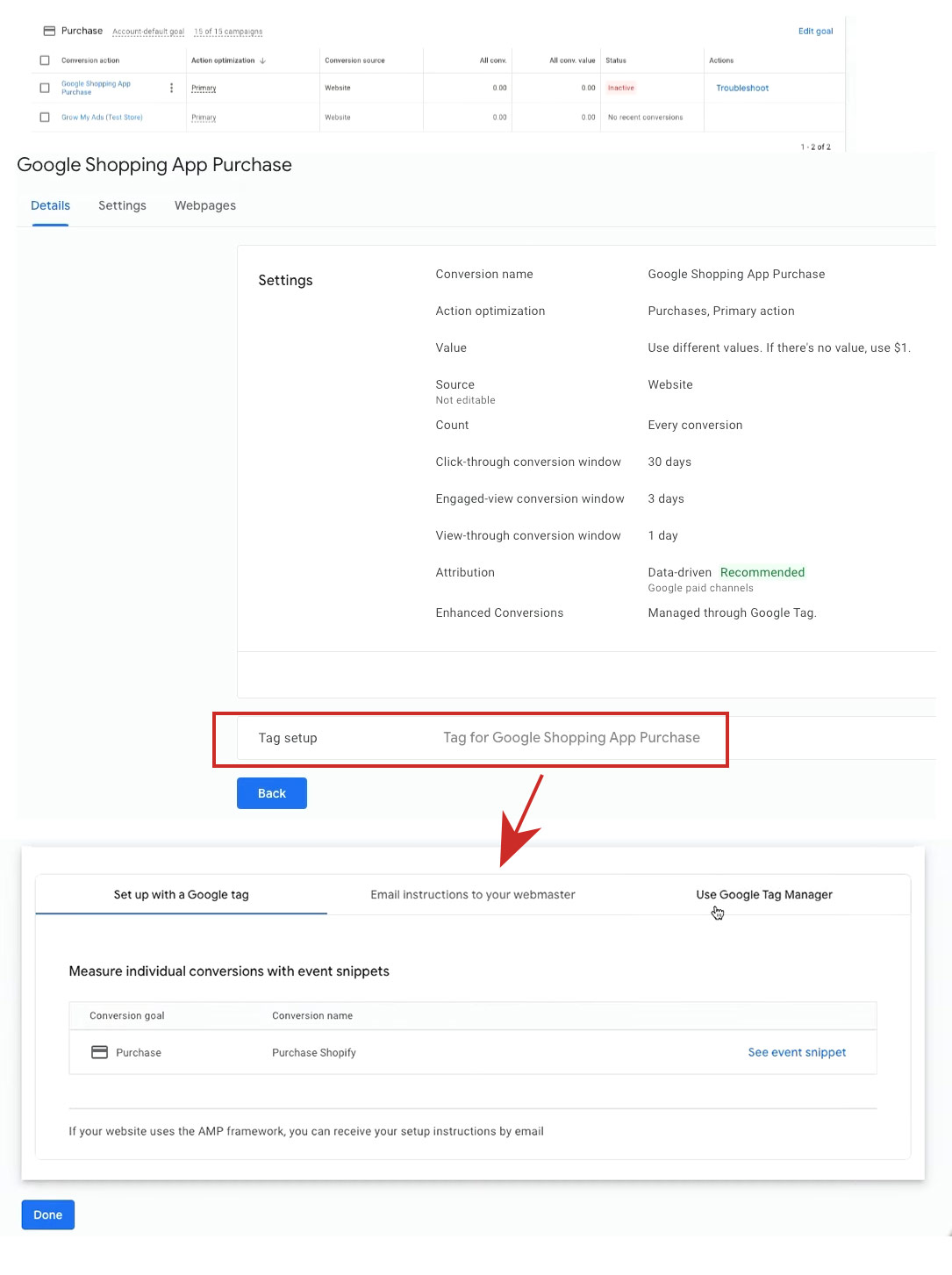
Click the conversion action, here is “tag setup“ which is three options in setting.I wonder if I need set up tag manually.

Thanks