Hi, I’m using studio theme, website is doorstepdrip.com
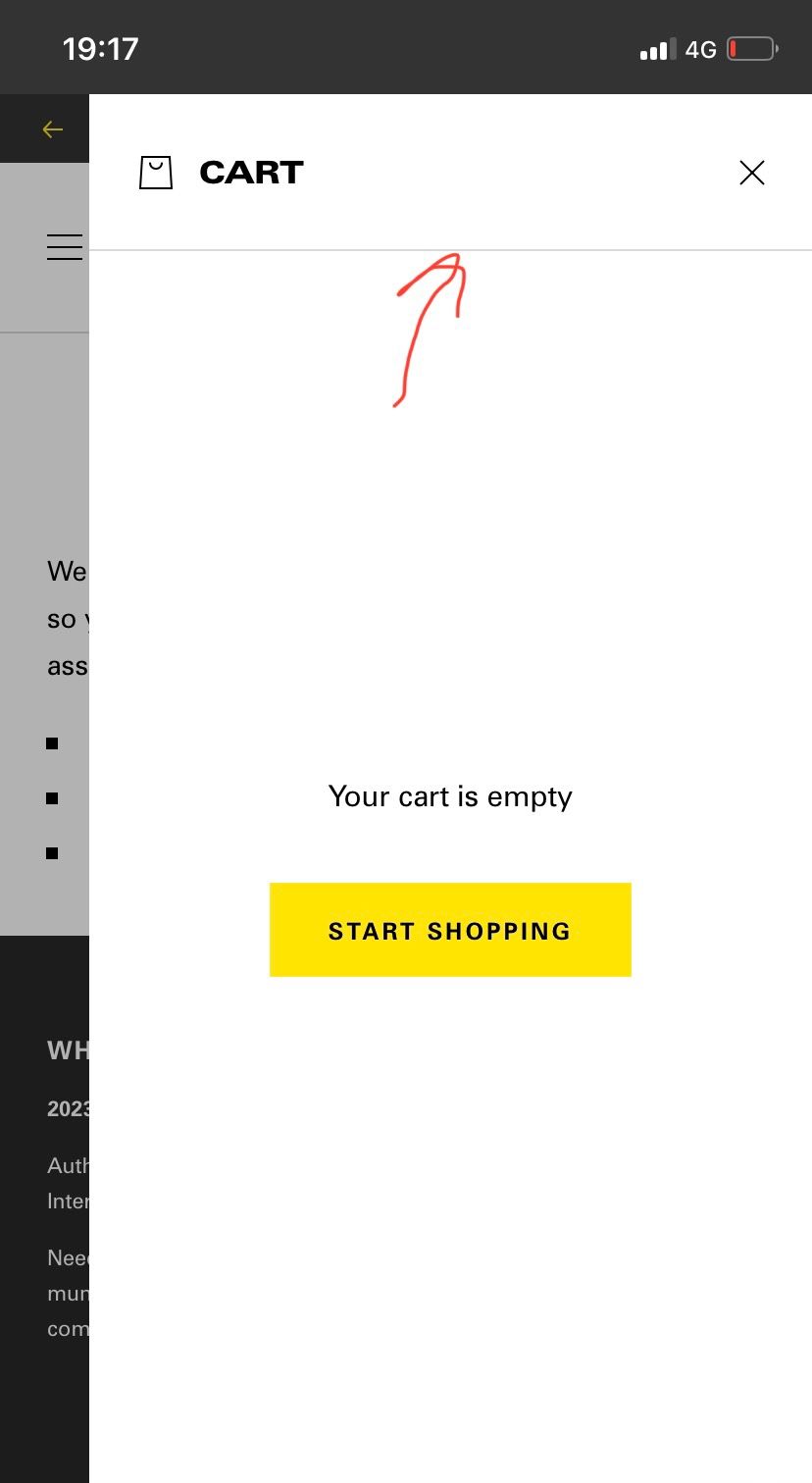
What code would I need to add so I can get a border line below the x icon in the mobile cart drawer. I’d like the line to be full width of the drawer. And to be there when the cart is empty and full please.
like this style:
1 Like
Hi @doorstepdrip
Please follow the instructions below.
- From you Admin page, go to Online store > Themes > Click the three dots on the theme you want to edit > Edit code
- Go to Asset folder and open the base.css file
- At very end of the code, add the code below
.drawer__header {
    position: relative;
}

.drawer__header:after {
    content: "";
    width: calc(100% + 8rem);
    position: absolute;
    background: rgba(0,0,0,0.1);
    height: 0.5px;
    display: block;
    bottom: 1.5rem;
    left: -4rem;
}

button.drawer__close:after {
    content: "";
    width: 400px;
    height: 0.5px;
    position: absolute;
    background: rgba(0,0,0,0.1);
    bottom: 0;
    right: -1rem;
    display: block;
}
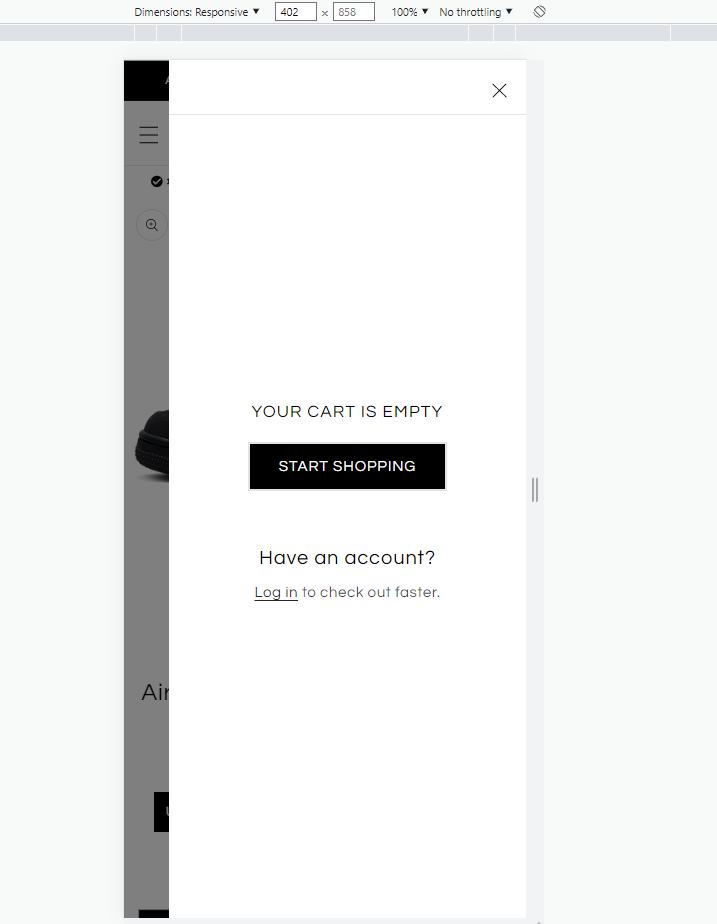
Result:
Hi @doorstepdrip
This is Noah from PageFly - Shopify Page Builder App
Please add this code to your theme.liquid above the to get this solved
Step 1: Online Stores > Themes > More Actions > Edit code
Step 2: click on theme.liquid and paste the code above the
Hope this can help you solve the issue
Best regards,
Noah | PageFly
Hi @doorstepdrip
I hope you are doing good and welcome to the Shopify Community!
I am San from MS Web Designer.
Please add this css in your bottom of the base.css file:
.drawer__header {border-bottom: 0.1rem solid rgba(var(–color-foreground),.08); margin-bottom: 1.5rem;}
.cart-drawer .cart-items th {border-bottom: none !important;}
Regards,
San