How To Remove Cart ‘Drawer’ Border Lines On Mobile (Dawn Theme)

Topic summary

A user wants to remove border lines from their cart drawer on mobile (Dawn theme) and potentially expand the drawer box while making it larger on desktop.

Solution provided:

  • Navigate to Shopify admin → Online Store → Themes → Actions → Edit code
  • Open the Assets folder and locate the CSS file (base.css, style.css, or theme.css)
  • Add the following CSS code at the bottom of the file:
.drawer__inner {
  border: none !important;
}
  • Save the changes

The solution was marked as helpful by the original poster.

Summarized with AI on November 10. AI used: claude-sonnet-4-5-20250929.

Thanks in advance!

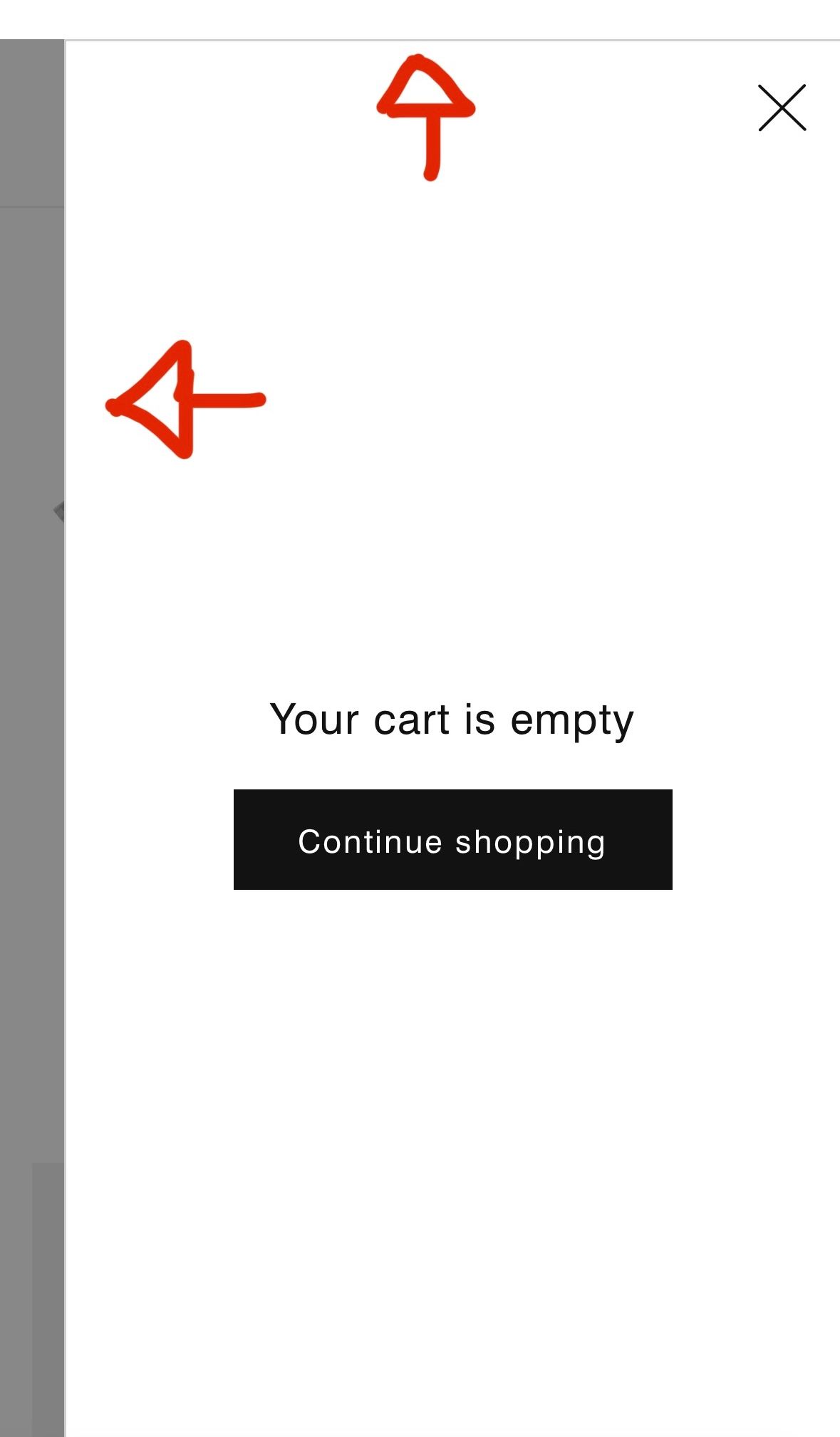
I’m looking to remove the border lines from my cart page that I recently switched to ‘Drawer’ instead of ‘Horizontal’. If there is also a way to expand the drawer box and make it bigger on the pc version that would be awesome!

Example of how my mobile view looks:

1 Like

HI @MMast

Check this one.

From your Shopify admin dashboard, click on “Online Store” and then “Themes”.

Find the theme that you want to edit and click on “Actions” and then “Edit code”.

In the “Assets” folder, click on “base.css, style.css or theme.css” file, depending on which file your theme uses to store its CSS styles. At the bottom of the file, add the following CSS code:
.drawer__inner {
    border: none !important;
}

And Save.

Result:

Please don’t forget to Like and Mark Solution to the post that helped you. Thanks!

1 Like