The footer on this theme only allows for one menu, I would like it to look like this so I can add additional menus:

Website is
Thanks!
A user wants to add multiple menu lists to the footer of the Shopify Foodie theme, similar to a multi-column footer layout shown in their screenshot.
Proposed Solution:
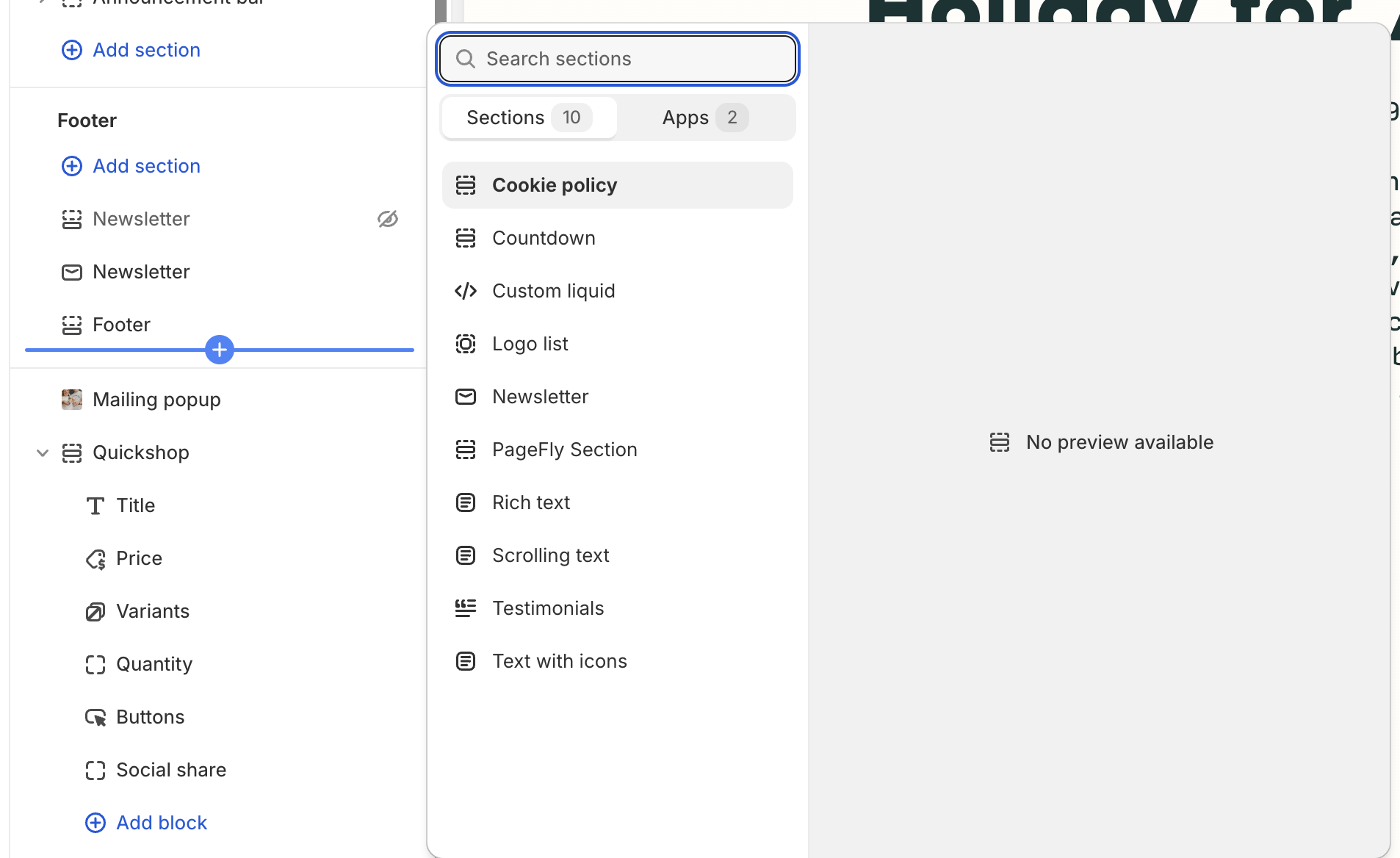
Another user suggested adding multiple menu blocks through the theme customizer (Shopify > Theme > Customize > Footer), then selecting specific menus for each block.
Current Status:
The original poster confirmed this approach doesn’t work—the Foodie theme doesn’t support multiple footer menus through the customizer. They indicated that achieving this layout would require hard-coding/custom development.
Resolution:
The discussion remains unresolved. The theme’s built-in functionality is insufficient, and a code-based solution appears necessary.
The footer on this theme only allows for one menu, I would like it to look like this so I can add additional menus:
Website is
Thanks!
Hi @caedrodgers
You can add multiple menu by following this instruction :
Go to Shopify > Theme > Customize
Add block at Footer : https://prnt.sc/-LbkYzT9kMWf
each one to select the specific menu you want to show : https://prnt.sc/LFKgJzIXpo50
I hope it helps.