How can I change these products instead of saying “Sold Out” to “Coming Soon” ?
Topic summary
A user wants to replace the “Sold Out” label with “Coming Soon” on their product pages.
Another participant asks for clarification about whether these are:
- Custom badges
- Default buttons
They suggest checking the theme’s default content settings in general settings for an option to modify this label.
The discussion remains open with no confirmed solution yet. The outcome depends on identifying whether the label is part of the theme’s built-in functionality or a custom element.
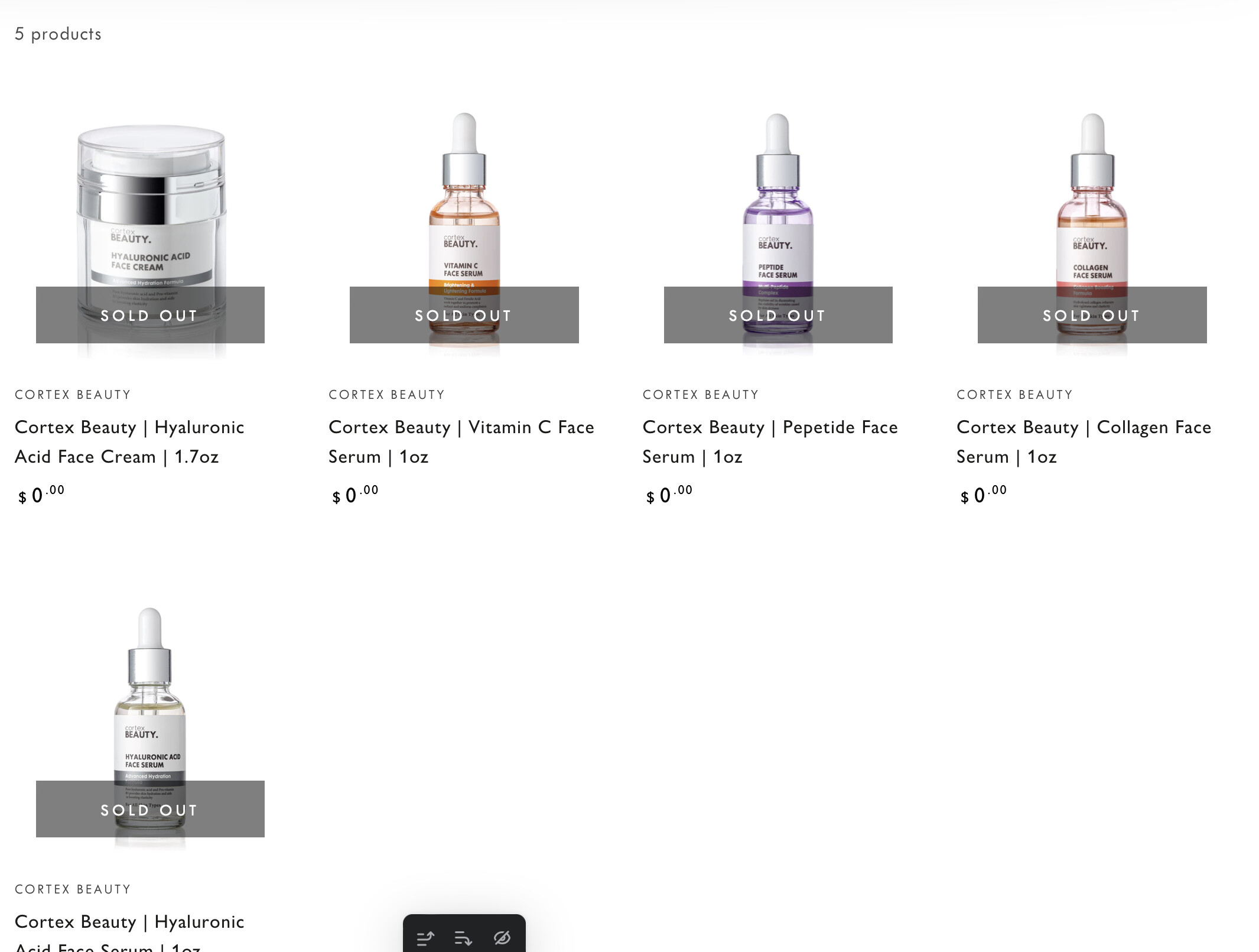
@CortexBeauty - are those badges or default buttons?
you go to edit default theme content and check if you have this option in general settings