Hi @Maxian,
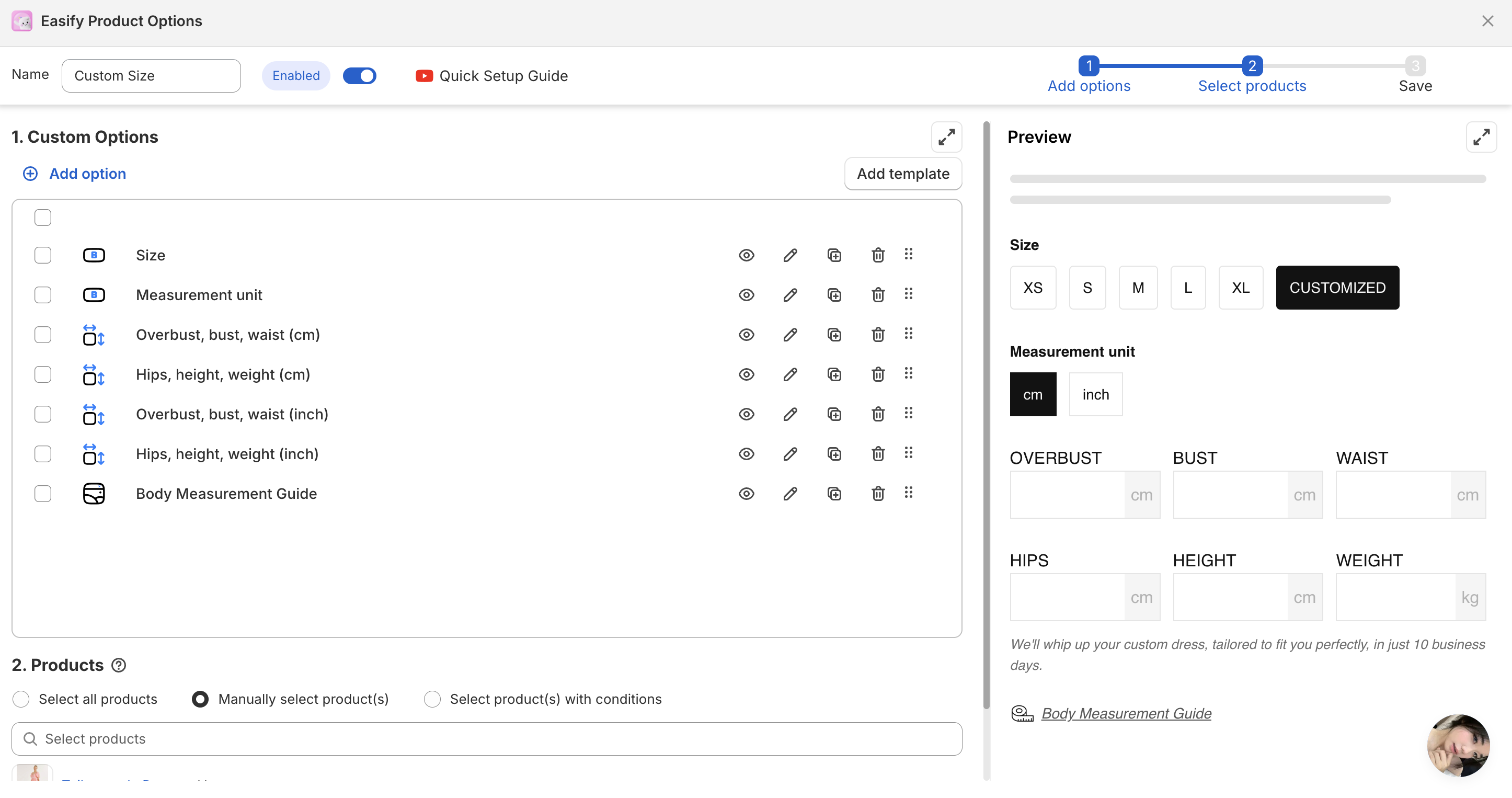
if you want to add a customized size option on your product page (so customers can enter their own measurements), there are two main ways to do it:
1. Using a Product Options App:
Apps like Easify Product Options, Bold Product Options, or Infinite Options allow you to add custom input fields (text, number, dropdown, etc.) directly on the product page. This is ideal for customers entering their own width, height, or other dimensions.
2. Using Custom Liquid (manual solution):
You can add a custom input field in your product template (for example, custom_size) using Liquid. This will create a Line Item Property, which gets passed along with the cart data.
Note: This doesn’t create a real Shopify variant — it’s just additional order information attached to the product.
Example:
Field: “Width (cm)”
Field: “Height (cm)”
These inputs appear in the order details once the customer checks out.
If you want dynamic pricing or stock control based on size, then you’ll need a Shopify app or a Shopify Functions setup.
We’ve implemented this type of feature for several Shopify clients — if you’d like, I can guide you step-by-step based on your current theme (e.g., Dawn, Impulse, Prestige).
Would you like to continue working on this, or can we mark your question as solved?
Best regards,
Rafael from Muthwerk
 E-Commerce Solutions & Shopify Optimization




 click profile pic in forum for options.

