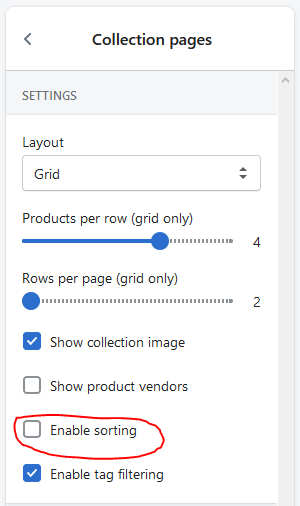
Great question. We will be adding some code to the very bottom of the theme.scss.liquid to achieve this.
NB When editing the CSS of your theme it is always a good idea to duplicate your theme first and making the changes on the duplicate. This will prevent any errors from occurring on your live site. We also recommend adding CSS to the bottom of the file as opposed to altering the preexisting code. The new code will overwrite the previous code.
Go to Online Store > Actions > Edit Code. Open the Assets Folder > theme.scss.liquid and scroll to the very bottom of the file. Add the following code:
I’m assuming you meant theme.css becuase I see no "theme.scss.liquid" under Assets. I pasted the code there and it didn’t work, let me know what to do.
Apologies, @coff001 , you are absolutely correct, I was working off an older version of the theme which uses the file name theme.scss.liquid. Did @prinpadure 's steps work or would you like me to look further into this for you?
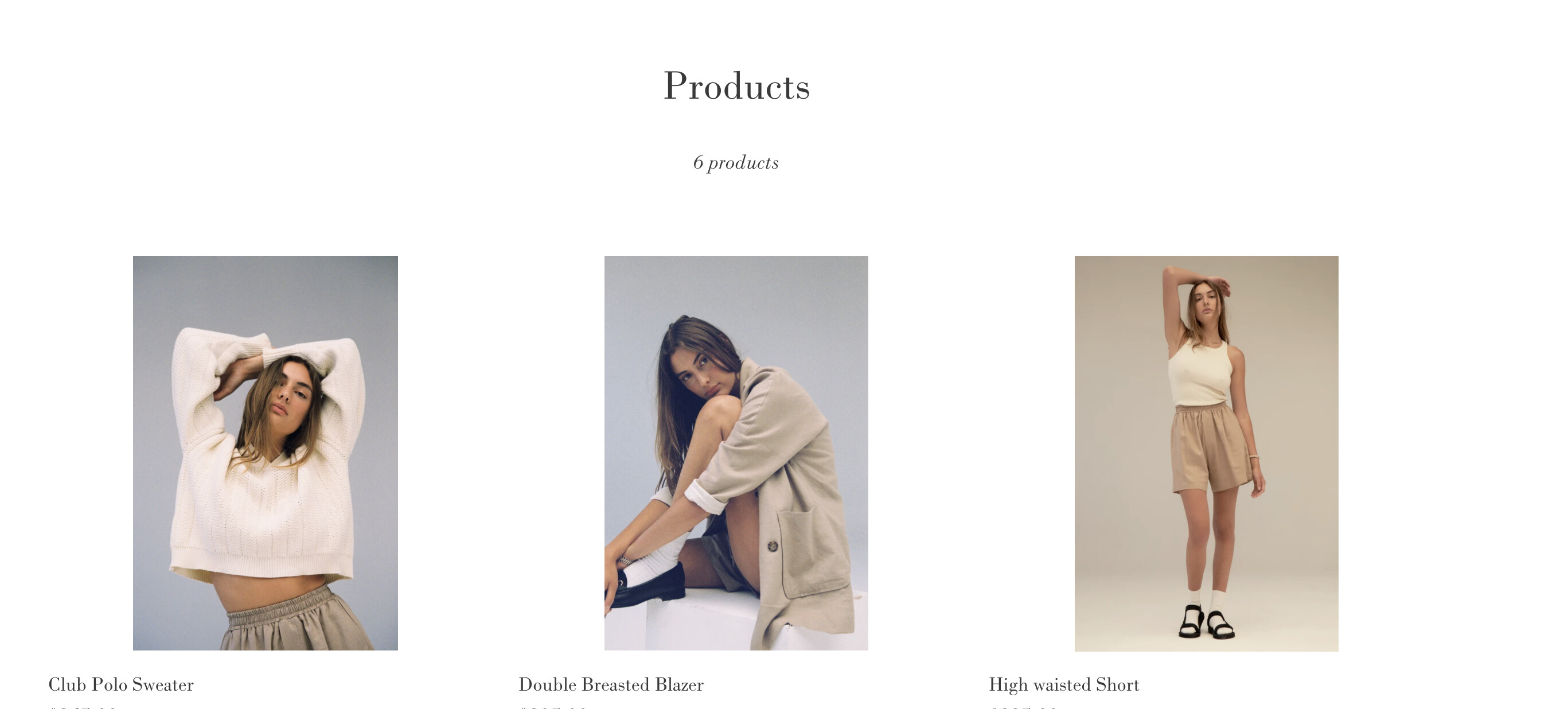
I am trying to delete this “Sort By” menu (and the “6 products” listed on the right-hand side of this menu) from my Products page completely as I only have 6 products.
I have tried to add the code you suggested here into my Assets folder theme.css but it doesn’t get rid of the sort by menu?
Any advice on how I can do this would be greatly appreciated!
Could you please provide us with the name of your theme, a link to your store, and a screenshot of “6 products” listed on the right-hand side of this menu that you want to get rid of? Thank you.
Apologies for that, it looks like this is the All Products page as opposed to a regular collection page. Please look for the following code, it should be on line 67 or so:
{% if is_filter_by_available == false and section.settings.sort_enable == false %}
            {{ 'collections.general.items_with_count' | t: count: collection.products_count }}
          {% endif %}
is there any other way to achieve this? Because before updating my theme it worked for me as well but now it stopped working even though the code should be implemented in the right way. The Theme is Expanse.
I know this thread is several years old but, this is the only thing that’s relatable for what I’m trying to accomplish. I currently have the Ella Version 6.4.1 theme and I am simply trying to remove this generic “Best Selling” vendor example template that shows up in the cart. Any guidance from anyone would be greatly appreciated.