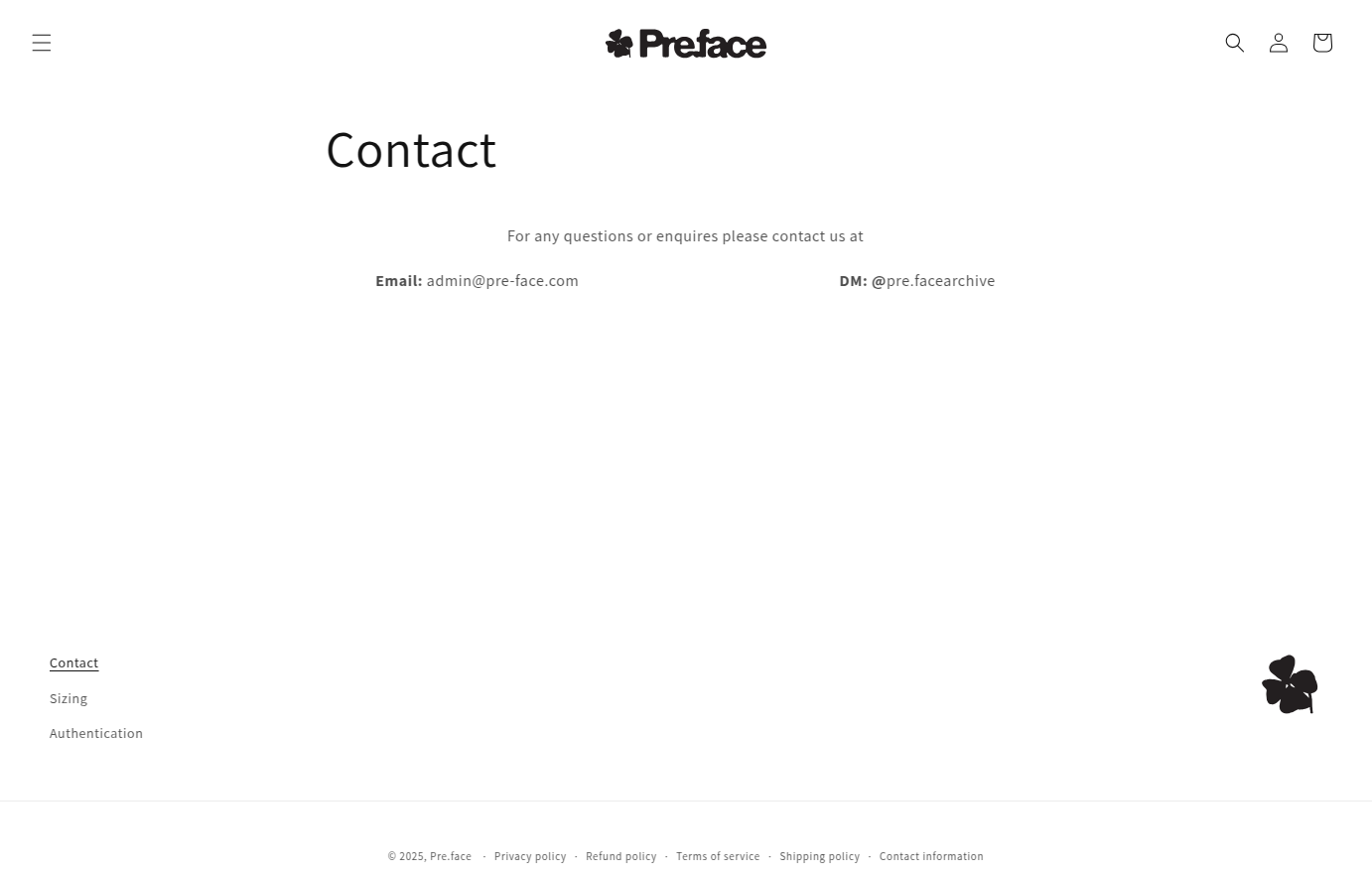
how to make footer stay at the bottom of page? Dawn theme

Topic summary

A user encountered an issue where the footer on their Dawn theme store wasn’t staying at the bottom of pages with minimal content, leaving unwanted white space above it.

Problem Details:

  • Footer appeared mid-page on content-light pages
  • Previous solutions from older threads had failed
  • Store URL: pre-face.com (password-protected)

Solutions Provided:

Two community members offered CSS fixes:

  1. Moeed’s solution: Add custom CSS code in theme.liquid file above the </body> tag to position the footer

  2. B2Bridge’s solution: Insert specific CSS targeting the footer section ID in the component-card.css file:

#shopify-section-sections--18232232345796__footer {
    align-self: flex-end !important;
}

Resolution:
The issue was successfully resolved using one of the provided CSS solutions. The user confirmed the fix worked perfectly, keeping the footer anchored at the bottom regardless of page content length.

Summarized with AI on October 30. AI used: claude-sonnet-4-5-20250929.

Im having trouble keeping the footer at the bottom of the page when viewing pages with little content. I would like to have the footer always fixed at the bottom.

I have tried a lot of the solutions on older threads but all have failed.

does anybody have a fix for this?

Thanks!

1 Like

Hey @Pre-face4000

Welcome to Shopify Community! Can you share your Store URL so I can have a look on it? Also, if you have password enabled then please share the password as well. Your cooperation would be greatly appreciated.

Best Regards,
Moeed

Could you share password to view your store?

Hi @Pre-face4000
Can you kindly share your store link (with the password, if any) with us? We will check it and suggest you a solution if possible.

URL - pre-face.com

Password - hairso

1 Like

URL - pre-face.com

PASSWORD - hairso

1 Like

Hey @Pre-face4000

Follow these Steps:

  1. Go to Online Store

  2. Edit Code

  3. Find theme.liquid file

  4. Add the following code in the bottom of the file above tag


RESULT:

If I managed to help you then, don’t forget to Like it and Mark it as Solution!

Best Regards,
Moeed

1 Like

Hi @Pre-face4000 , you can follow these steps:

Step 1: Open Online Store → Themes → Edit code.

Step 2: Find component-card.css file

Step 3: Paste this code at the bottom of the file

#shopify-section-sections--18232232345796__footer {
    align-self: flex-end !important;
}

If this is helpful, please let us know by giving us a like and marking it as a solution. Thank you :heart_eyes:

1 Like

Thank you so much!!! that worked perfectly

1 Like

Thank you for your reply. I’m glad to hear that the solution worked well for you. If you require any more help, please don’t hesitate to reach out. If you find this information useful, a Like would be greatly appreciated.