,
Hello,
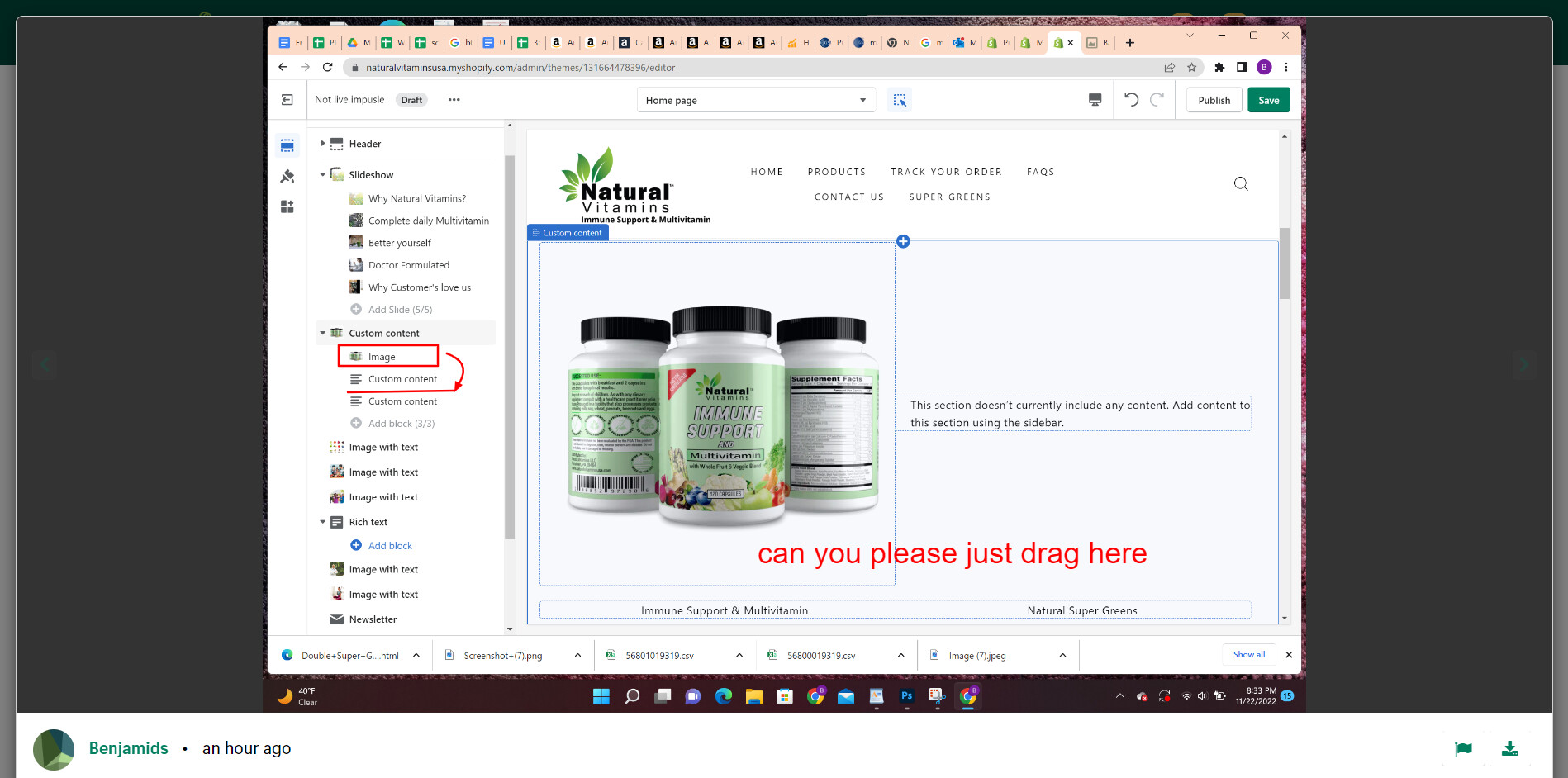
I was wondering if anybody can help me with putting a picture to the right of the image below. I have the picture I want. My stores theme is impusle and my website is naturalvitaminsusa.com
Any and all help is very much appreciated.
A user seeks help adding an image to the right side of existing custom content on their Shopify store using the Impulse theme.
Proposed Solutions:
One responder suggests the task is “easy to manage” and references screenshots showing before/after views, though specific implementation steps aren’t clearly detailed in the corrupted text.
PageFly’s Victor recommends inserting custom code into the theme.liquid file by navigating to Online Store → Theme → Edit code → theme.liquid and pasting code before the closing </body> tag.
Status: The discussion remains open with multiple suggested approaches provided. Screenshots and code snippets appear central to the solutions but are partially corrupted in the conversation text, making complete implementation details unclear.
,
Hello,
I was wondering if anybody can help me with putting a picture to the right of the image below. I have the picture I want. My stores theme is impusle and my website is naturalvitaminsusa.com
Any and all help is very much appreciated.
Hi @benjamids ,
This is Victor from PageFly - Shopify Page Builder App.
I’d like to suggest this idea:
Go to Online Store->Theme->Edit code->theme.liquid->paste bellow code in tag
Please refer to this screenshot:
Hope you find my answer helpful!
Best regards,
Victor | PageFly