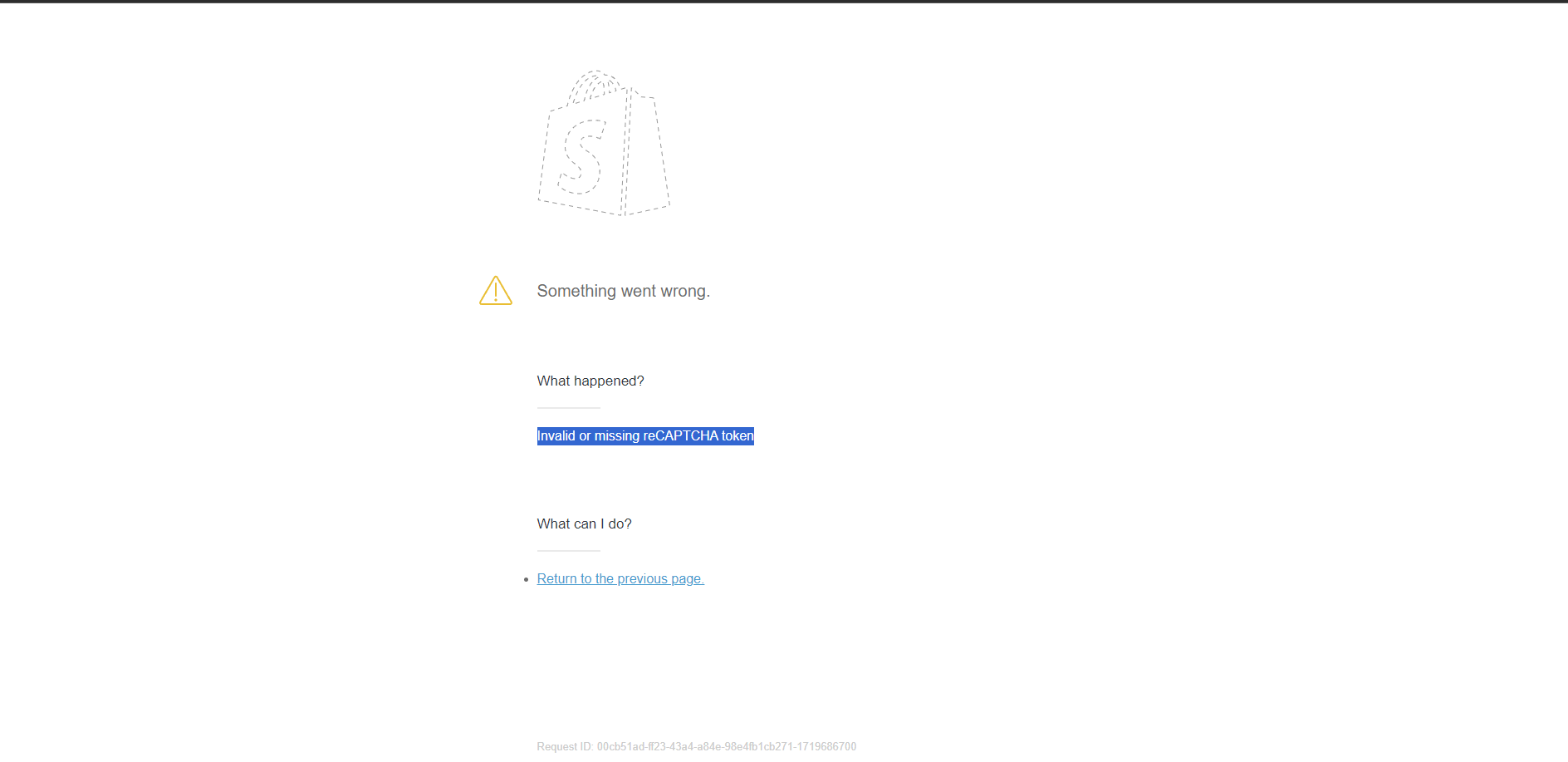
Good Morning, we’ve had an ongoing issue where our customers are receiving an “Invalid or Missing reCAPTCHA Token” error when trying to login to our site via Chrome. The login works fine on Safari and Firefox, however the error persists on Chrome. We’ve turned the reCAPTCHA requirement off and back on again and the error remains.
Has anyone else experience this issue and/or does anyone have a remedy? I’ve been chatting with the Shopify technicians but they’re unable to provide a solution at this time.
Thank you for sharing this feedback in our community. I don’t have any known or open issues right now with Google recaptcha, so I do recommend creating a support ticket with our chat team in our Help Center so this can be logged and tracked. Hopefully this is something we can get resolved ASAP for you!
Thanks for reaching out, and I’m sorry to hear about your issue. As my colleague Shay mentioned, it is best that you contact our live support team so we can investigate this further. To get in touch, you can follow these steps:
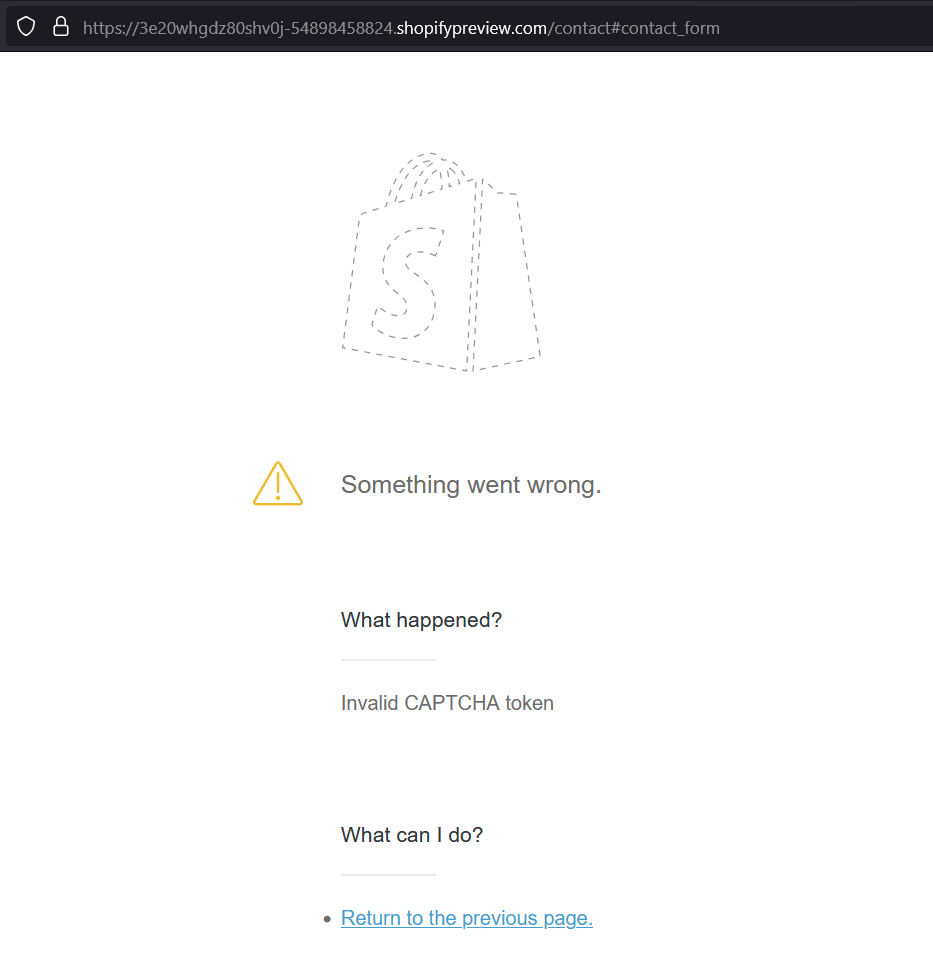
I am trying to enable captcha on my email signup, but I am experiencing the same error. Except it says “Invalid or missing CAPTCHA token” and in my Online Store preferences the setting says “Enable hCaptcha”. Did they swap to another Captcha provider recently?
It seems they did swap to hCaptcha without any info. “Invalid or missing CAPTCHA token” is still valid issue, some customers can send the form but some of them can’t. It’s so frustrating and it seems that the only solution for now is turning off the spam protection…
At this point with the function enabled it’s either throwing the error mentioned or just accepting the form. Plus you get a ugly hcaptcha widget on the side of your webshop for free when filling in any form