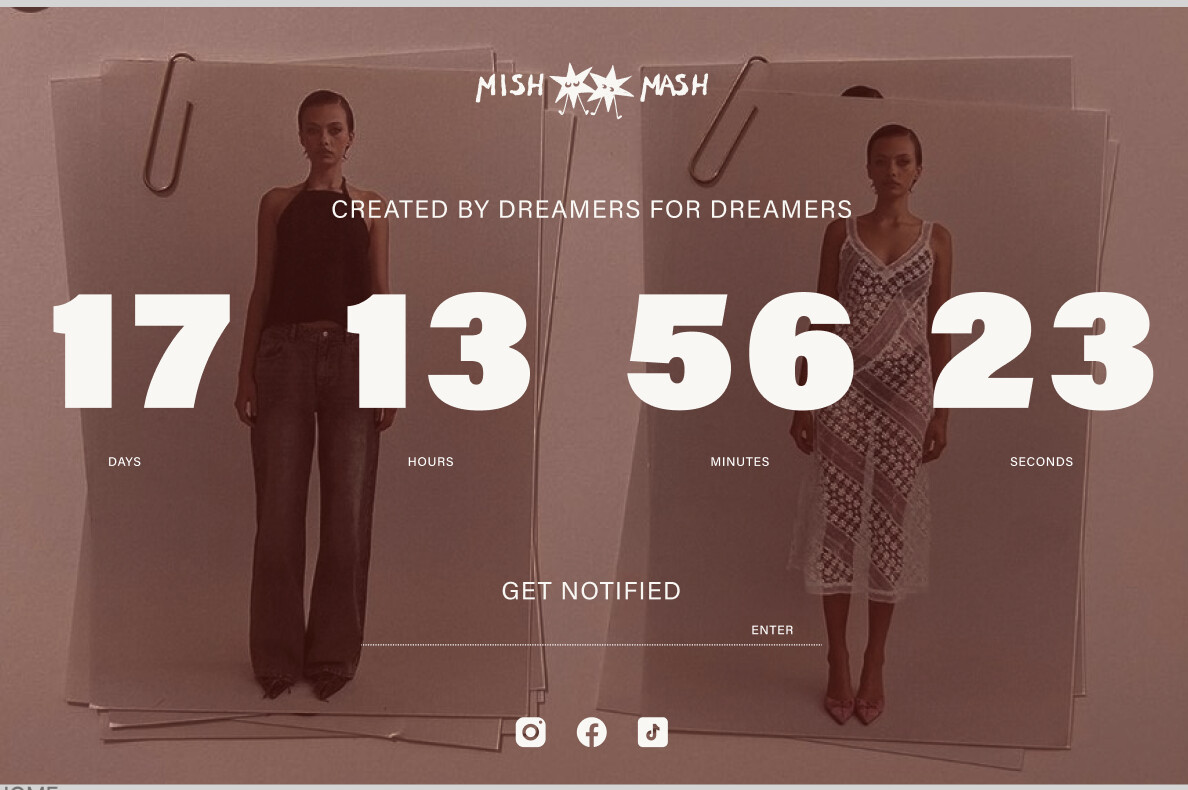
A user building a clothing brand website on Shopify’s Whisper theme seeks help customizing a countdown timer on their password page. They want to:
Main Requirements:
Remove the countdown timer’s background
Position the timer to overlay an image
After initial troubleshooting to share the correct store URL and enable password access, a helper provides a custom code solution to be added to the theme.liquid file above the </body> tag.
Current Status:
The desktop implementation appears successful based on the helper’s screenshot
The conversation remains ongoing with the original poster now requesting assistance to fix the mobile display, suggesting the timer doesn’t render properly on mobile devices
The solution involves direct theme code customization rather than relying solely on the Essential Countdown app initially mentioned.
Summarized with AI on November 4.
AI used: claude-sonnet-4-5-20250929.
I am building a website on the Whisper theme. The website is for my clothing brand. To create excitement I have a password page, which will include an email input field and also a countdown timer.
Countdown timer
I have installed the app Essential Countdown app - can anyone help me with
1. removing the background from the timer
2. making it possible for the countdown timer to over lay the image (please see mock up attached)